Sampler Mode – Quick Guide: Running Samples
Sysmex House, Garamonde Drive, Wymbush, Milton Keynes, MK8 8DF, United Kingdom · Phone +44 333 320 3460 · Fax +44 1908 267 901
academy.training@sysmex.co.uk· www.sysmex.co.uk
Sampler Mode
To run samples in sampler mode:
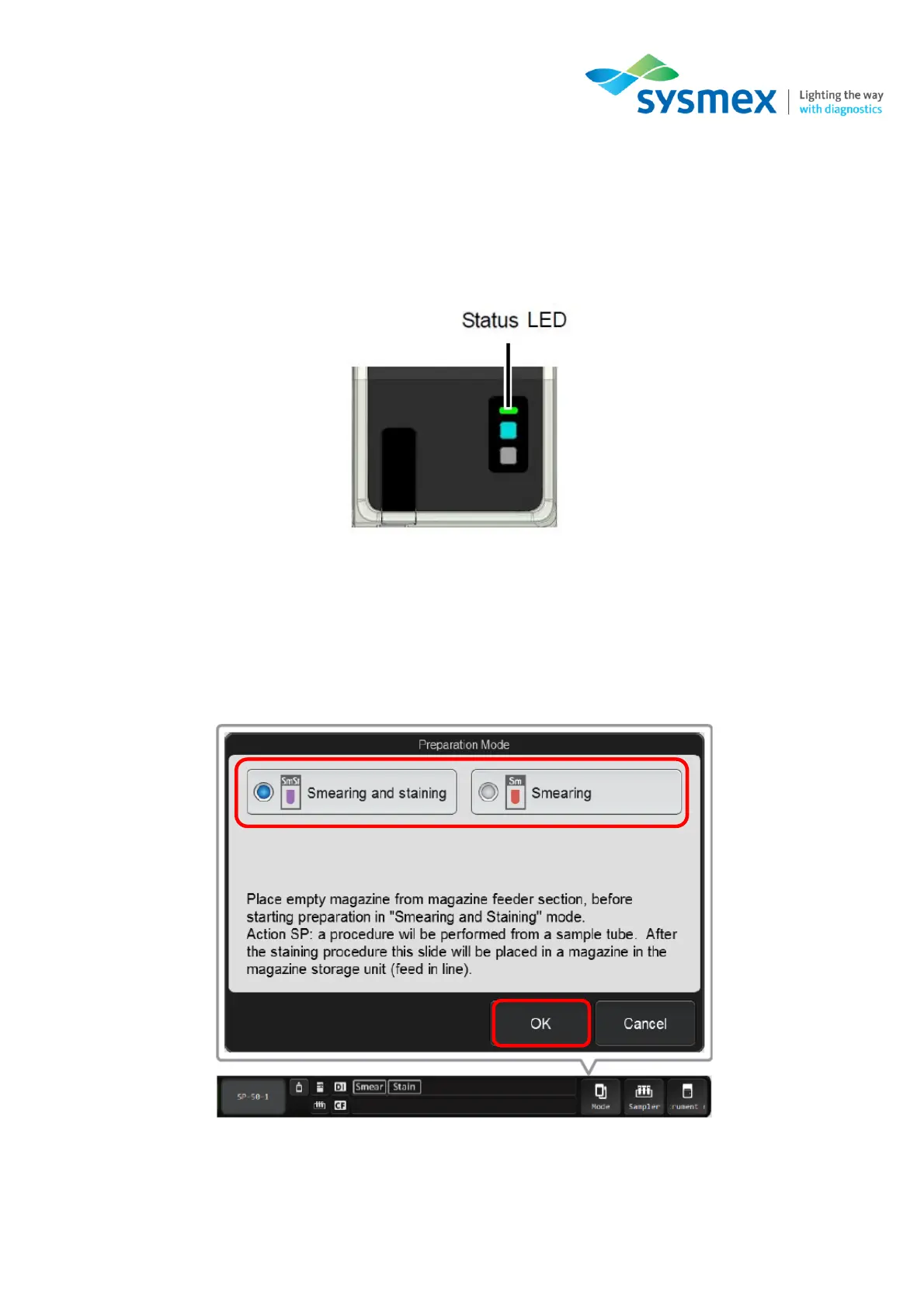
1. Make sure the SP-50 is in the ready state. The sample holder should be retracted into the main
unit and the status indicator LED should be green.
2. If required, change the slide preparation mode to the desired setting. Select [Mode] from the
status area to open the [Preparation Mode] dialog box.
3. Select either [Smearing & Staining] or [Smearing] and touch [OK].



 To Next Page