Operation of the SP-50 on the XN Track – Quick Guide: Running Samples
Sysmex House, Garamonde Drive, Wymbush, Milton Keynes, MK8 8DF, United Kingdom · Phone +44 333 320 3460 · Fax +44 1908 267 901
academy.training@sysmex.co.uk· www.sysmex.co.uk
Operation of the SP-50 on the XN Track
Placing into ‘Offline’ or Isolation
The SP-50 should be placed offline when performing any maintenance, running the analyser in ‘Sampler’
mode or troubleshooting on the analyser as this will prevent further racks being sent to the analyser.
To isolate or place the SP-50 offline:
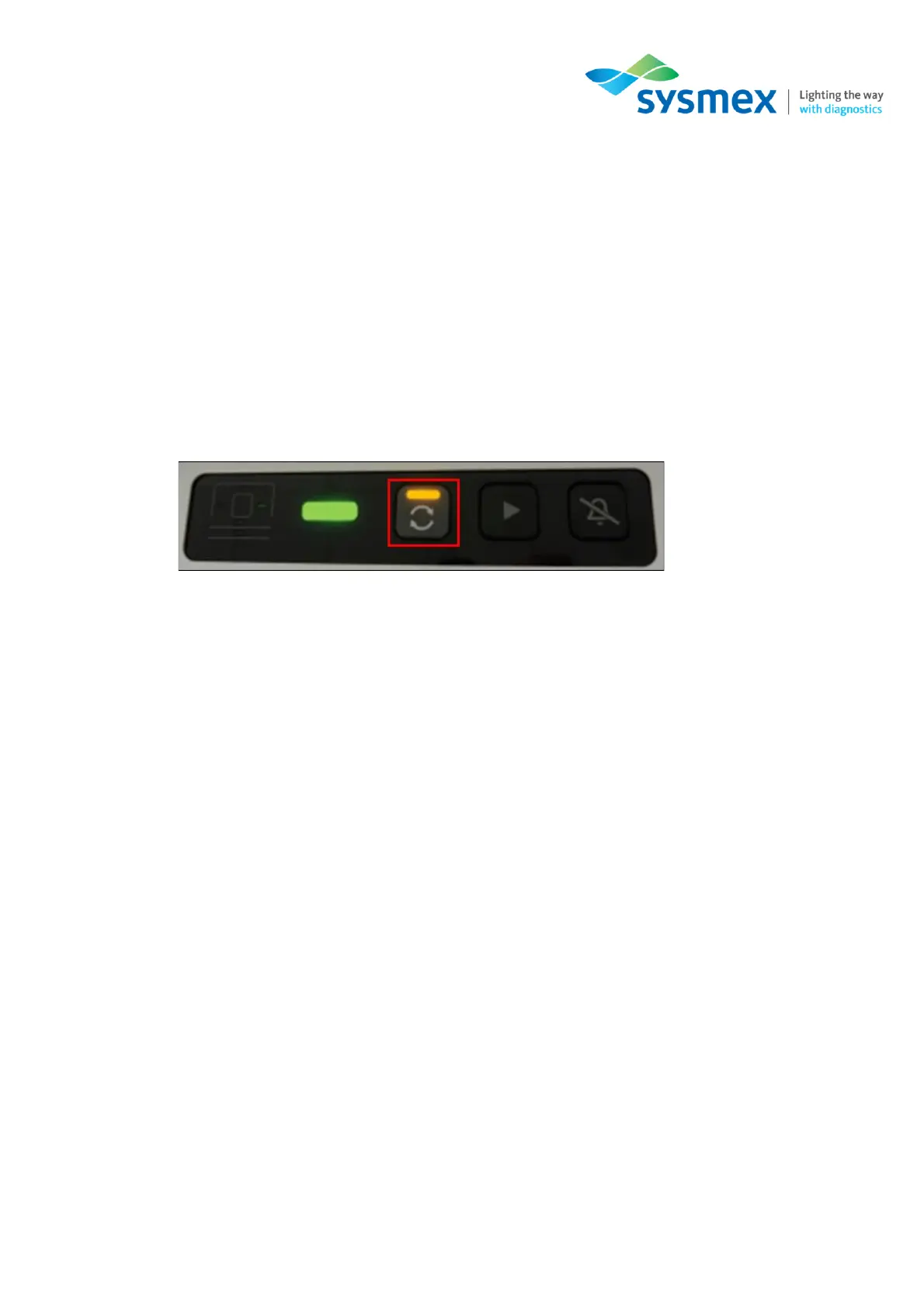
1. Select the [Mode Switch] on the front of the CV-unit of the SP-50
2. The LED indicator light will change from Green to Orange.
3. Carry out the sample preparation, maintenance or troubleshooting required.
4. Once complete select the [Mode Switch] again to put the analyser back into ‘System’ Mode.
Running Samples in ‘Offline’ or Sampler Mode
To run samples in ‘Sampler’ Mode:
1. Isolate the SP-50 from the track (please see above).
2. Place racks on the right hand side of the sampler unit and run like normal.
3. Once complete the rack will be available on the left hand side of the sampler unit.



 To Next Page