Underline Mode
ESC -
Data Structure
ASCII ESC "-" <n> or n underline mode ON/OFF
hex. 1B 2D <n> or n
dec. 27 45 <n> or n
Description
This code sequence switches the automatic underline function ON or OFF. When the
automatic underline function is ON, all printed characters including spaces are automat-
ically underlined.
The automatic underline function is ON when 1 is specified for n, and is OFF when 0 is
specified. Once the printer receives ESC -<1>, all subsequent characters including
spaces are automatically underlined until ESC -<0> is received.
Spaces between tab codes (HT) will not be underlined.
The characters hex.B0 to hex.DF (hex.176...dec.223) and hex.F0 to hex.FE
(dec.240...dec.254) of the extended EPSON graphics character set cannot be underlined
using this mode.
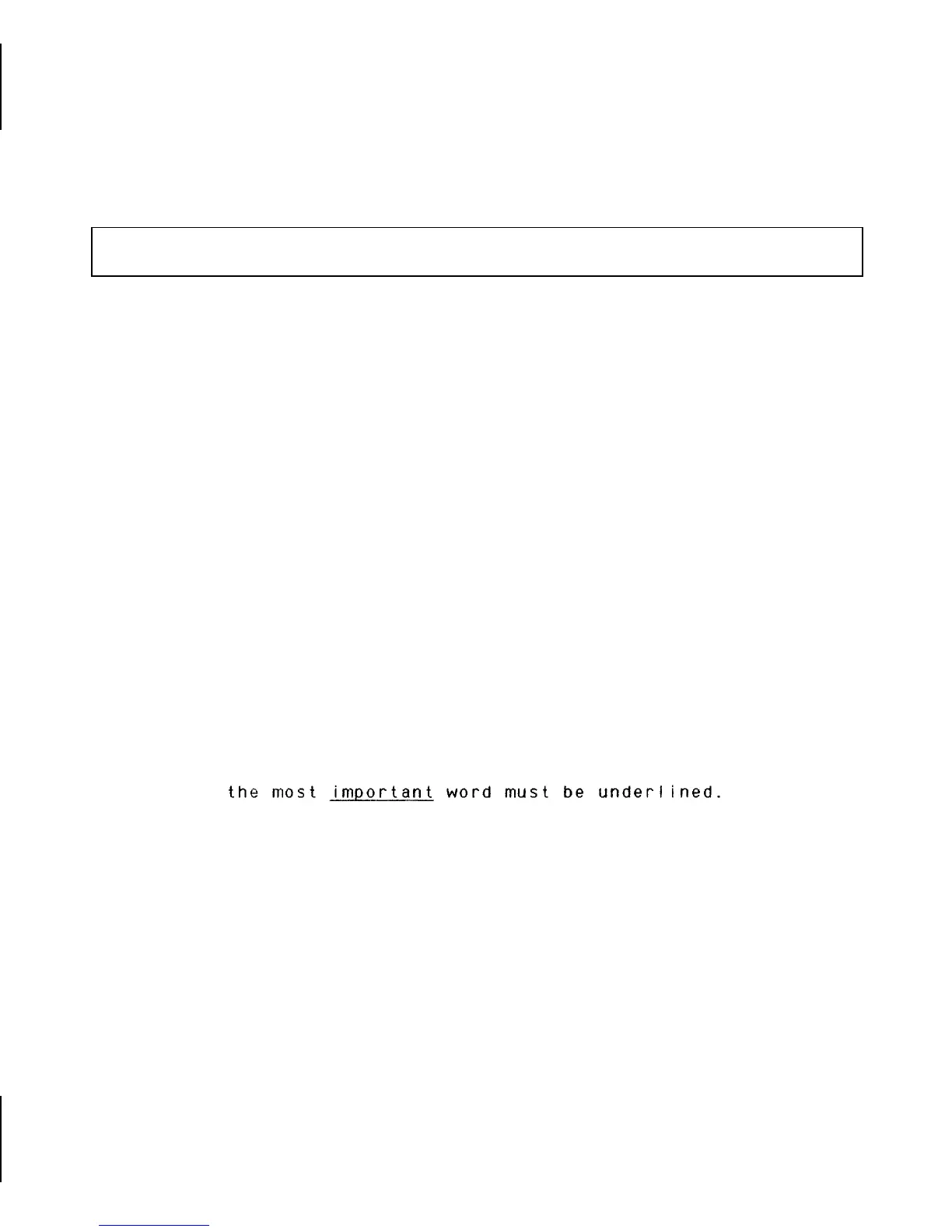
Example
10 REM underline mode
20 LPRINT "the most ";
30 LPRINT CHR$(27);"-";CHR$(1);
40 LPRINT "important";
50 LPRINT CHR$(27);"-";CHR$(0);
60 LPRINT " word must be underlined."
70 END
Character Styling
39














 To Next Page