7265 Programmer’s Manual
35
Copyright © 2004 TallyGenicom Chapter 3 ANSI Bar Codes
Setting Bar Code Parameters
The ANSI control sequence that sets bar code parameters has the format:
Command Description
ESC
[p1;p2;p3;p4;p
5;p6;p7;p8;p9;
p10;p11;p12;p
13}
Set Up Bar Code Parameters
Determines bar code parameters to be used when bar code mode is enabled.
See following sections.
Dec 27 91 (p1) 59 (p2) 59…(p13)125
Hex 1B 5B (p1) 3B (p2) 3B…(p13) 7D
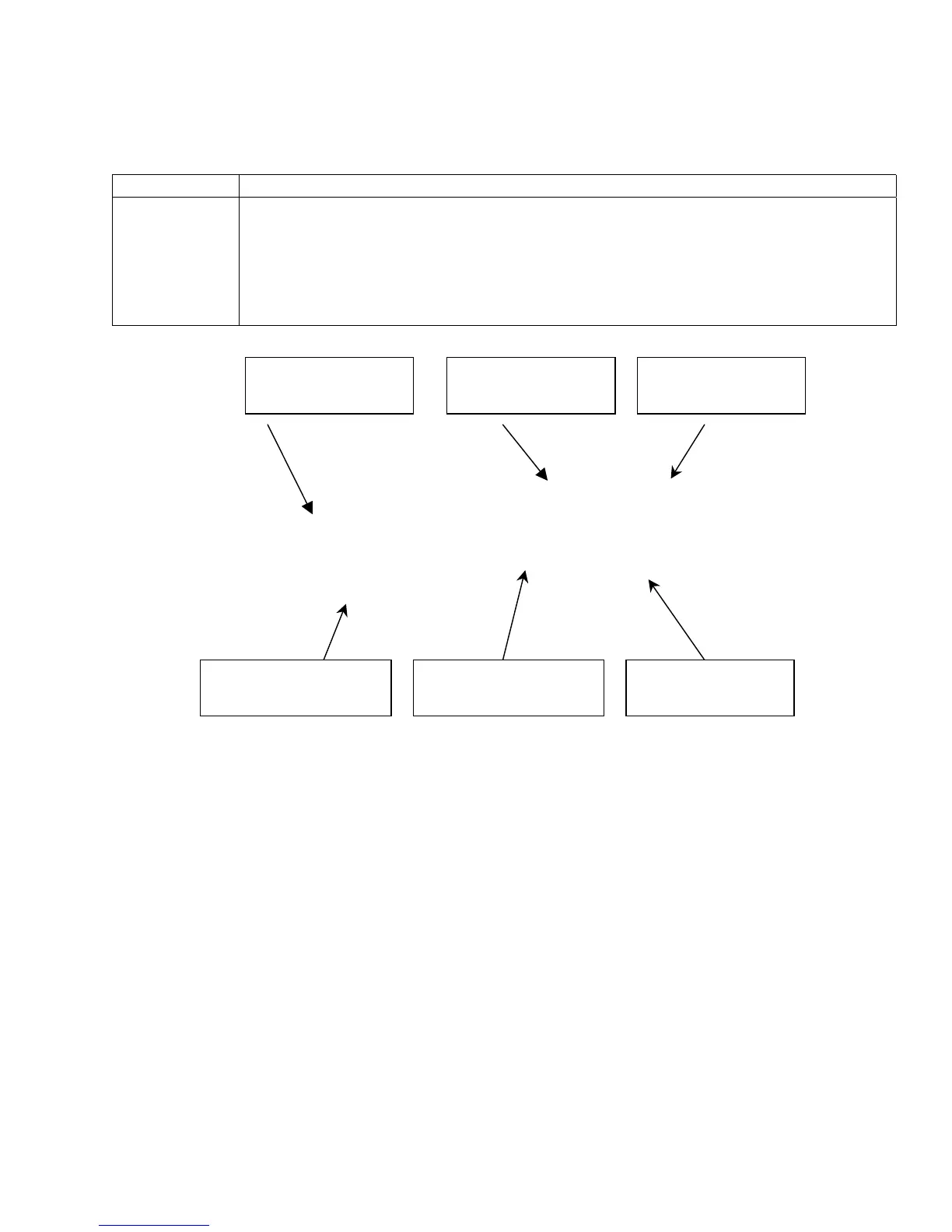
Figure 3-1 Parts of a Bar Code
0123456789
01234567890123456789
0123456789
0123456789
Bar Code Height
Parameter p2
Wide Bar Width
Parameter p5
Narrow Bar Width
Parameter p4
Wide Space Width
Parameter p7
Human Readable
Line Parameter p3
Narrow Space
Width Parameter p6














 To Next Page