101
Q.4 How should I make settings for the IP address / Subnet mask ?
A
The IP address and Subnet mask settings vary depending upon your networking
environment (structure). Please consult your network administrator for details. Below is a
simplified explanation of a company LAN set up for your reference.
If the computer connected to your company LAN has a Subnet mask of "255.255.255.0"
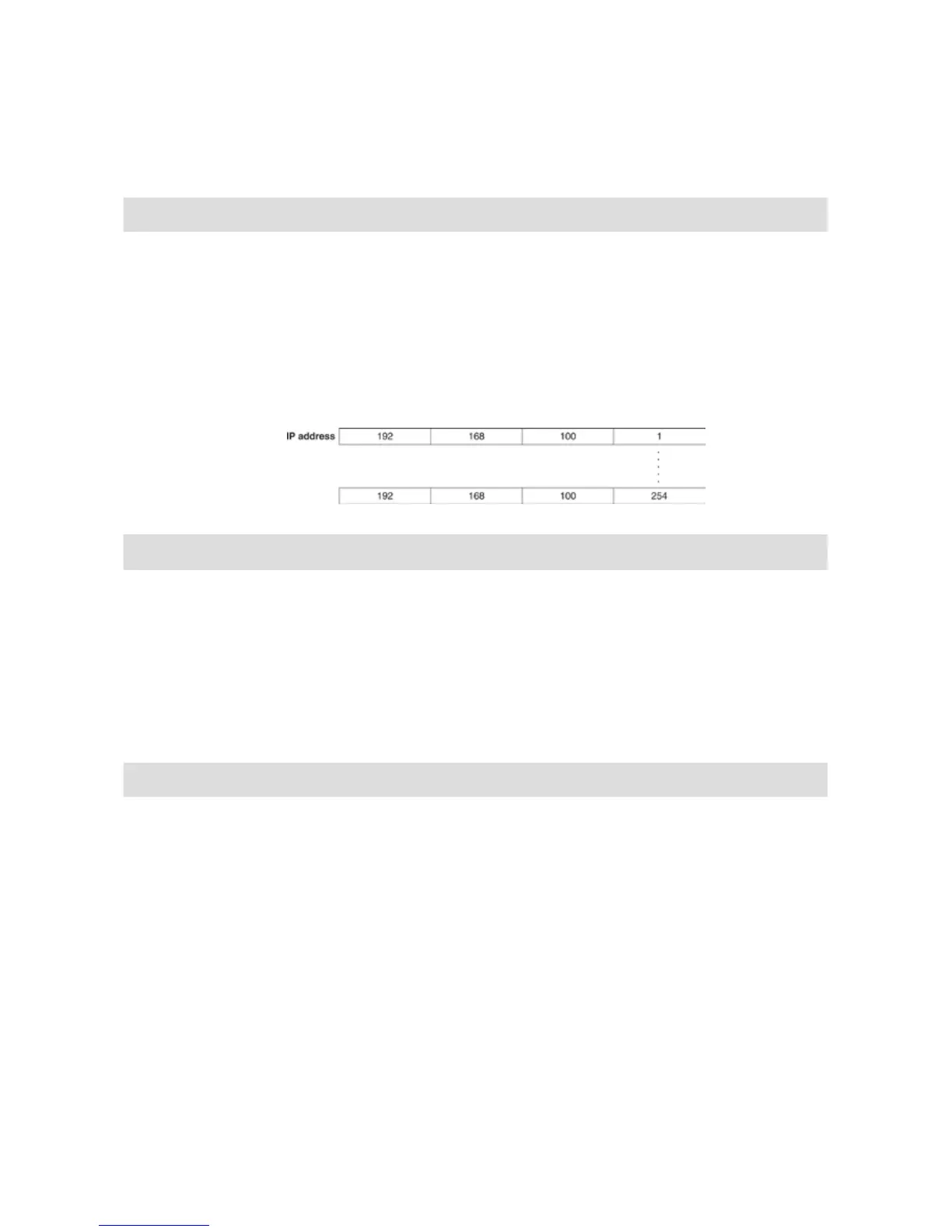
and an IP address of "192.168.100.1", set the Subnet mask to the same as your computer,
"255.255.255.0".
Set the IP address to 192.168.100.***. Make sure to set the last three digits,***, to a
number between 1-254 that is not the same as any other computer connected in your
network.
Q.5
What is a MAC address ?
A
A MAC address is a unique number made up of alphabet and numbers that is assigned
separately to the components of network communication (computer, server, router, etc…).
Each MAC address is assigned to the hardware and is unique to that device, so there is no
chance for duplication.
If you compared it to a cell phone, even though the phone number may be changed,
you could think of the MAC address as the serial number of the phone, which cannot be
changed and is unique to each unit.
The MAC address is written on a sticker on the back of each TR-7W logger.
Q.6 What is a port number ?
A
When using TCP/IP communication with a LAN cable or via a phone line, port numbers are
assigned to distinguish one application from another.
Port numbers can be assigned from 0 to 65535. The numbers 0 to 1023 are already
reserved to communication services and are referred to as "Well Known Port Numbers".
[Well known port numbers] are: HTTP communication at 80 / FTP communication at 20
and 21 / SMTP communication (sending mail) at 25 / POP3 communication (receiving
mail) at 110.
In order for communication to work properly these port numbers must be set correctly.



 To Next Page