17
Other Displays
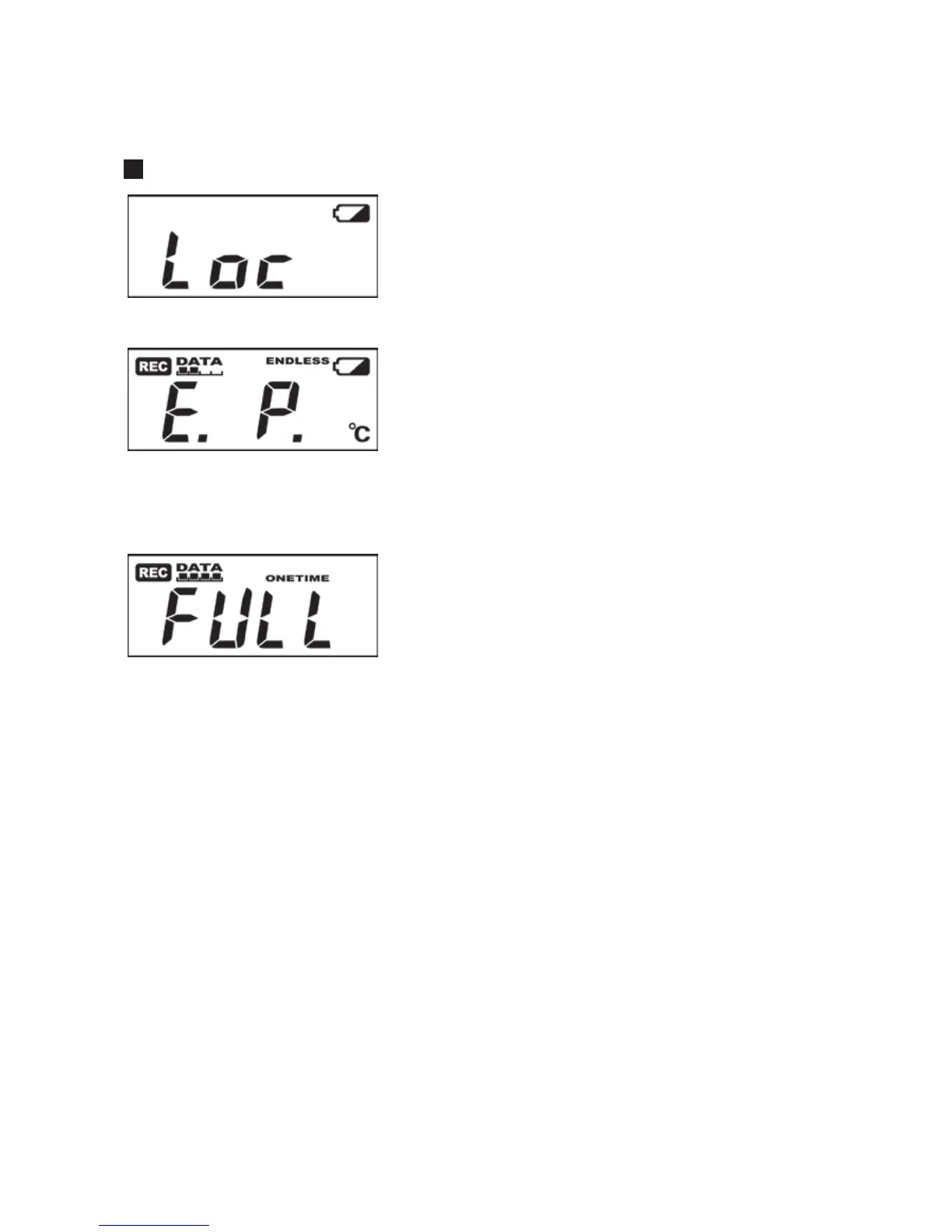
Loc
If you have deactivated the buttons in the Web Viewer
[Button Operation Settings], and you press a button
“Loc” will appear in the display.
E. P.
When external power has been disconnected, the
display will alternate CH1, CH2, E.P.
If the display has been set for a fixed channel, that
fixed CH and E.P. will be alternately displayed.
FULL
When recording under the One Time mode and upon
reaching capacity of 8,000 readings, “FULL” will
appear on the LCD display and recording will
automatically stop.



 To Next Page