45
Gathering Recorded Data
1. Open the Web Viewer for the TR-7W logger from which you wish
to download data.
See page 41 for more details about the display.
2. Under"Administrator Tools" select "Recording Settings".
To open Administrator Tools, the proper Login ID and Password are needed.
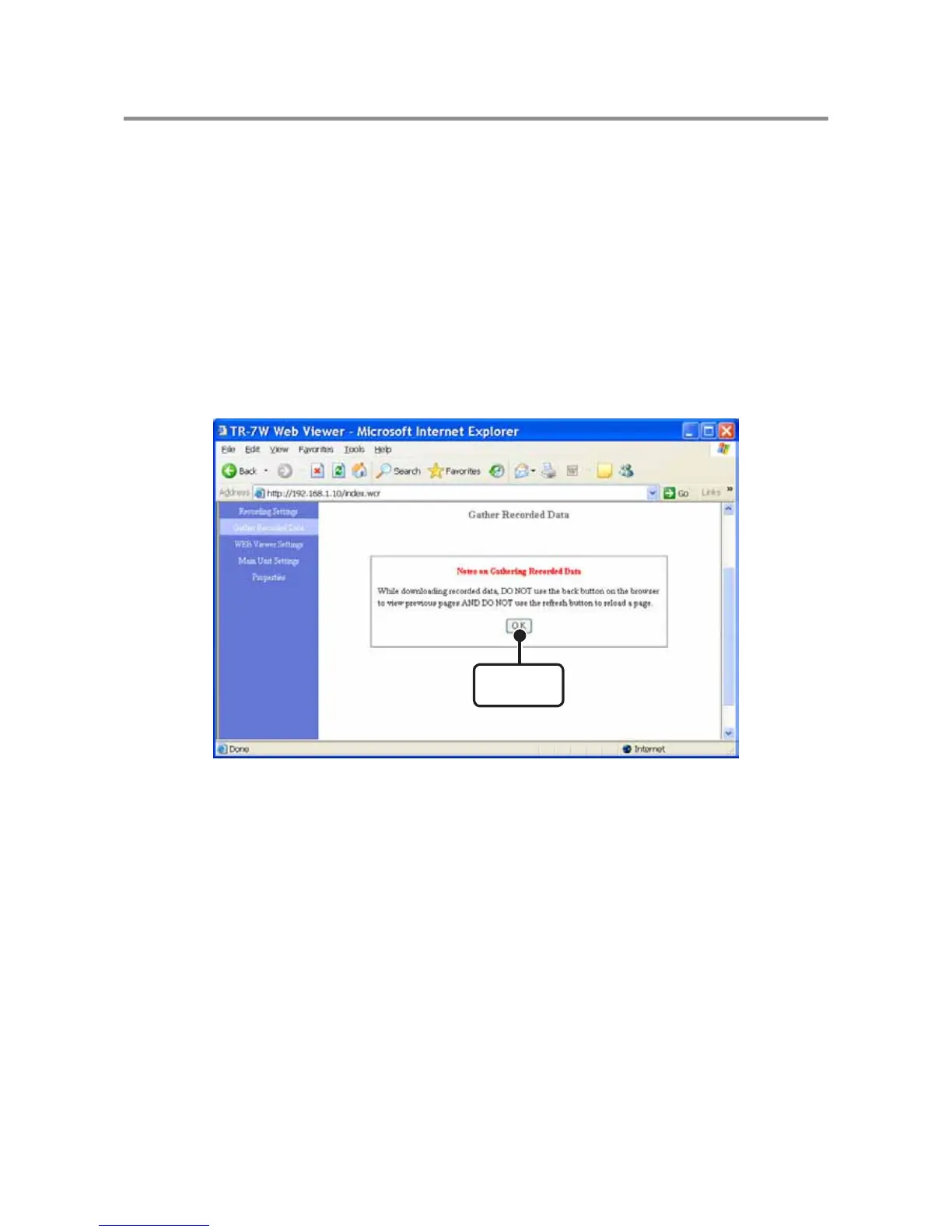
3. Click the [OK] button.
NOTE:
- While downloading recorded data, DO NOT use the back button on the browser to view previous pages
AND DO NOT use the refresh button to reload a page.
[OK]
button



 To Next Page