50
Data List Display Part Names and Functions
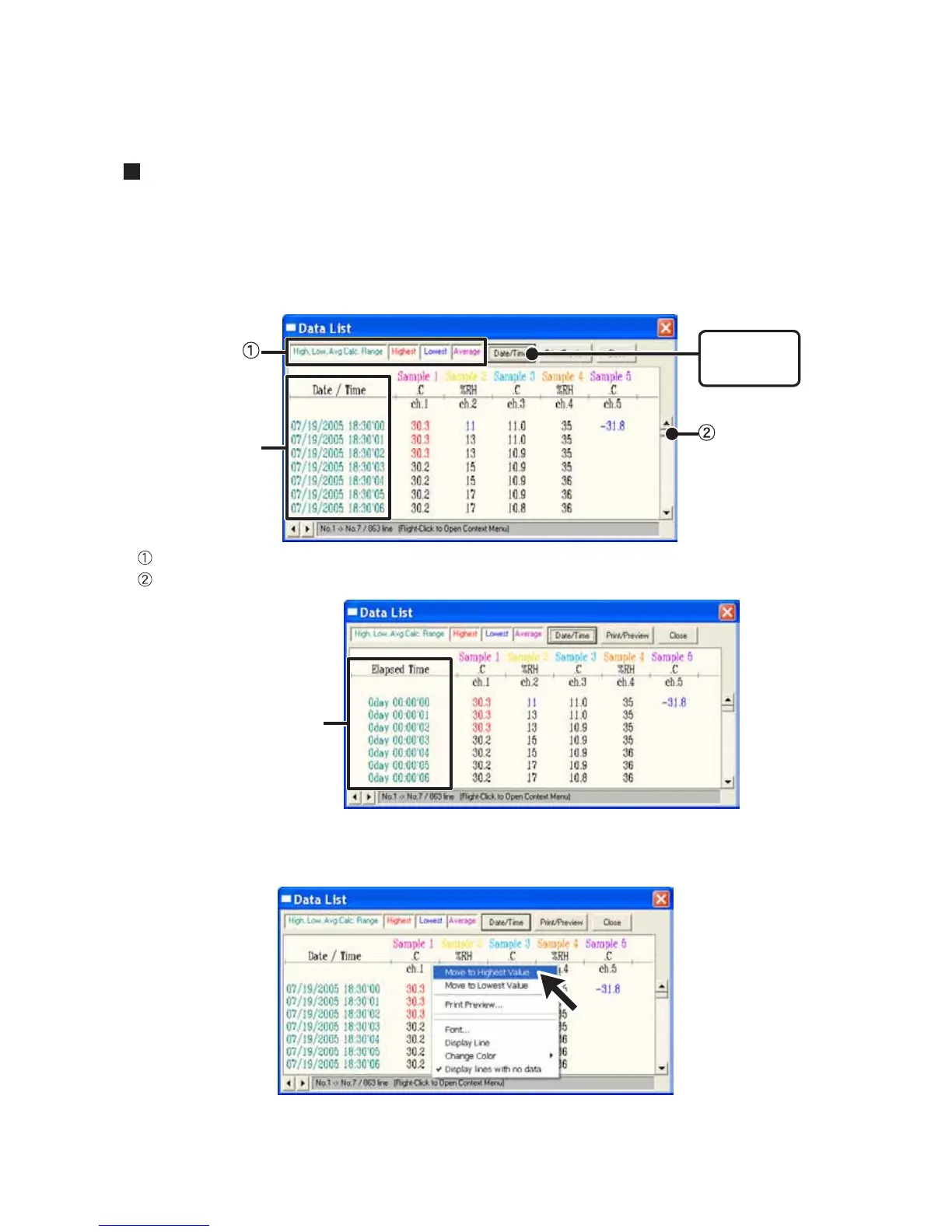
This is a list of the data that was displayed in graph form. ("View" Menu)
[Date / Time] Button:
By clicking this button, you can shift the display between the recorded date and the amount of
elapsed time since recording started.
[Date/Time]
button
Recorded Date
Display
The highest value is in RED, lowest is in BLUE, and the average is in PINK.
Scroll Bar: By dragging it up and down you can move to the data you want.
Elapsed Time
Display
Menu Display Using the Mouse
By right clicking on the graph, the Menu will be displayed.



 To Next Page