85
For Windows 7/Vista
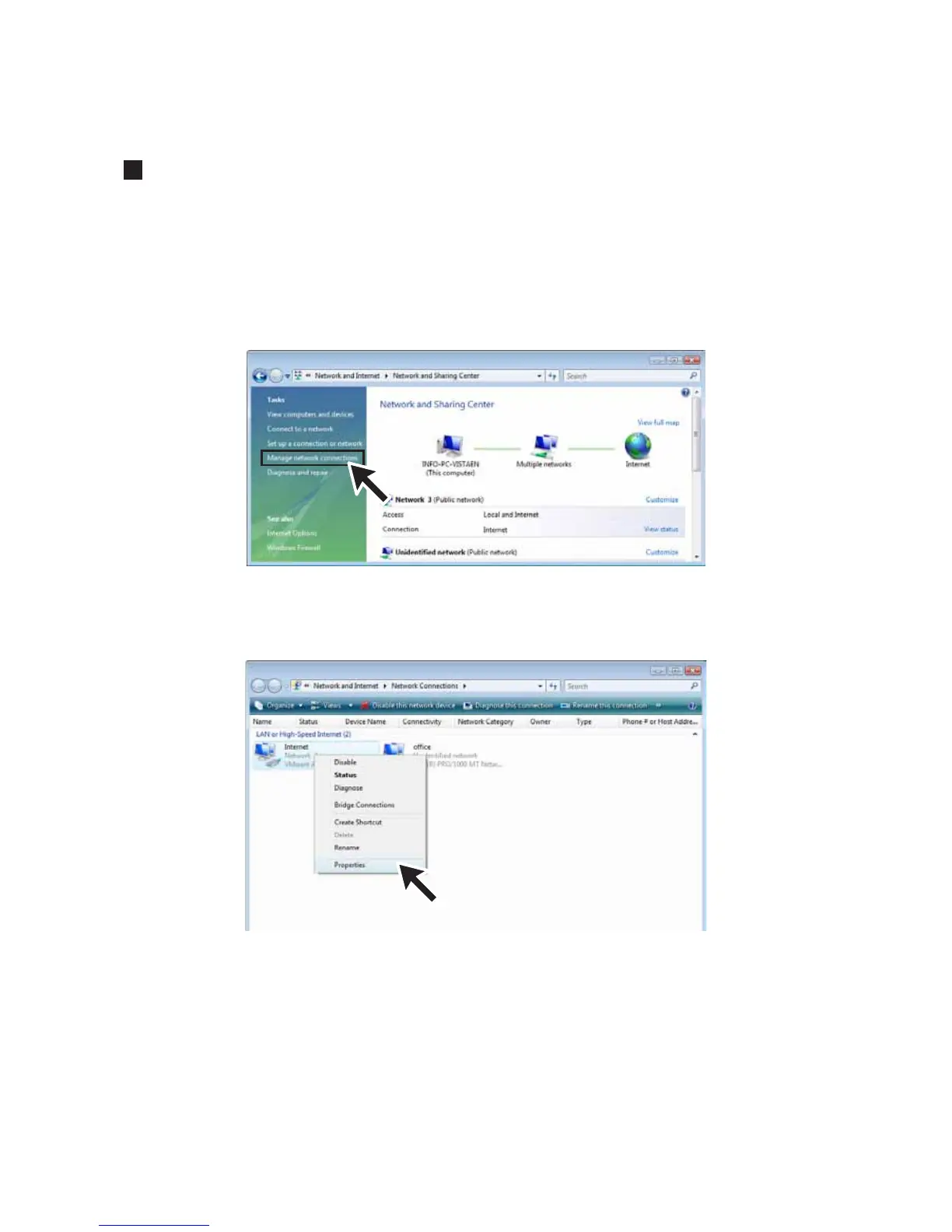
1. In the [Control Panel], click on [Network and Internet] – [View
network status and tasks].
For the “Classic View”, double click on the [Network and Sharing Center] icon.
2. Click [Management network connections] under [Tasks].
3. Select the Network adapter that you are using, and right click
with the mouse and open the Properties.



 To Next Page