38
Changing the Settings
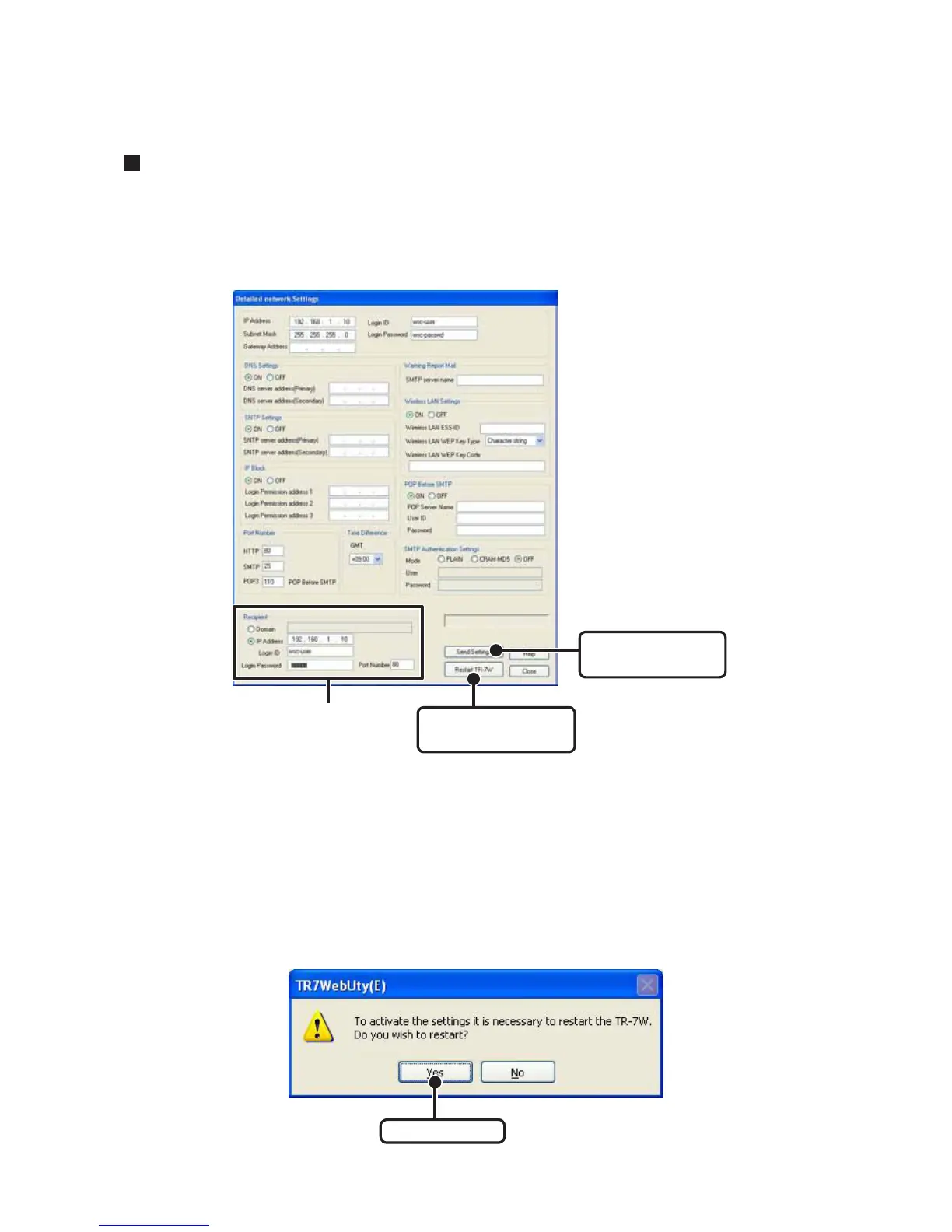
1. Click the [Change Settings] button, and make any necessary
changes to the [Detailed Network Settings].
Enter info of the TR-7W you
wish to make settings for
[Send Settings]
button
[Restart TR-7W]
button
2. After making the changes, enter the info for the recipient of the
settings and click the [Send Settings] button.
3. A message will appear asking you if it is OK to restart the system.
Click the [Yes] button to restart the TR-7W.
The new settings will not become valid until the TR-7W is restarted.
[Yes] button



 To Next Page