46
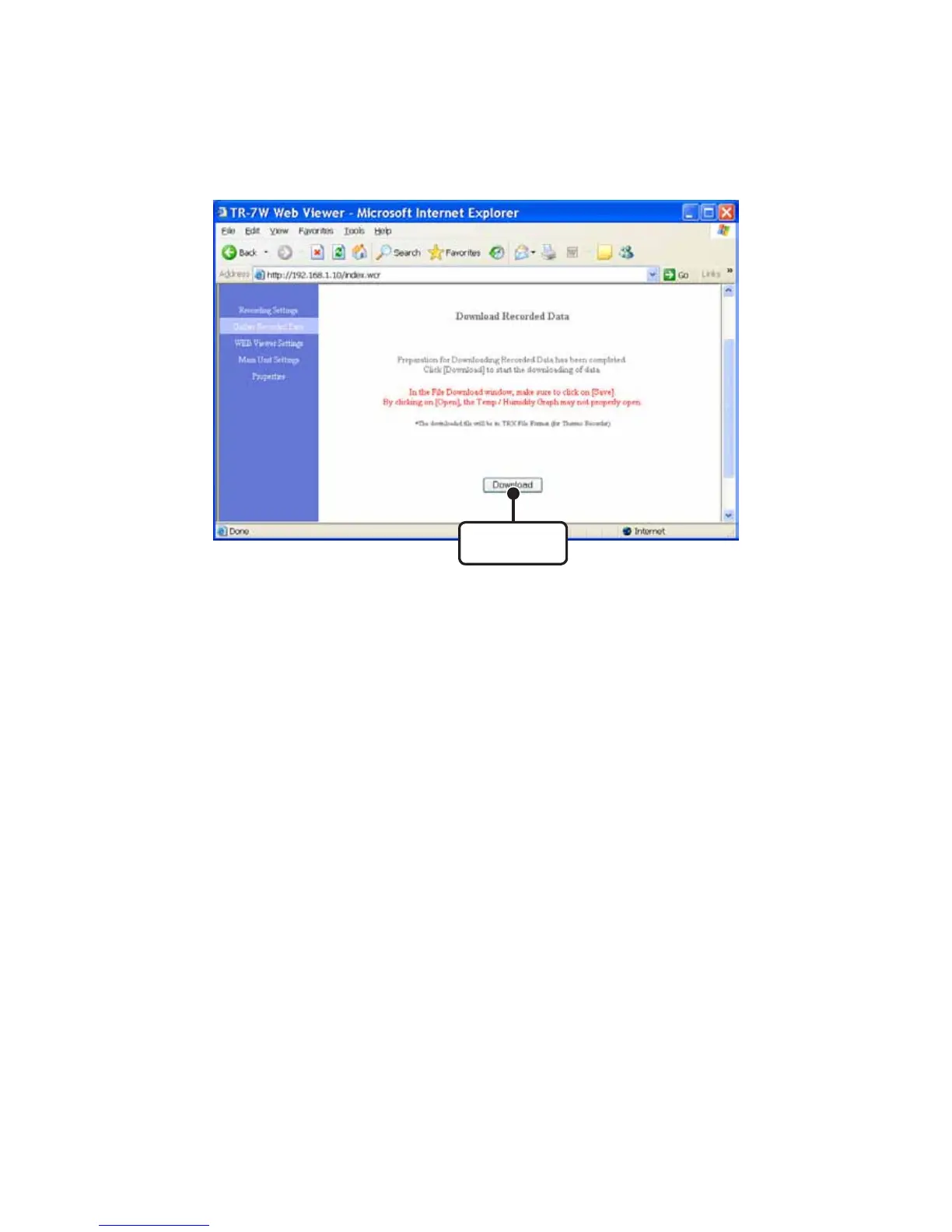
4. Click the [Download] button.
[
Download
]
button
5. In the "File Download" Window, click the [Save] button, assign a
name to the file and save to complete the process.
NOTE:
- By clicking the [Open] button, the "Temp / Humidity Graph" may not function properly. Please do not click
the [Open] button.
6. After the downloaded data has been saved by clicking the [Open
File] button, the [Temp / Humidity Graph] will appear.
Clicking the [Open Folder] button will open the folder in which the data was saved.
Clicking the [Close] button will finish the process.



 To Next Page