32
3. Select "Install TR-7W Settings Utility" and click the [Execute]
button to start the installation.
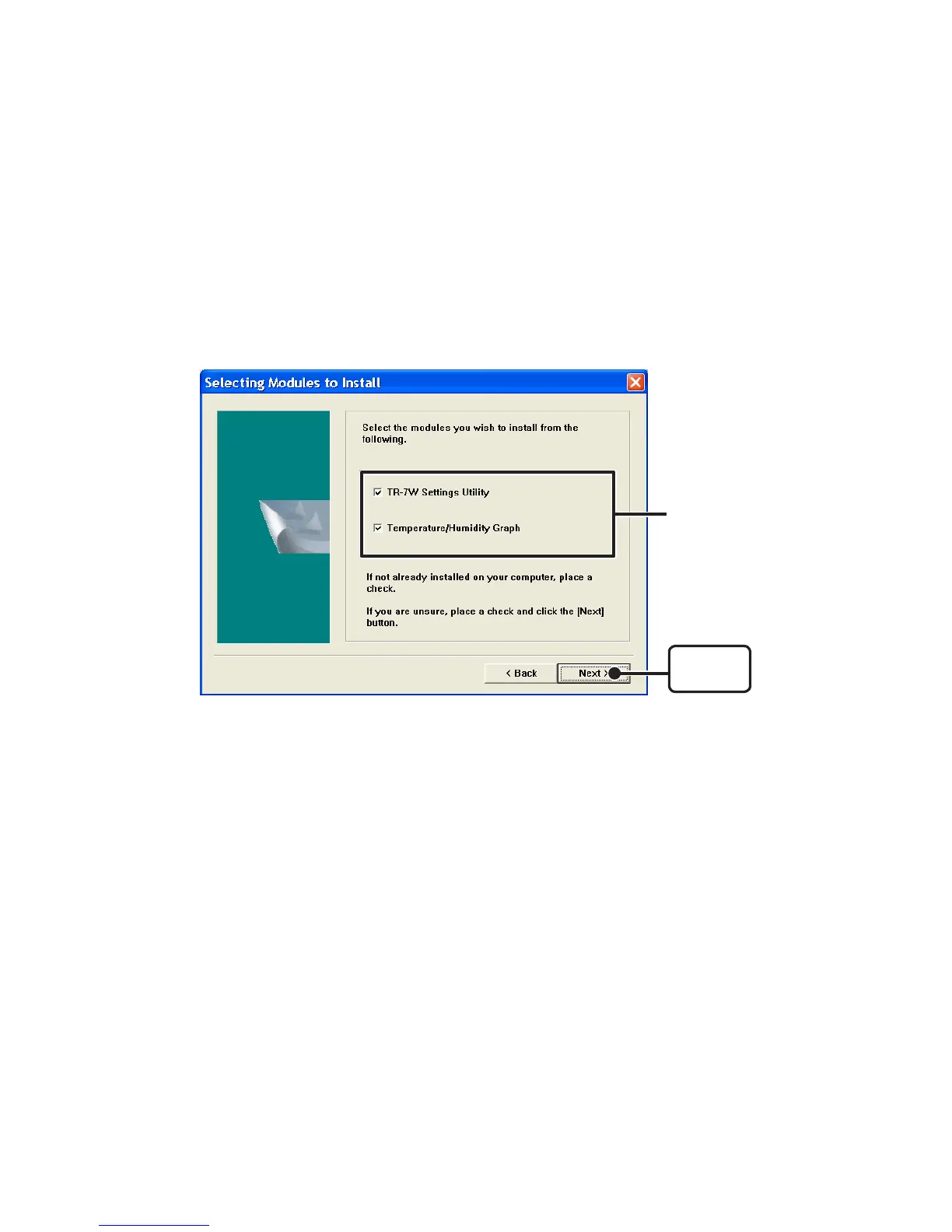
4. Continue the installation by following the directions as they
appear. During installation, you can choose which modules you
wish to install. Please select the modules you wish and follow
the installation directions.
[Next]
button
Click here
5. After installation has been completed, "TR-7W for Windows" will
be registered in the Window's "Start" Menu.



 To Next Page