91
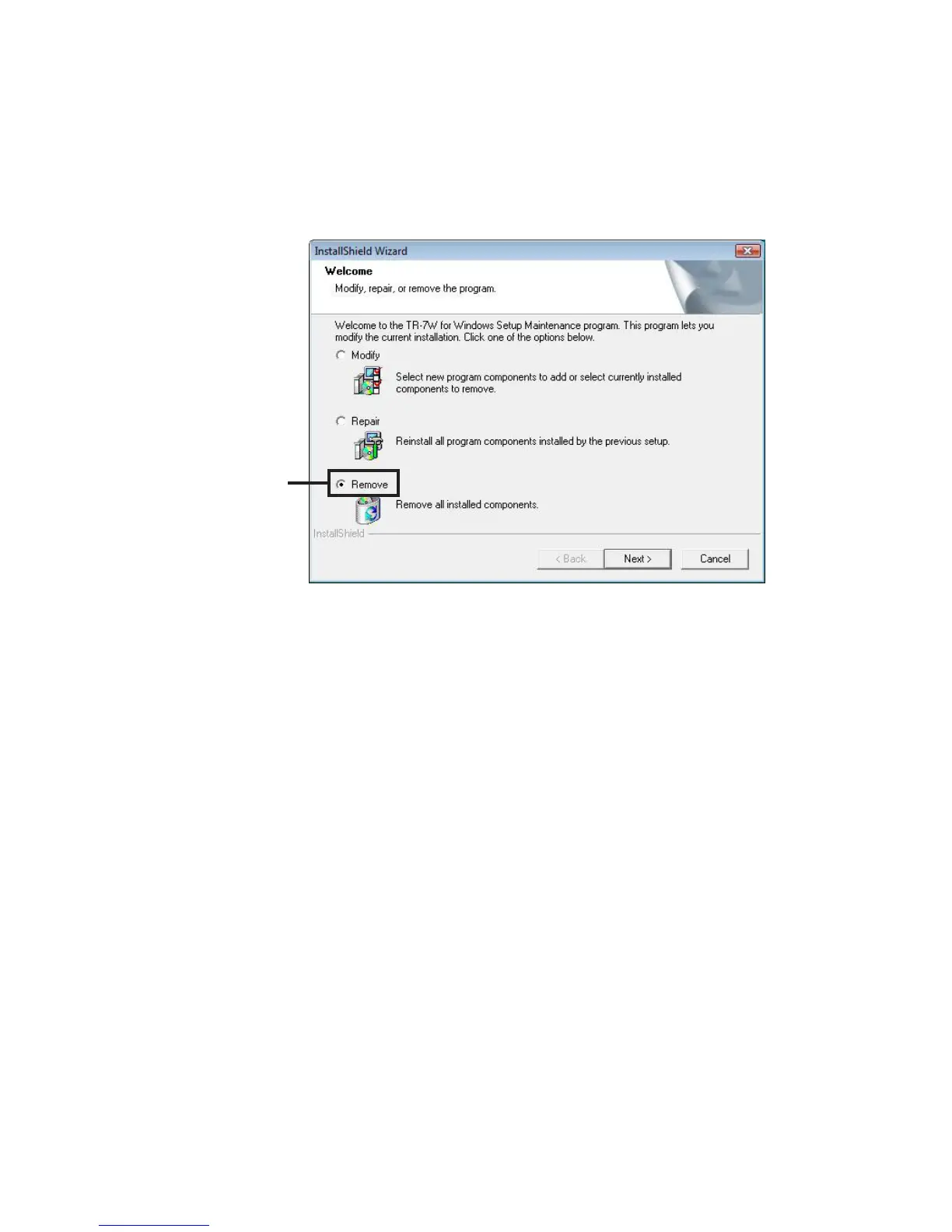
3. The "Install Shield Wizard" will appear. Check "Remove", and
click [Next].
Check Remove
4. Follow the directions to Uninstall.
5. After the uninstall process is completed, reinstall by following
the directions to [Install].
Even after uninstalling, saved data files will still remain in the folders and locations they
were saved in.



 To Next Page