Electrical Troubleshooting
Signet Charger Troubleshooting
Page 5
STATUS LED ERROR CODE TABLE
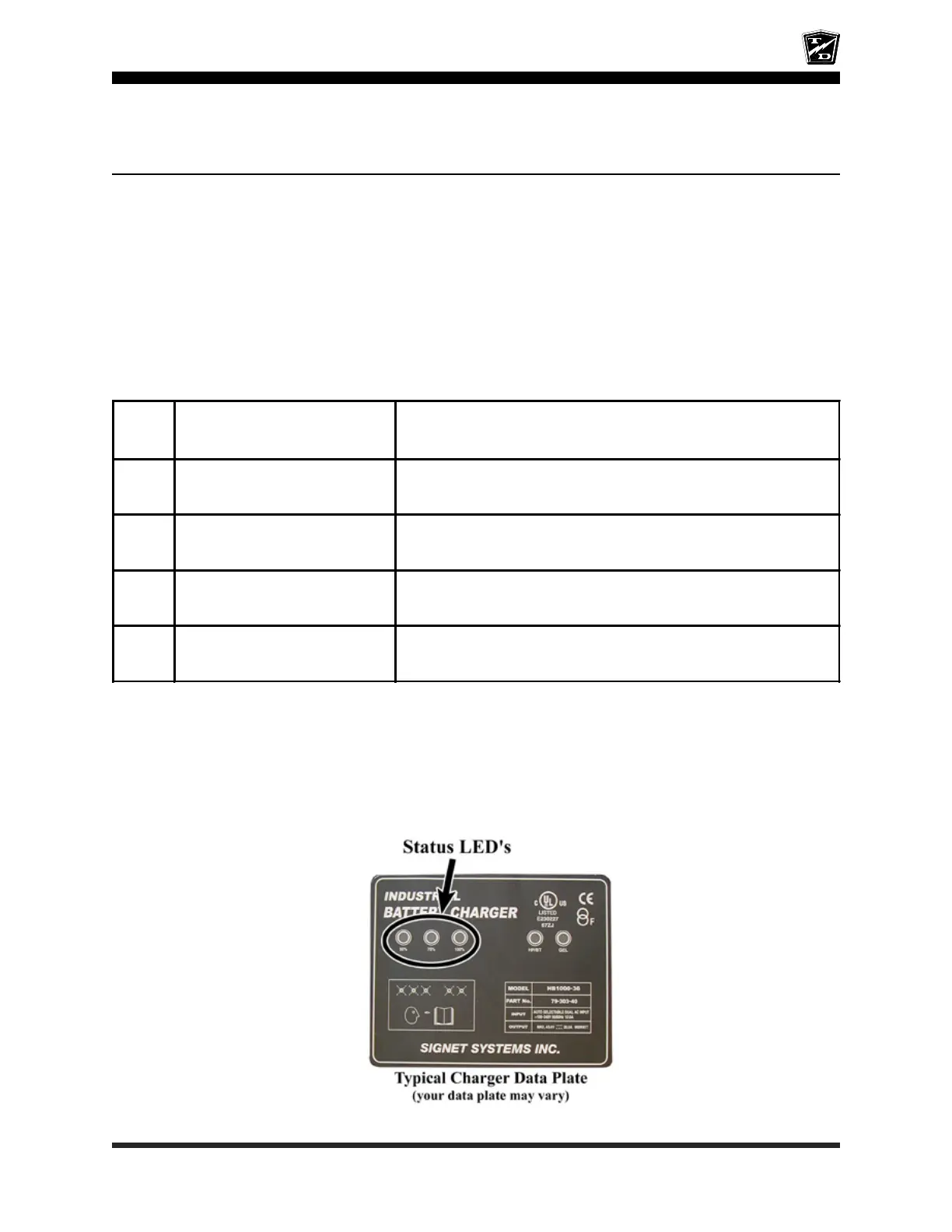
There are three status lights (LED’s) on the charger name plate. These LED’s normally indicate the current
operating state of the charger. If all three LED’s are flashing, it indicate an error has occurred in the
charging cycle. See the table below for an explanation of the error codes:
Error
Code
Description Action Required
1*
Reverse polarity or open circuit to
the batteries
Check wiring for corrosion, loose connections. broken wires and
proper connection to the batteries
2
AC line voltate too high or too
low
Check the input voltage.
It must be within 96-132VAC or 196-266VAC
3 Charger overheated
Wait for charger to cool, the charger will automaticaly restart. Inspect
for dirt or debris on the charger cooling fins and clean as required.
4 Input or Output over current Charger will automaticaly correct for this condition and restart
Note: If only the 100% LED is flashing and all others are OFF then the charger has exceeded its maximum charging
time and shut off before the batteries were fully charged.
This could be a result of:
• Defective battery or batteries
• Excessively discharged batteries
• Oversize batteries
* - In many cases fault 1 will only be displayed for a short amount of time and then the charger will attempt to restart.
Typically, the fault will repeat 8-times and then the charger will start the boot up process with the 50% light on. If the
charger cannot restart then the fault loop will start again, repeating the fault 1.
This fault could be a result of an open connection between the charger and batteries, an open connection on one or more
of the battery cables, or an open connection internal of the charger.
Before replacing the charger, confirm all battery wiring is good.







 To Next Page