Maintenance, Service, and Repair
Front Axle Page 3
ADJUST FRONT WHEEL BEARINGS
6. Raise the front of the vehicle and support with jack stands.
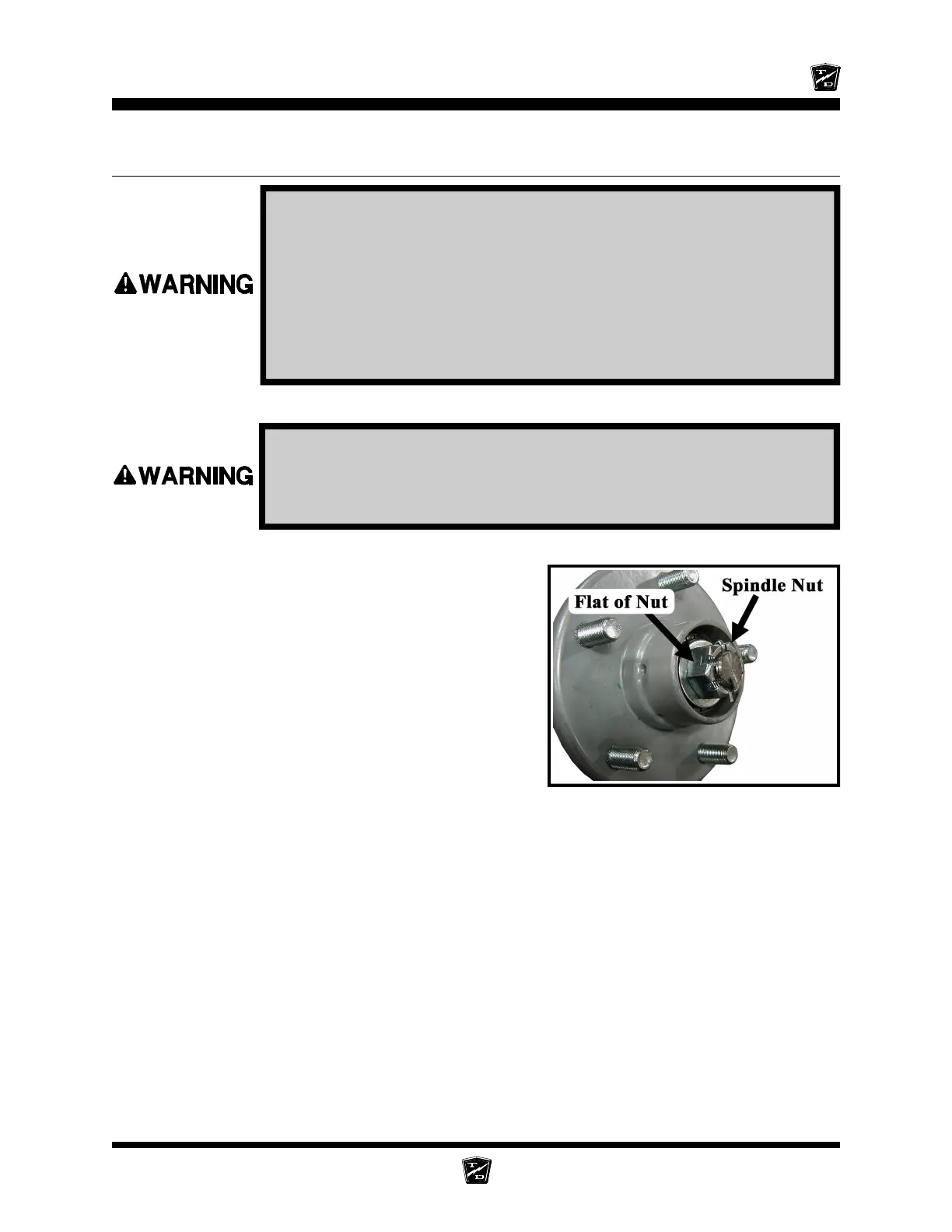
7. Remove the hub dust cap and cotter pin.
8. While rotating the hub, tighten the spindle nut to
30 ft-lbs. This seats the bearings.
9. Back off the spindle nut one flat until the hub turns,
but is not loose.
10. Spin the wheel and listen for any grinding noise.
Any grinding noise may be an indication of worn or
damaged wheel bearings.
NOTE: Refer to the Replace Front Wheel
Bearings section for information
regarding the replacement of the wheel
bearings.
11. Install a new cotter pin.
12. Install the dust cap.
13. Lower the vehicle.
14. Reconnect the main positive and negative cables at the batteries.
15. Remove the blocks from behind the wheels.
16. Release the park brake and test drive the vehicle.
1. Make sure the key-switch is in the “OFF” position, then remove
the key.
2. Place the forward-reverse switch in the center “OFF” position.
3. Set the park brake.
4. Place blocks under the rear wheels to prevent vehicle movement.
5. Disconnect the main positive and negative cables at the batteries.
Always use a lifting strap, hoist, and jack stands, of adequate capacity
to lift and support the vehicle. Failure to use lifting and support devices
of rated load capacity may result in severe bodily injury.
Hub with Dust Cap Removed






 To Next Page