65
8303460000 Rev A IA672-04-01-Rev. I
15.3. Cannot Communicate to the Power Supply
If the LAN Status LED is green and the front panel shows a valid IP address, but you still
cannot open a web page, VISA or socket connection then try “pinging” the power supply.
The ping utility verifies the computer can send a message and get a response from the
power supply over the network.
On a Windows computer, open a command line window by:
A. Click the “Start” button, Select “Run…”
B. A “Run” window opens. Type: cmd <Enter>. See the command window open
C. Type “ping <IP address>” (IP from the supply front panel, see section 5.1).
Verify the ping packets had successful responses
If the “ping” does not get responses from the power supply, then there is a mismatch
between the power supply and the computer LAN settings. Also, the ping function may be
disabled in the power supply (see section 6.6.3). In this case, do a power supply “LAN
Reset” (see section 5.3) and try to connect again
15.4. Cannot View Web Pages Over a Peer-to-Peer Network
If there is no gateway to a network, verify the proxy server is disabled in the web browser.
With Microsoft Internet Explorer, open the browser and, on the toolbar, navigate:
“Tools” “Internet Options…” “Connections” “LAN Settings…”
and see the windows open:
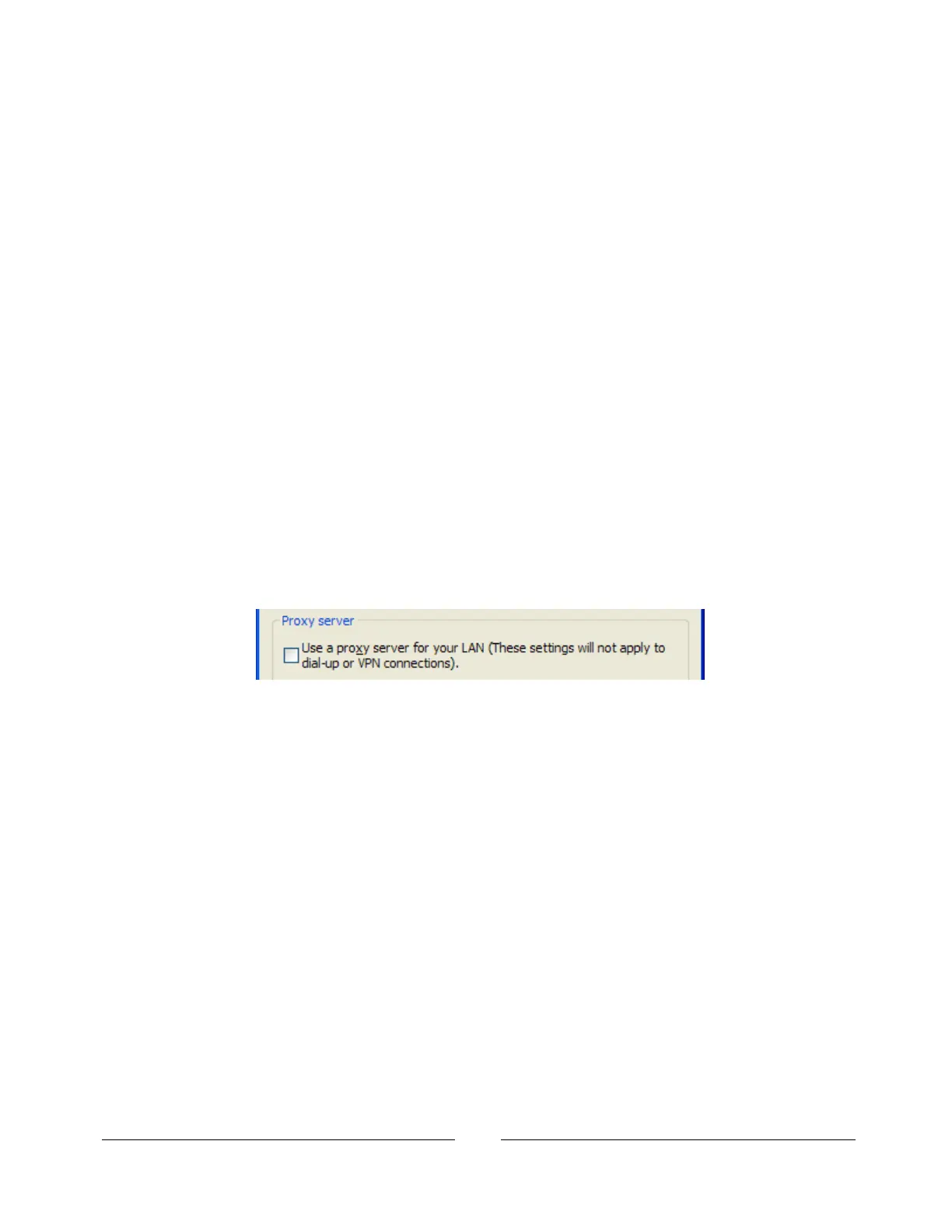
Verify the “Proxy server” checkbox is NOT checked.
15.5. Cannot Open Web using Laptop or Dual-LAN Card Computer
If you have a computer with two network cards, the computer may not know which card to
use when trying to open the Genesys™ web page. Verify the two cards do not have over-
lapping IP address ranges, otherwise it may be necessary to disable or disconnect the
network card that is not being used.
If you have a laptop computer with an Ethernet jack and a wireless network, it may be
necessary to disable the wireless LAN port.
For running VISA programs (see section 7), two network cards is not a problem because
the VISA resource descriptor includes the network [board] identifier.














 To Next Page