33
8303460000 Rev A IA672-04-01-Rev. I
9. PROGRAMMING USING SOCKETS
9.1. Socket Description
The VISA (and IVI) drivers for the Genesys™ power supply with LAN are popular in the
Test and Measurement world. However, some customers cannot use VISA because of
installation or licensing issues or because the controller (i.e.: industrial PLC) does not have
support for VISA.
If you cannot use VISA drivers, then the Genesys™ with LAN 2.0 offers socket
connections. These are a lower-level LAN protocol that are universally available in all
operating systems and programming environments.
9.2. Communicating Using Sockets
Communicating through sockets involves opening a socket connection and sending SCPI
text commands and reading the text responses (see section 11).
The functions that a programming language uses to manage the socket is called the TCP
stack. The basic socket calls for any language are: create, connect, send, read, and close.
The exact functions depend on the programming language. Some socket examples can be
found at the TDK-Lambda website:
http://www.us.tdk-lambda.com/hp/product_html/drivers.htm
There are two types of socket protocols which may be used, TCP and UDP. Each has its
own port number, as described below.
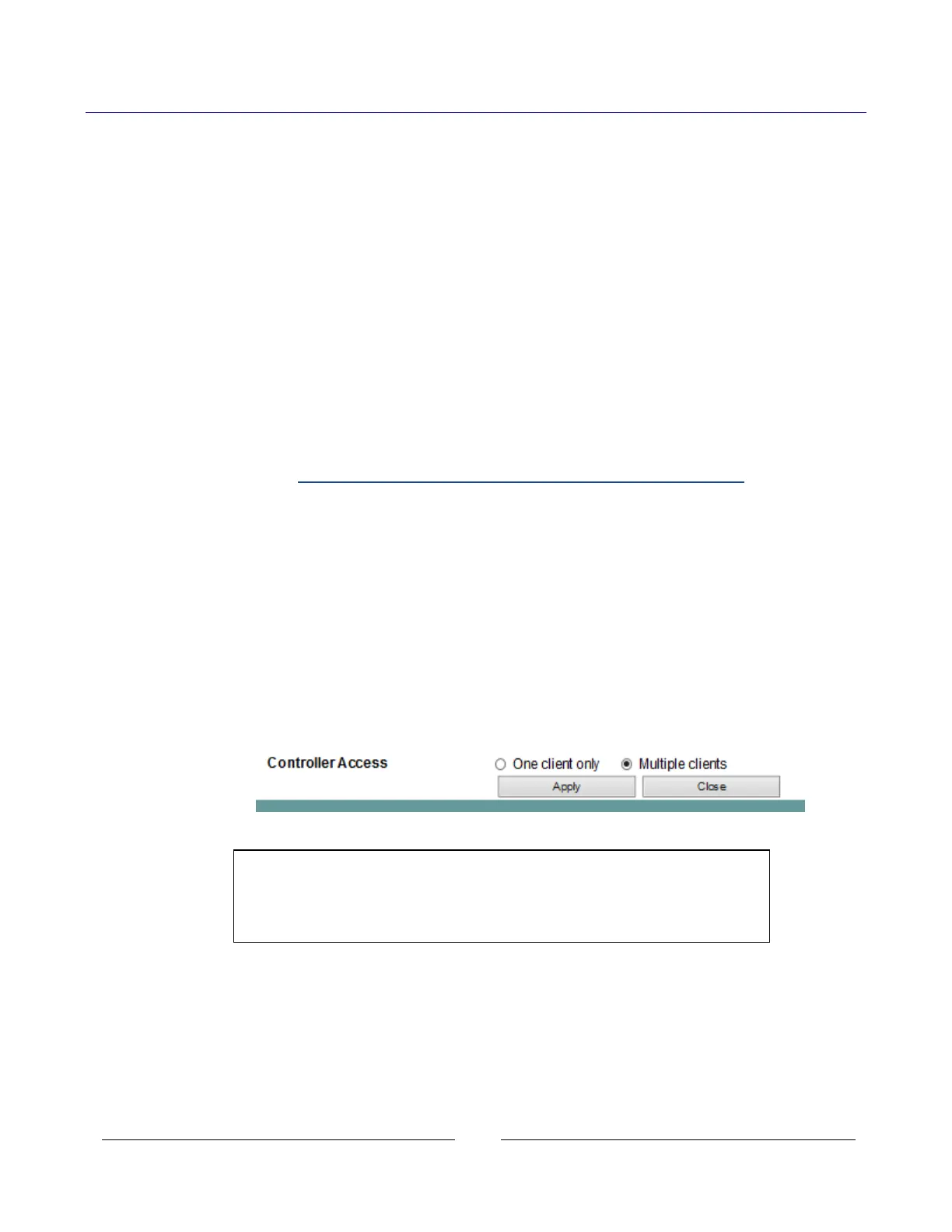
9.3. Controller Access: Single and Multiple Clients
The web page has a security setting to limit or enable the types of connections and
numbers of control computers (called “clients”) that may be connected at one time.
The single or multiple client setting may be viewed on the LAN Configure Modify web
page. See sections 6.4 and 6.6.2 for instructions on how to log in as the ‘admin’ and
change this setting.
The default after a LAN reset (see section 5.4) is one client only
NOTE
The performance of the Genesys™ LAN interface is impacted as
more web pages, ports and sockets are opened at the same time.
It is recommended no more than four be open at the same time.














 To Next Page