19
8303460000 Rev A IA672-04-01-Rev. I
6. WEB PAGES
6.1. Benefit of Web Pages
The Genesys
TM
web pages are useful for:
Reading the supply’s model, identity, revision and LAN setup information
Configuring the LAN connection
Programming and reading the supply’s DC output
This is all done graphically. There are no commands to look up
6.2. Opening the HOME Page
Once the rear panel LAN Status LED has turned green (see Section 3.3.4), you may open
the Genesys
TM
web page
A. Read the IP address from the supply’s front panel by holding the FOLD button (see
section 5.1 for details)
B. Open a web page browser program such as Internet Explorer or Netscape Navigator.
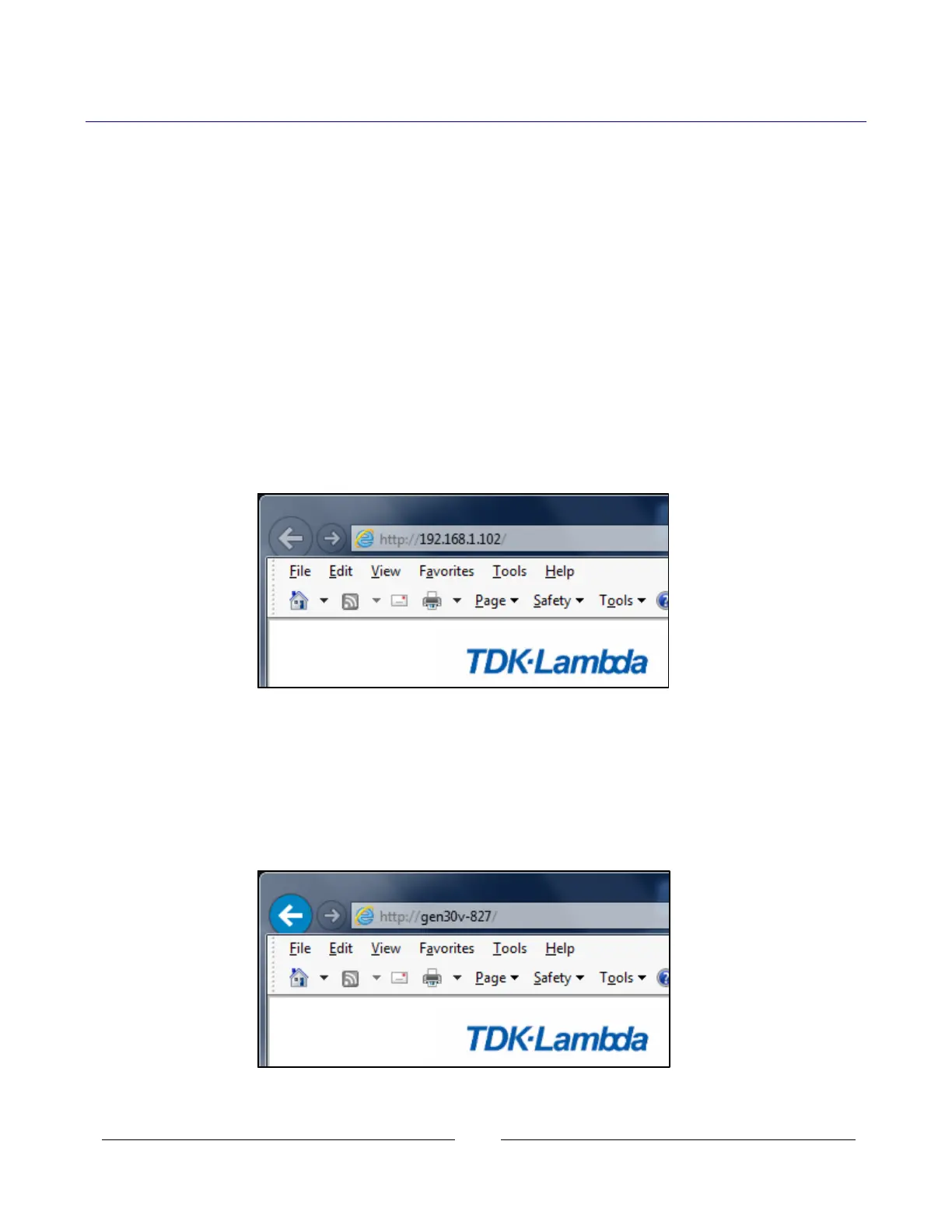
Type the power supply’s IP address as shown below. Click the GO button
The power supply’s Home page will appear.
If it does not, see Troubleshooting section 15.
C. Alternately, the hostname may then be used for addressing the web page as shown
below (if the power supply is set for “DHCP/Auto-IP”, and if a DNS naming service is
running on the computer). See Section 4.5 for a description of the hostname
The power supply’s Home page will appear. If it does not, see Troubleshooting section 15














 To Next Page