26
Questions? Call 1-866-44-TDSTV or visit tdstv.com.
PROGRAM INFORMATION
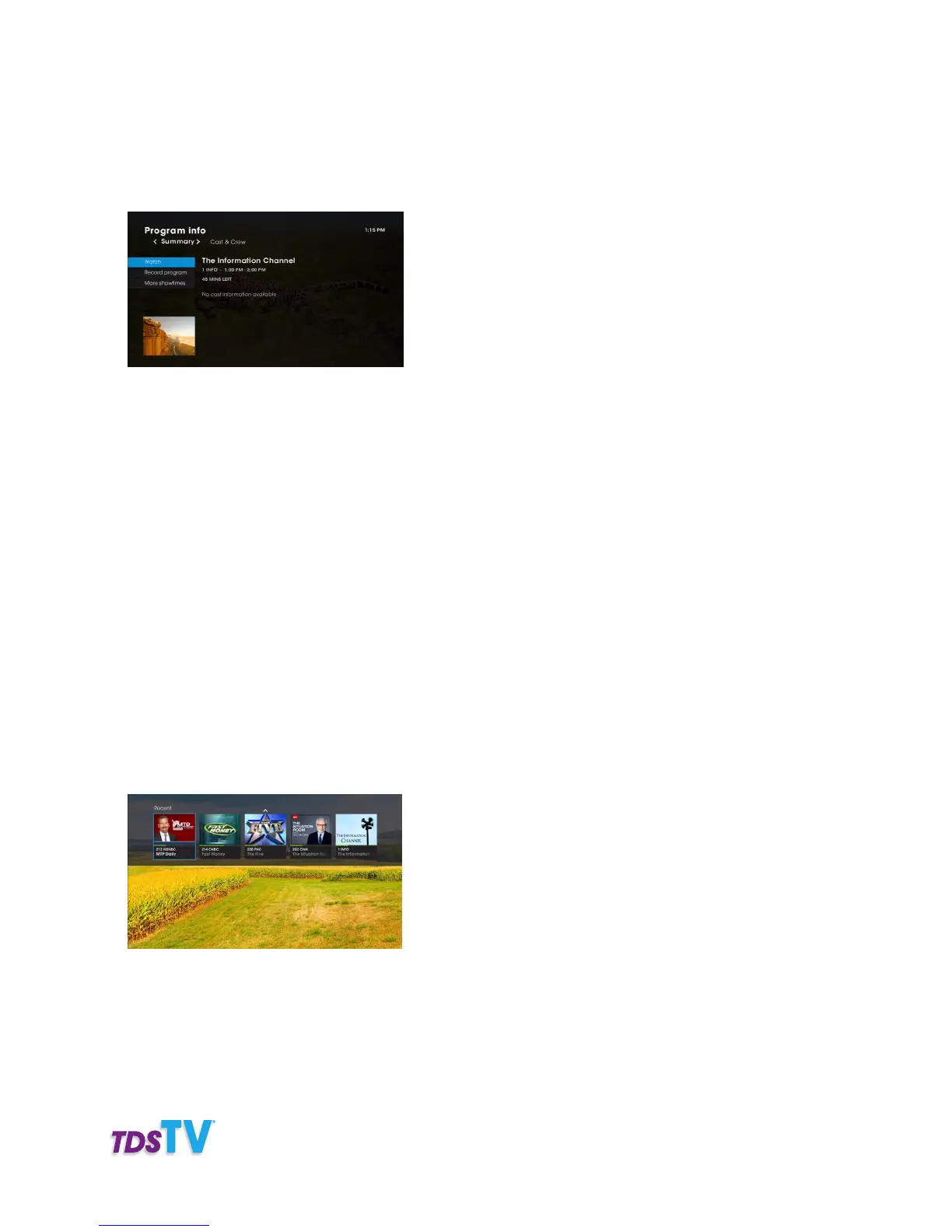
To learn more about a program listed in the guide or currently playing on TV, press the INFO button on
your remote control to launch the Program info screen.
From the Summary Section, you can:
• Get a synopsis of the program including: the cast, director, rating, and air/release date.
• Watch: takes you to the live program (when you’re in the guide).
• Record: by episode or series (if applicable).
• See More Showtimes: a list of when the program is on will appear.
From the Cast & Crew section, the names of the main actors in the program are listed. Select an actor’s
name to see other programs they appear in, and when the programs air.
From Alternate Audio you can change a program’s language, when alternate languages are offered.
RECENT CHANNELS
TDS TV gives you quick, easy access to the last five channels you’ve visited (since turning on your set-top
box). Here’s how:
1. Press the LAST button on your remote. The recent channel panel appears on the top of your TV
screen. It displays channel information and a picture-in-picture of the highlighted channel.
2. Use the RIGHT or LEFT ARROW buttons to navigate through the previous five channels you visited.
If you’ve visited less than five channels since turning TDS TV on, only the channels you’ve visited will
appear. If you’ve tuned to a channel more than once, it appears as a single entry.
3. Press the OK button to tune to the channel you’ve highlighted in the list.
4. To close the recent channel panel, press the EXIT TO TV button on your remote.



 To Next Page