40
Questions? Call 1-866-44-TDSTV or visit tdstv.com.
USE THE GUIDE
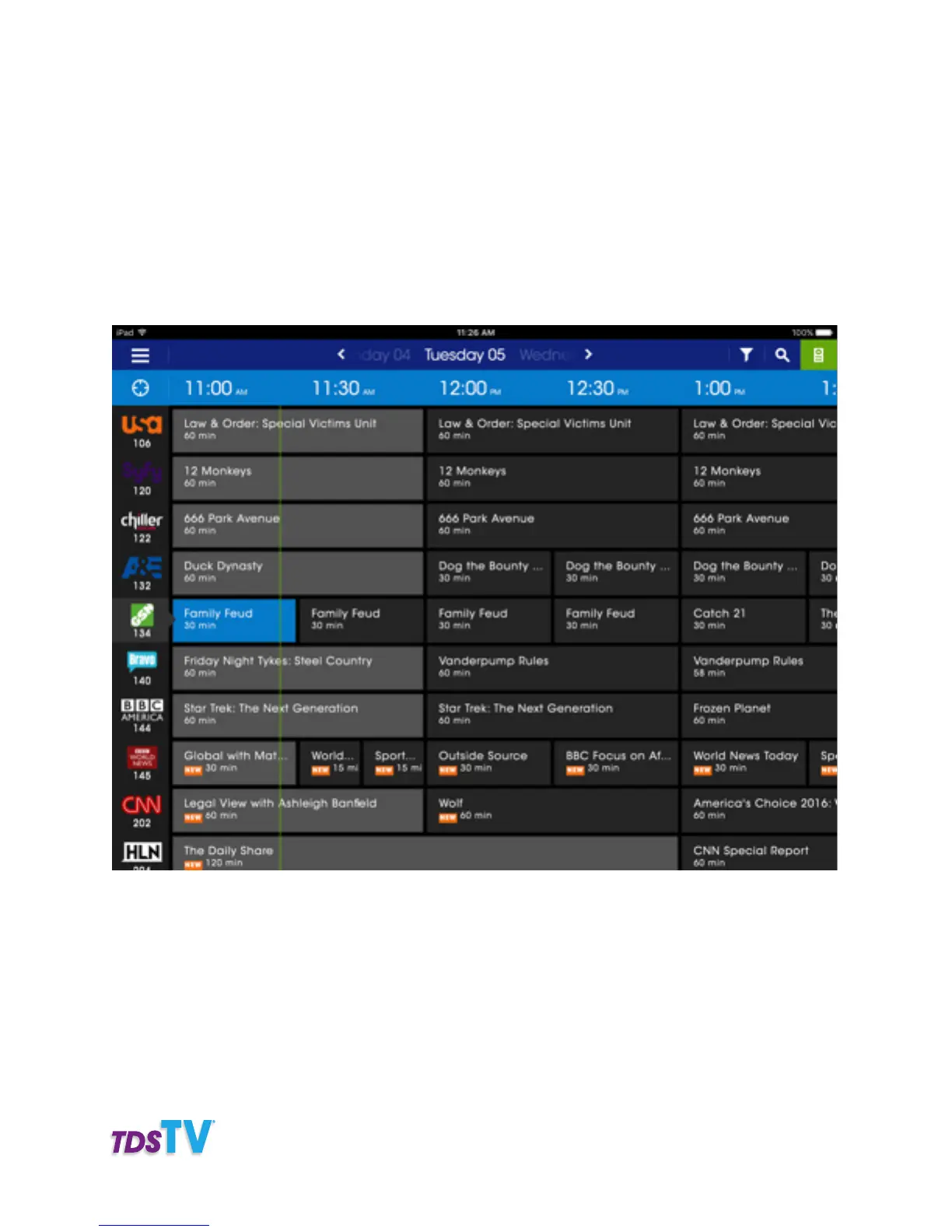
Navigating through the channel guide is easy with the TDS Companion App Remote app.
• To scroll through channels: Swipe up or down
• To scroll through times: Swipe left or right
• To change the day: Tap on TODAY and then swipe to the right to navigate to a specific time or date
up to 14 days ahead
• To jump to a specific channel: Tap on the CHANNEL LOGO, hold it and then drag up or down
SEARCH THE GUIDE
Searching for your favorite programs is easy with the TDS Companion App. Simply follow the steps below.
1. Tap SEARCH.
2. Enter a search term.
3. To search the guide tap GUIDE.



 To Next Page