41
Questions? Call 1-866-44-TDSTV or visit tdstv.com.
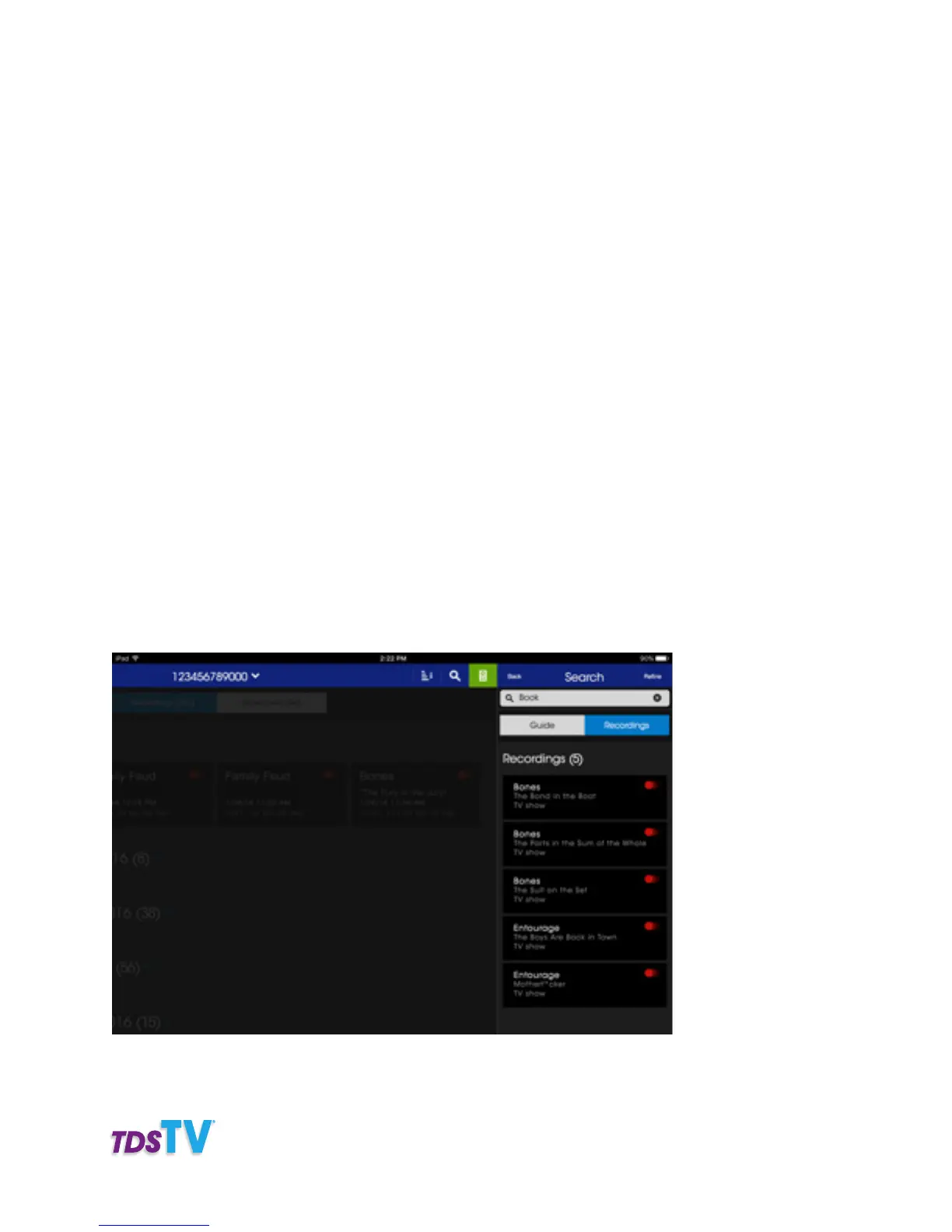
4. To search your DVR recordings tap RECORDINGS.
5. Tap REFINE if you would like to search specific criteria such as titles, cast & crew or channels.
You can set up filters in your guide to show you to show only your subscribed channels, only HD channels
or only English channels. To set up your filters, follow the steps below.
1. Tap on FILTERS
2. Select which channels you would like to filter.
Channel Grid:
• All channels: Will display all channels available on TDS TV
• Subscribed channels: Will display only the channels you have subscribed to.
• Favorites: Will display the channels in your favorite’s lists.
Channel language:
• English only: Will display only the English channels.
• Spanish only: Will display only the Spanish channels.
• Both: Will displays both English and Spanish channels.
Channel Definition:
• HD only: Will display only the HD channels
• SD only: Will display only the SD channels.
• Both: Will display both HD and SD channels.
Once you have selected your filter, your guide will update to display only the channels you requested.



 To Next Page