TECDrive20-EU Series Inverter Function parameters
-90-
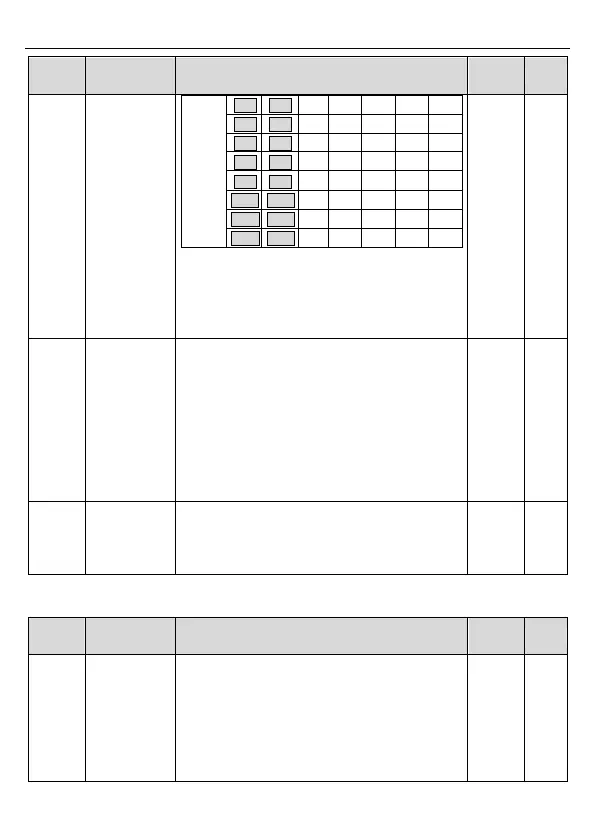
After the users select the corresponding
ACC/DEC time, the combining 16 binary bit will
change into decimal bit, and then set the
corresponding function codes.
Setting range: -0x0000–0xFFFF
0: Restart from the first stage; stop during
running (caused by the stop command, fault or
power loss), run from the first stage after restart.
1: Continue to run from the stop frequency; stop
during running (cause by stop command and
fault), the inverter will record the running time
automatically, enter into the stage after restart
and keep the remaining running at the setting
frequency.
Multi-step time
unit selection
0: Seconds; the running time of all stages is
counted by second
1: Minutes; the running time of all stages is
counted by minute
P11 group Protection parameters
0x000–0x111
Ones place:
0: Input phase loss software protection disable
1: Input phase loss software protection enable
Tens place:
0: Output phase loss protection disable
1: Output phase loss protection enable


 To Next Page