6. LSServer, Scanner Shell and Download
2004-11 Operating Manual for the LS Series Scanner No. 30001798 Rev. No. 1.5 6-19
A good starting point to find the right settings for the AGC will be 0,1% Noise level
and 0,1% Signal level. To increase the overall signal, the noise level and/or signal
level must be extended.
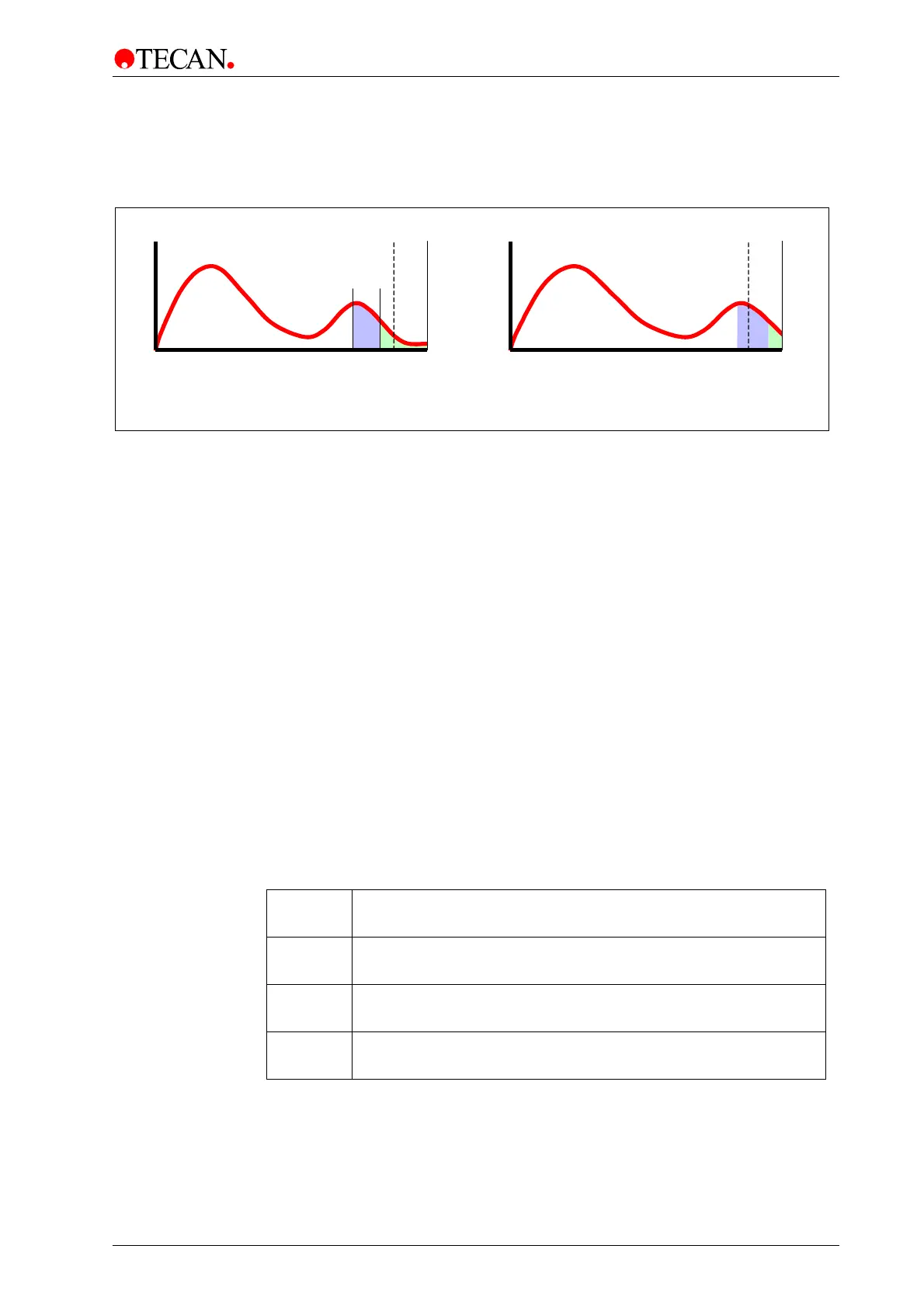
Amount of pixels
Signal intensit
50.000
¨
Before AGC scan
After AGC scan
65.535
50.000
65.535
Signal intensity
Amount of pixels
Figure 6-8 AGC Scan Functionality; Gain setting will be adjusted to the
appropriate value. The result is an automatic increase of the gain value!
Autofocus Settings group box
Autofocus Amplitude [mm]
Enter the amplitude in mm into the Autofocus Amplitude
text box.
Select the appropriate autofocus from the Autofocus Selection group box:
• No Autofocus
• HS Autofocus
• Wellmode
• MTP mode
Select MTP in the Measurement Parameter dialog box to enable the MTP
option button.
(For further information see chapter Advanced Autofocus).
Image Prescan Buttons
Apply
button
Click Apply to confirm the defined areas of the AOI.
OK
button
Click OK to save data and close the dialog box.
Cancel
button
Click Cancel to close the dialog box.
The selected options are not saved.
Help
button
Click Help to display the online help for the dialog box.



 To Next Page