p
Model 880 DEPOSITION CONTROLLER
y
SECTION 2.XX
e page 47 of 275 ^
001:
I68 S401 ⇐
inputs status of leftmost user key, outputs to counter on positive edge (Set to increment counter)
002:
I401 #0 = O67 ⇐
inputs value of counter location, outputs logical evaluation of count (=0?) to rightmost LED
003:
I401 #1 = O66 ⇐
inputs value of counter location, outputs logical evaluation of numeric count (=1?) to next LED
004:
I401 #2 = O65 ⇐
inputs value of counter location, outputs logical evaluation of numeric count (=2?) to next LED
005:
I401 #3 = O64 ⇐
inputs value of counter location, outputs logical evaluation of count (=3?) to leftmost LED
006:
I401 #6 = C401 ⇐
inputs value of counter location, outputs logical evaluation of count clearing counter when true
007:
END
As can be seen by the above program, the counter at address location 401 can be used as an input or an
output. The counter can contain a number from 0 to 99. In line 001, it is used as an ouput (set) access point
to advance the count (+1) of this specific counter. When the count increments, the result of some relational
evaluation of the sequential count at the 401 address will be a logic value. In these example cases,
evaluating true is based on that count value and to what it is compared by the equals function. The count
that is needed (to trigger some process element) is selected by comparing it with the needed constant value
to make the selection. For example, to count 50 things using the first Counter (see table X5.6), input the
logic value from count address location 400, and evaluate it using some combination of arithmetic or
logical elements.
Some ways to count 50 things...
To do the same with the 8
th
Counter: I407.
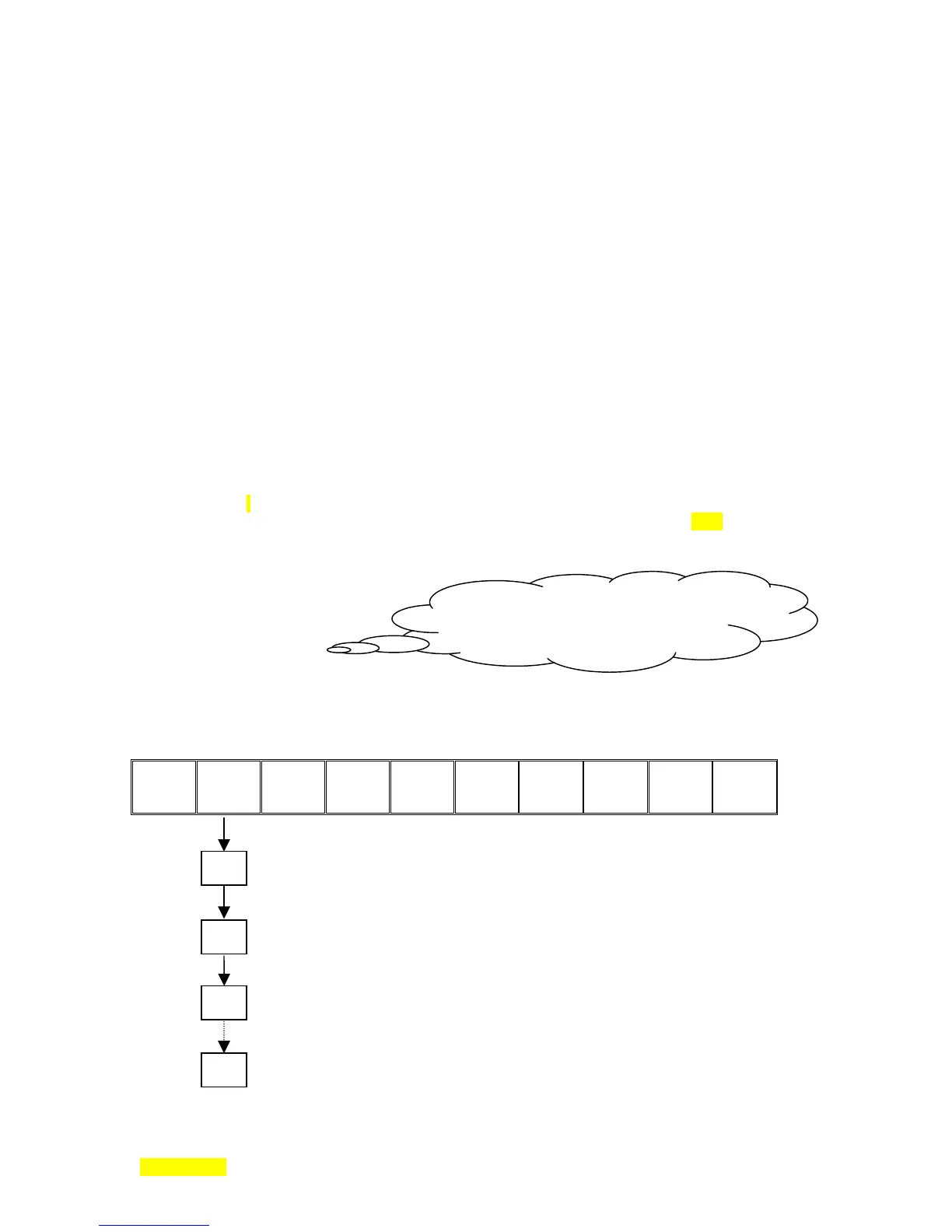
Modulo 100 counter addresses (address 401 is used as an example):
400
401
402
403
404
405
406
407
408
409
Contents of 401 is incremented from zero with a press of the 68 key (on Positive edge)
Set is used to increment the couter. When content value equals zero, the result of line 2 is True.
Whenever the value contents equals zero, a logical True is what will be output to the LED 67.
Next Key press increments counter value +1. When 401 content value equals one, the result of line 3 is True.
Whenever the value contents equals one, a logical True is what will be output to the LED 66.
Next Key press increments counter value +1. When 401 content value equals two, the result of line 4 is True.
Whenever the value contents equals two, a logical True is what will be output to the LED 65.
etc.
Key presses increment counter value +1. When 401 content value equals six, the result of line 6 is True.
Whenever the value contents equals six, a logical True will effect a clear of 401 contents (to zero).
0
1
2
6
I400 #50 = [contents = 50?]
I400 #49 > [contents > 49?]
I400 #50 < ! [[contents < 50] Not ]



 To Next Page