p
Model 880 DEPOSITION CONTROLLER
y
SECTION 3.XX
e page 57 of 275 ^
0.0 A/S 0.0 %PWR 0.000 KA
Review FILM# Review SS Map #
Review PROCESSES NEXT ACTIVE PROCESS
SERVICE Menu
EXECUTIVE MENU
Review Film#:
(See Sect. 2.4,2.5 )
Review or edit film
parameters of user
s
ecified film.
Only the main
menu screen has
these RunTime
values displayed
at the top.
All other menu
screens have path
information on
the 1
st
line.
Press fixed
STATUS key for
Run Time Screen
Active Process:
(See Sect. 2.19, 2.7 )
Set active process to
user specified process.
Active Film:
(See Sect. 2.20 )
Set active film to user
specified film number.
0.0 A/S 0.0 %PWR 0.000 KA
Review FILM# REVIEW SS MAP #
SERVICE Menu
NEXT ACTIVE FILM EXECUTIVE MENU
OPT/INF MAIN / EXECUTIVE MENU
System configuration
I/O Setup
Process accounting
Communications setup
Review SS Map:
Source Sensor (See Sect. X)
Review Processes:
(See Sect. 2.5,2.6 )
Review or edit
process to be
s
ecified b
user.
Communications setup:
(See Sect. 6.5 )
User specifies: Com I/O
lock code, keybd. beep,
RS232 baud and protocol.
System configuration:
(See Sect. 2.14, 2.13 )
User specifies: shutter
delay enable, 2 sensor
enable, rate sample
enable, LCD contrast,
password lock#, run#,
recorder fnct, clock t&d,
deployment of sensor
cards and I/O cards.
Process accounting:
(See Sect. 2.18 )
View process history
accounting screen.
I/O setup:
(See Sect. 5.1 )
View, scroll I/O rungs. View
operations status (run/stop)
and I.D.#. Further select:
Operations, Edit rung (line)
and Memory.
I/O setup; Operations:
(See sects. 5.9, 5.20 )
User selects operations mode:
run or stop or bak.
I/O setup; memory:
(See sects. 5.10, 5.20 )
User selects memory mode:
save, swap or bak.
I/O setup; Edit:
(See sects. 5.11, 5.12, 5.13, and
5.20 )
User edits selected line/rung using
arrow keys or GOTO. Insert / delete
rung line, and change rung.
on Run Time Screen
ress fixed MENU ke
.
SQ/non-SQ. (S2.4)
factory settings.
purge stored data.
TEST mode.
S2.7
I/O setup; Change:
Build/edit rung with command and
logical operator keys. Edit with
undo, delete last character.
Opt/Inf: (See Sect.2.21)
Reports on installed
internal and external
options and reports info
about versions, serial #s,
checksums, build codes,
error codes
etc.
Model 880 MENU TREE (process sequencing)
(non-SEQ differences only)
[boxes not meant to be true LCD depictions]
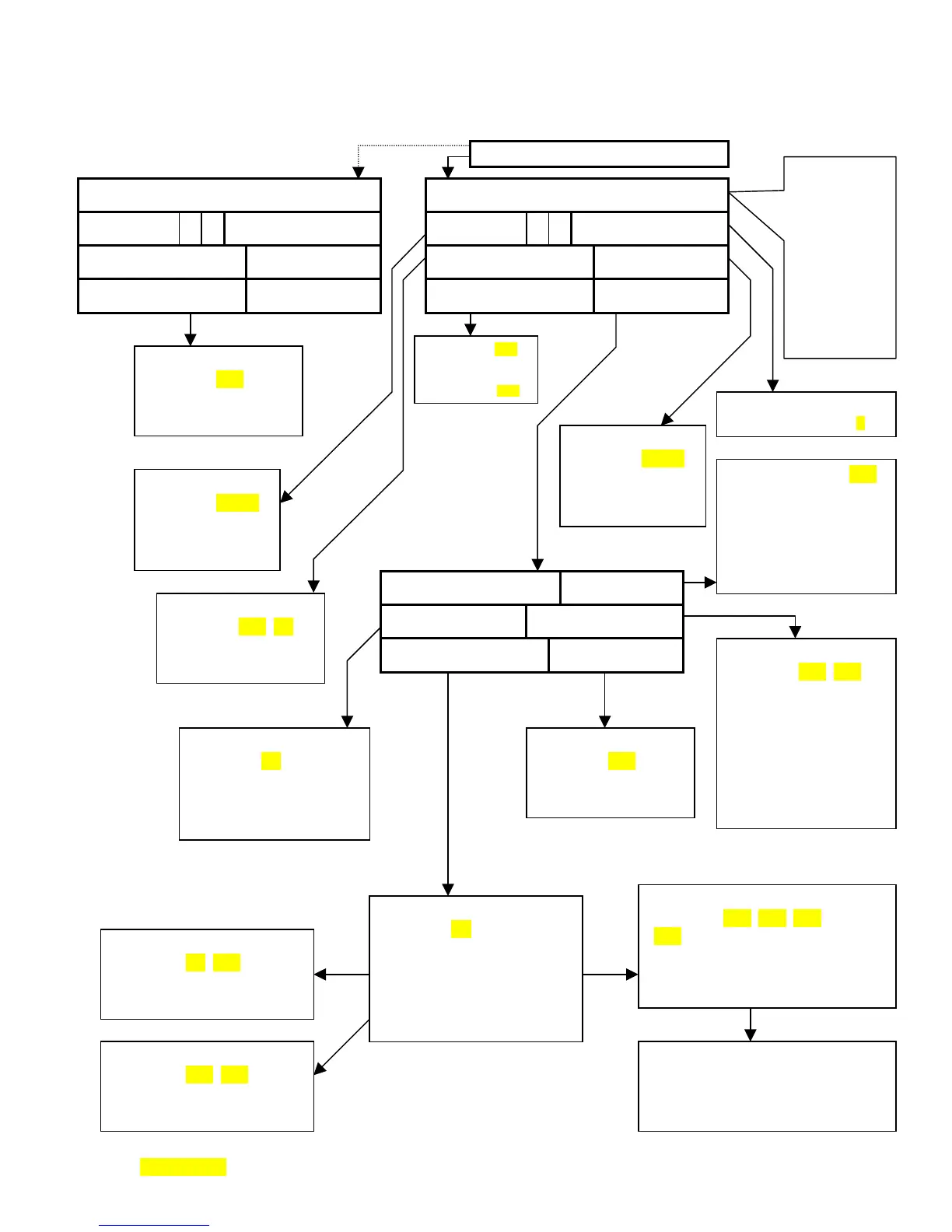
Figure- 3.4: Menu Tree



 To Next Page