8 MPH200 series video encoders WebUI user manual
General
MPH encoders support web user interface (WebUI), ONVIF congura-
tion interface and command line user interface (CLI) for various congu-
ration purposes.
WebUI
MPH series video encoders can be fully congured using Web user inter-
face (WebUI). You can access the Web user interface via web browser.
ONVIF
MPH series video encoder support ONVIF (Open Network Video
Interface Forum) global interface (version 1.02, Prole S).
CLI – command line interface
MPH series video encoder include a command line interface (CLI) for
conguration purposes. The CLI is a text-based interface that allows the
user to interact with the operating system by entering commands and
optional arguments. CLI is accessible through any terminal emulator
application (e.g. Hyper Terminal or PuTTY). The command structure is
the same for all session types. A typical CLI usage is to access the
device IP address settings. By default the data channel 2 is set for CLI
usage. The data channel 2 can be set to normal RS232 data mode with
WebUI when needed.
Note! Data 2 channel can be set either general RS232 data
transport mode or CLI mode (not simultaneously). The default
factory setting is CLI mode (Hard and soft factory reset restores
the data channel 2 to the CLI mode).
Local CLI connection
The local CLI session can be establish via data channel 2 by using a
serial data connection (RS232) cable (type Teleste CIC506).
Note! Data 2 port must be set to CLI mode .
Remote CLI connection
Over the IP network you can make Telnet or SSH connection to open the
command line interface remotely. SSH protocol secures your data session.
Note! Remote CLI is always available through network, even
when data 2 is congured for non-CLI usage.
PC/
PSION
D9
female
Screw
terminal
MPH
encoder
Receive
data
2 6
Mgmt
output
Transmit
data
3 7
Mgmt
input
System
ground
5 8 Ground
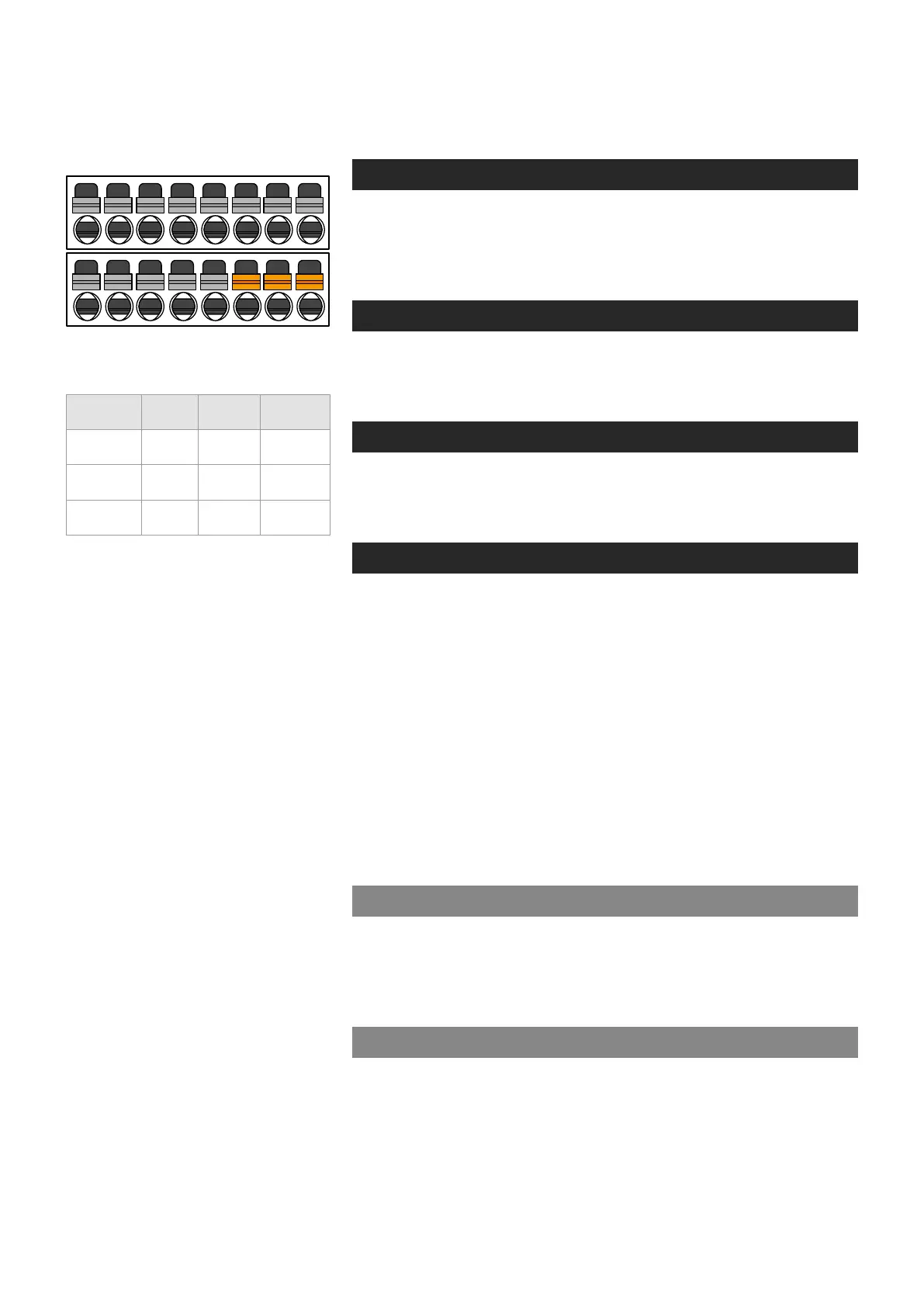
Local management connection (CLI)
and management cable (CIC506)
pinout (D9 female/screw terminal).
1 2
3
4 5 6 7 8
9 10
11
12 13 14 15 16
DATA 2 TX
DATA 2 RX
DATA 2 GND
Management interface



 To Next Page