35 MPH200 series video encoders WebUI user manual
Data connections
The MPH200 encoder provides two independent bi-directional data
channels. Supported data modes for data channel 1 are RS422, RS485-
2w and RS485-4w. Data channel 2 is xed for RS232 mode only. Data
port settings can be congured from web user interface (WebUI) or
Command Line Interface (CLI).
Data channel 1 is fully congurable and supports RS422, RS485 2-wire
and RS485 4-wire modes .ONVIF PTZ service is only available from
data channel 1, whereas data channel 2 is used either for RS232 data
mode or command-line interface usage. Both channels support tunnel-
ling protocol and can be connected to the PTZ controller application.
The default factory settings are:
• Data channel 1: RS485-2w
• Data channel 2: mode is set to CLI (Command Line Interface) usage
Led Colour Mode
T
Green
Active Connection.
Terminal server TCP connection is established.
Blinking Green On stream.
OFF / Dark No stream.
DATA 1 OUT+
DATA 1 OUT-
DATA 2 TX
DATA 2 RX
DATA 1 IN+
DATA 1 IN-
DATA 1 GND
DATA 2 GND
1 2
3
4 5 6 7 8
Pin Signal RS232 RS422 RS485-2w RS485-4w
1
Data 1
OUT + OUT +
2
OUT - OUT -
3
IN + IN/OUT + IN +
4
IN - IN/OUT - IN -
5
GROUND GROUND GROUND
6
Data 2
TX
7
RX
8
GROUND
Data 1 Data 2
Tunnelling protocol x
x
ONVIF PTZ protocol x
RS232
x
RS422, RS485 x
Command line interface
X
Data connector’s pinout and supported data types.
MPH unit provides two data channels for PTZ cameras on Terminal
server page.
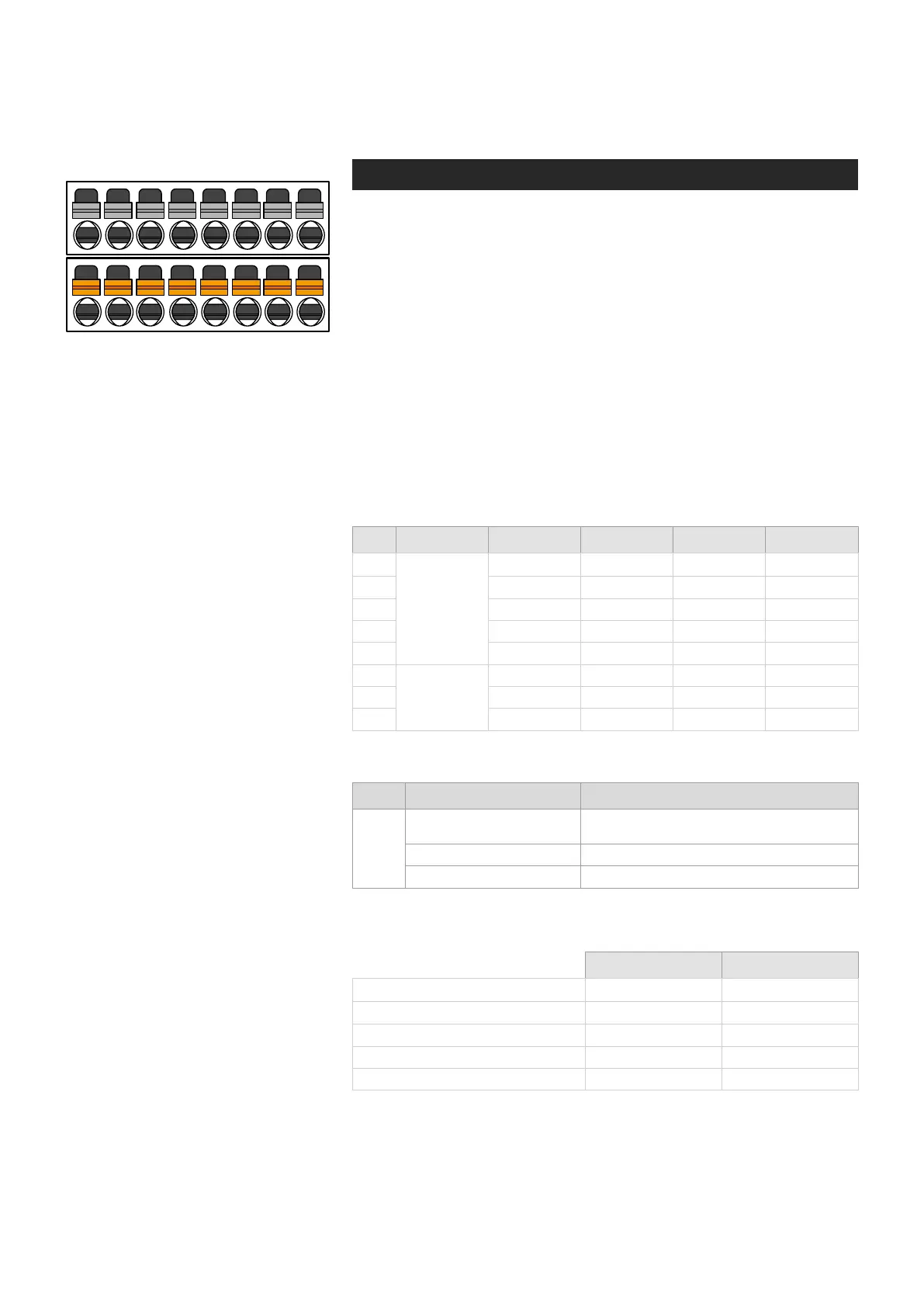
Lower screw terminal connector on
front panel is used for data connections.
T - (terminal server) Led indicator operation. This LED indicates the
status of Terminal server activity on RS422/485 port.
Conguring data channels



 To Next Page