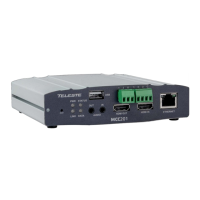
49 MPH200 series video encoders WebUI user manual
Date & time settings
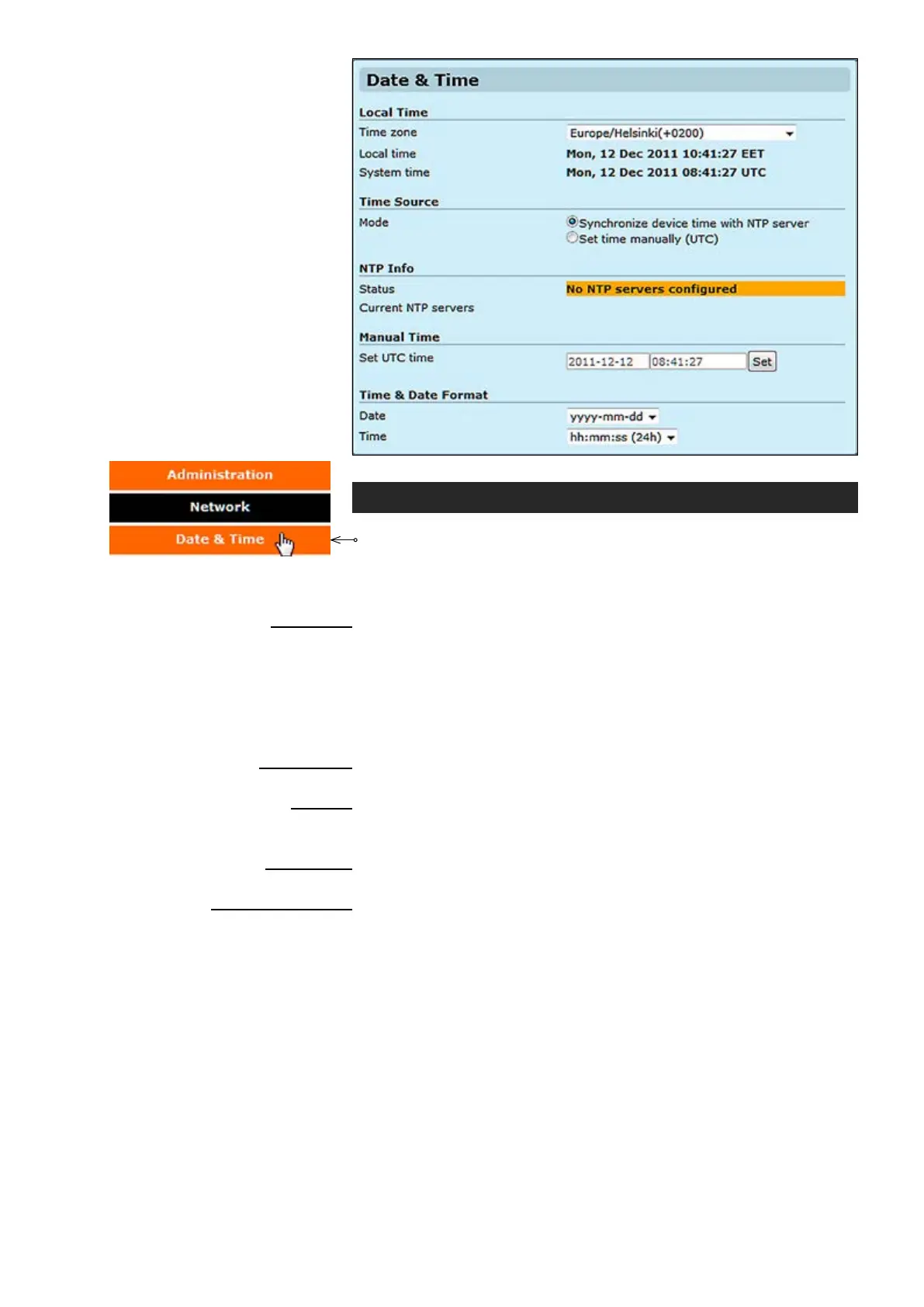
Click “Date & Time” under the Administration menu. Date & Time
Settings page appears on the screen.
Device’s Date & Time settings
can be changed on this page. This page also shows the system time and
the local time calculated using the time zone set on the device.
_________________________________________________________
Selected time zone. Denes how conversion from system time (UTC) to
local time is done. For user the local time is shown, for example in video
text overlay timestamps. Conversion also takes daylight saving time in
to account.
Shows local time.
Shows system time (allways in GMT).
_________________________________________________________
Source for the clock, either manual or NTP synchronized.
_________________________________________________________
NTP status (synchronization OK, No NTP servers congured).
Shows congured NTP servers IP address.
_________________________________________________________
Set UTC time manually.
_________________________________________________________
Select date format type.
Select time format type.
Notes! If month is entered as 14, the date will change to February
of the next year and if date is entered as 32, the date will change
to the 1st of the next month if the number of days in the current
month is 31.
The date and time entered in the boxes has to match the format
specied. If the required date is 1st Jan 2011 , it has to be entered
as 01/01/2011 and not as 1/1/2011. The latter setting will throw up
an error when saved.
Local Time
Time zone:
Local time
:
System time:
Time Source
Mode:
NTP info
Status:
Current NTP servers:
Manual time
Set UTC time:
Time & Date Format
Date:
Time:



 To Next Page