27 MPH200 series video encoders WebUI user manual
Conguring audio channels
Audio connection
MPH200 encoder supports two bi-directional audio channels, which can
be used for one stereo audio or two mono audio purposes. The audio
interface supports both balanced (both channels separately) and unbal-
anced wiring. Audio input impedance is 6.6 kΩ in unbalanced mode and
13 kΩ in balanced mode. The device is capable of driving 0.707 Vrms
(single-ended output) / 1.414 Vrms (differential output) into a 10 kΩ load.
The audio channels operates independently, i.e. despite the absence of
all video signals.
Note! Physical audio interface is shared between audio inter-
faces, so audio interface mode (balanced/unbalanced) and
sampling rate congured to each used audio encoder and
decoder conguration must be equal.
Normally audio is transmitted and received in separate RTP streams.
However, if video stream is using transport stream (TS), audio packets
can be encapsulated inside the same video stream. Note that if audio
packets are encapsulated inside the video stream , MPH audio decoder
cannot decode it. Audio settings can be congured from web user inter-
face (WebUI).
Audio connector’s pinout.
Audio channel conguration
MPH is an ONVIF compliant device and audio channel encoder congu-
ration is designed according to ONVIF standard. Audio decoder is
designed similarly but is not according to ONVIF standard.
Note! Before addinging the audio conguration to a video prole,
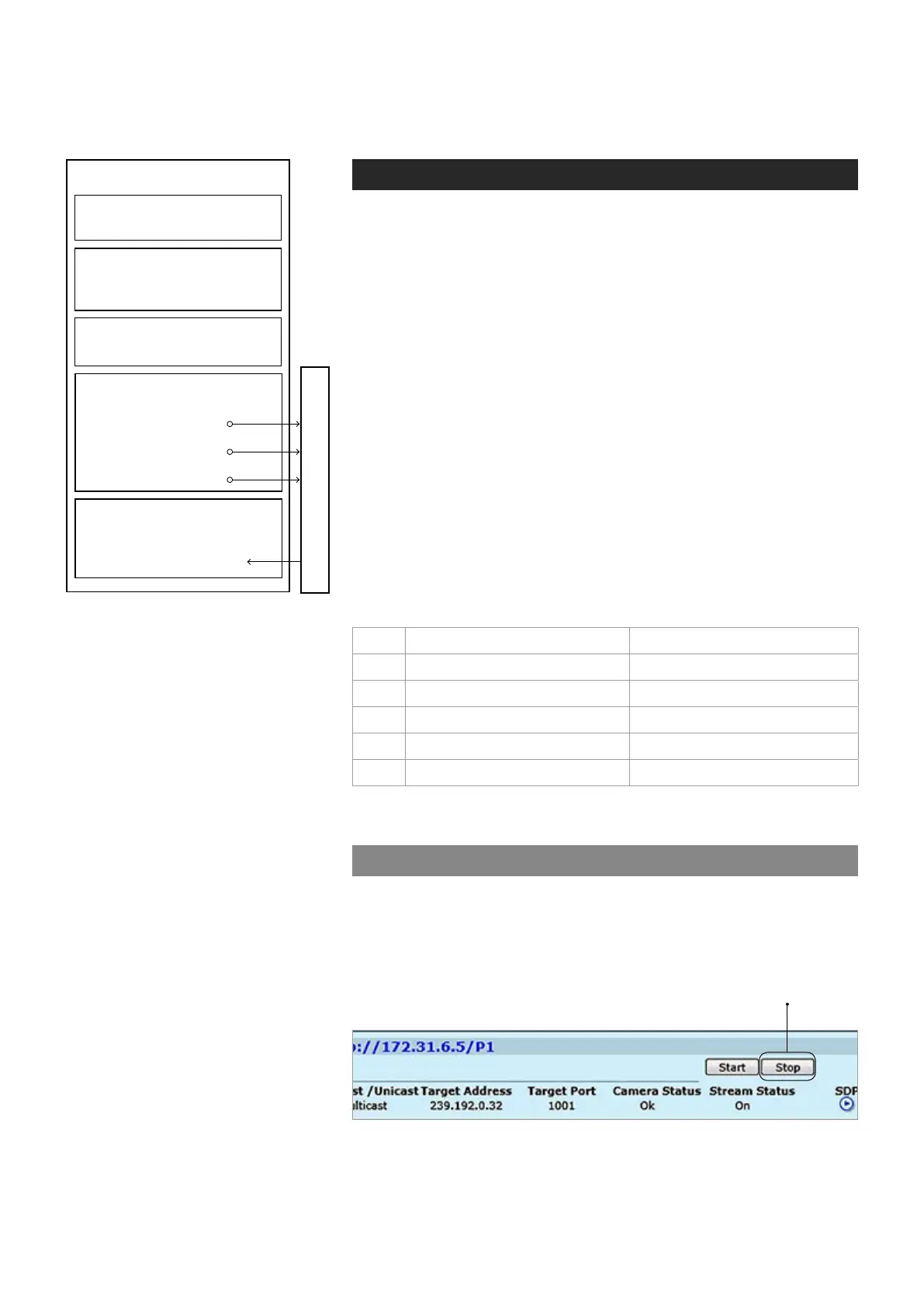
make sure that video stream is stopped on the MAIN page.
Pin Balanced signal Unbalanced signal
1 Audio in - GND for Audio 1 in
2 Audio in + Audio 1 in
3 GND (shield) GND
4 Audio out + Audio 2 out
5 Audio out - GND for Audio 2 out
Description how the audio encoder,
audio source, audio input and audio de-
coder is assembled to the media prole.
AUDIO INTERFACE
Streams (RTP)
AUDIO SOURCE
•
Fixed audio sources:
Mono 1, Mono 2, Stereo
AUDIO SINK
•
Audio sink naming
•
Encoder type and parameters
•
Destination IP address
- primary stream
•
Additional IP address(es)
- stream multiplication
•
Dynamic streams (RTSP)
AUDIO ENCODER CONFIGURATION
•
Decoder type and parameters
(samplerate same as in encoder)
•
Source multicast address/port
AUDIO DECODER CONFIGURATION
MEDIA PROFILE
•
Balanced or unbalanced



 To Next Page