29 MPH200 series video encoders WebUI user manual
1. Audio interfaces
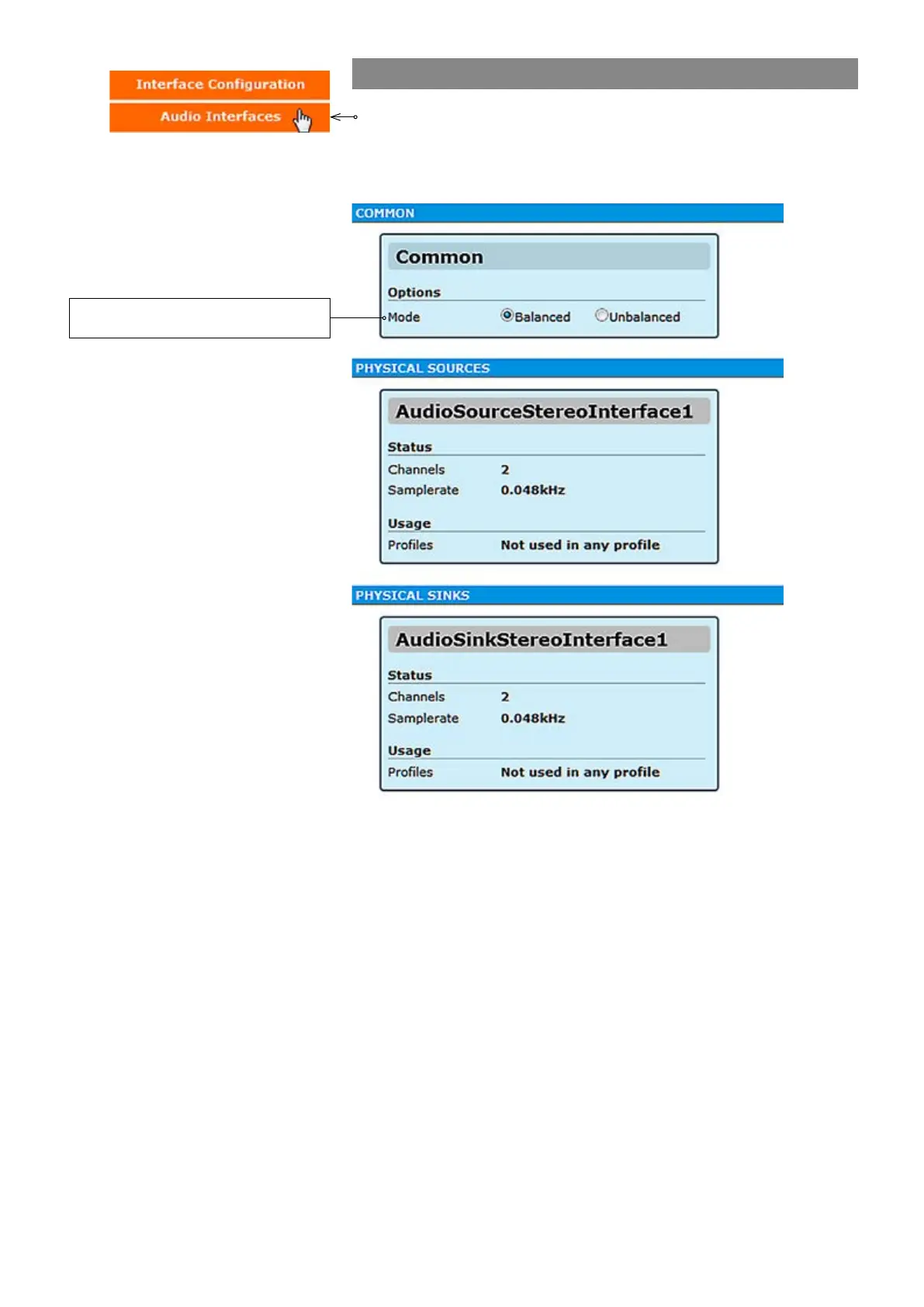
Click “Audio Interfaces” under the Interface Conguration menu. Audio
Interfaces page appears on the screen. In this page you can see the
number of physical audio inputs available and choose audio input mode
(balanced or unbalanced).
Audio interface mode selection. Affects
both input and output connection.



 To Next Page