61 MPH200 series video encoders WebUI user manual
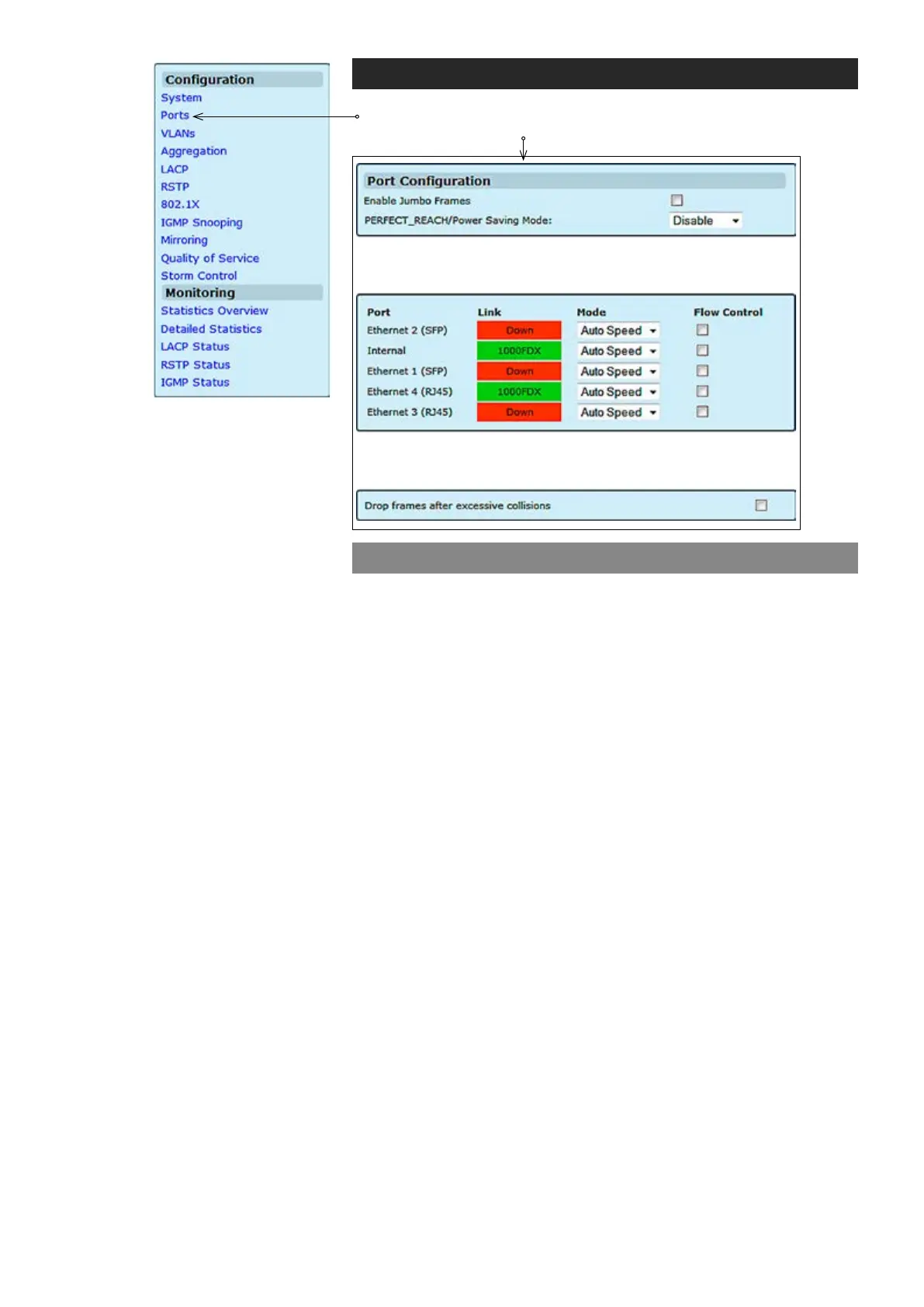
Port conguration
Allows you to enable Jumbo (giant) frames which are bigger than the
standard frame size (1518 bytes of payload).
PerfectReach is an intelligent algorithm, it detects the presence of a
shorter cable and then adaptively lowers the power level, saving energy
for links shorter than the full 100 meters of cable length specied by
IEEE standards.
Allows the switch to drop the frame if it has exceeded the maximum of
16 retransmissions in the collision mechanism.
Enable Jumbo Frames:
PERFECT_REACH/Power Saving Mode:
Drop frames after excessive collisions:
Ports
Click “Ports” under the Conguration menu. Port Conguration page
appears on the screen.



 To Next Page