5 First steps
36
Connecting other sensors
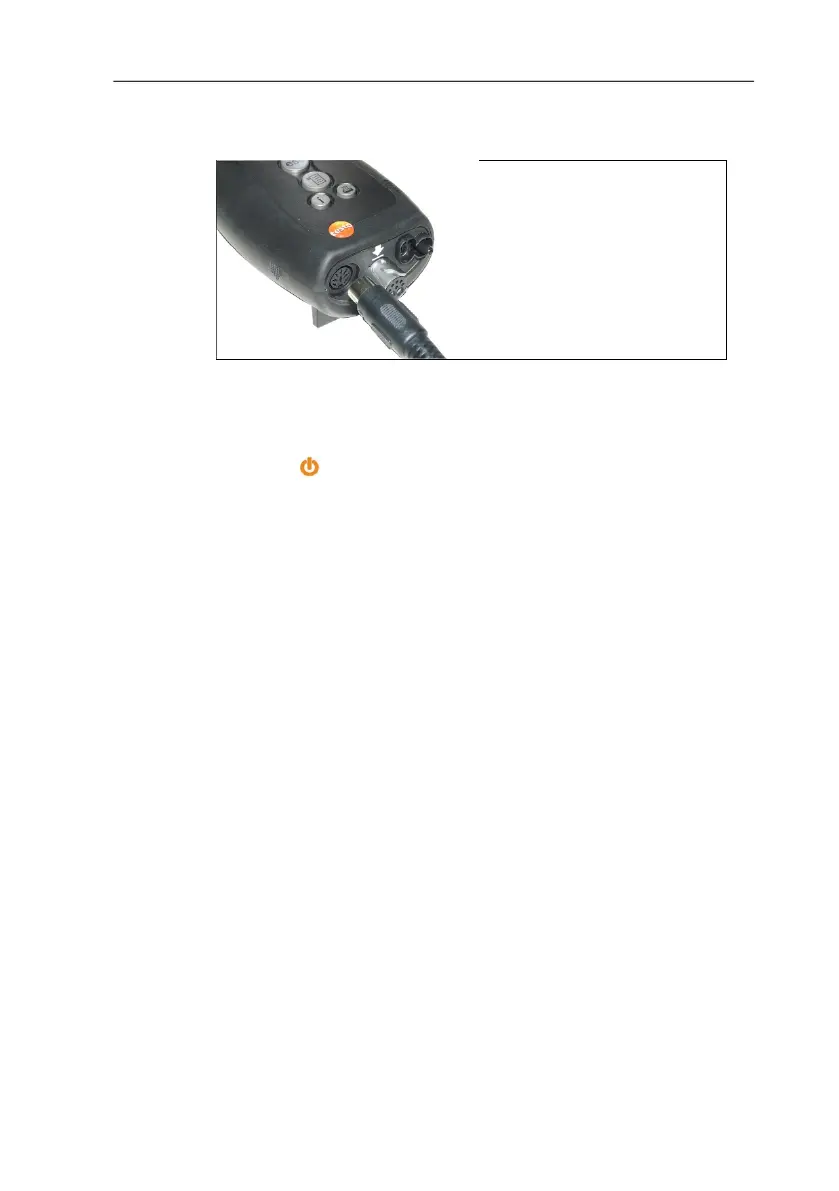
> Insert the connector plug of the probe into the probe socket.
5.2.3. Switching on
- The start screen is displayed (duration: about 5 s).
- If the voltage supply was interrupted for a longer period: The
menu Date / Time is opened.
- The pressure sensors are set to zero.
- There is an Error Service: The Error Diagnosis is displayed.
- The menu Measurements is displayed.
5.2.4. Calling up a function
1. Select function: [▲], [▼].
- The chosen function appears in a frame.
2. Confirm selection: [OK].
- The chosen function is opened.



 To Next Page