5 First steps
38
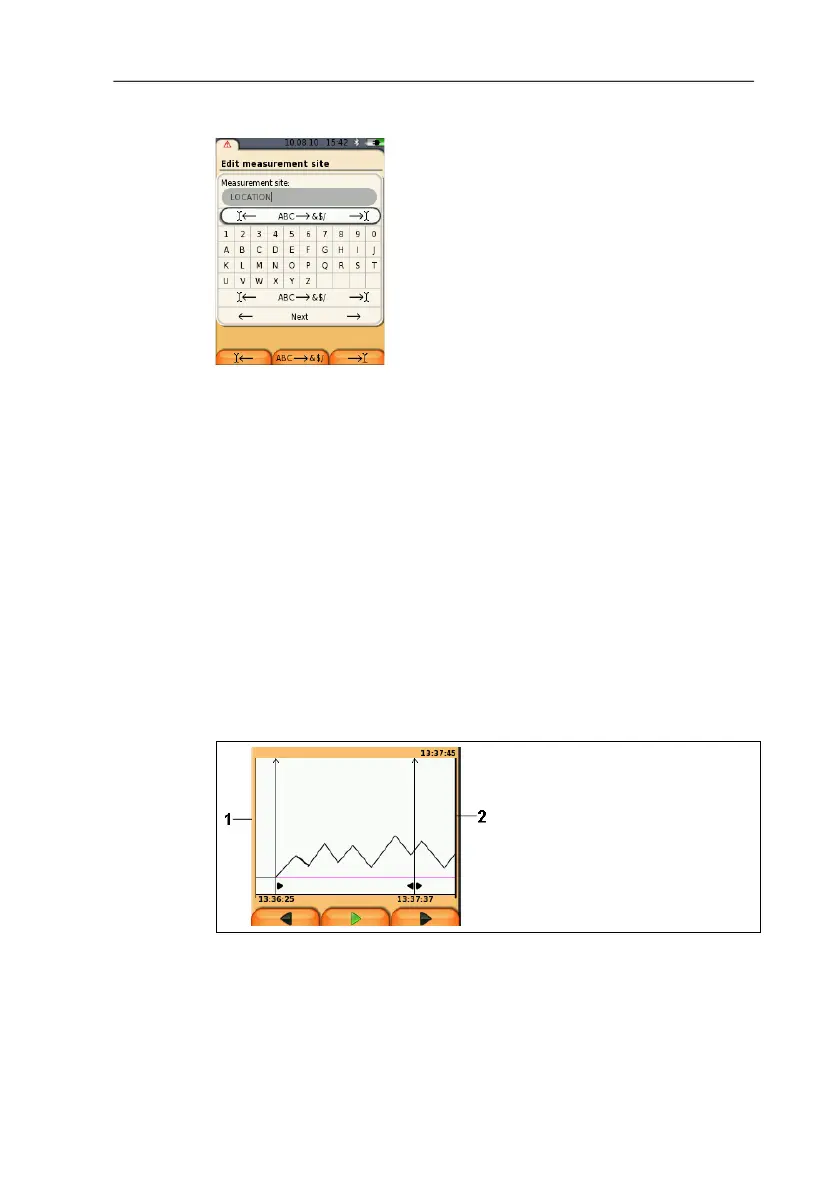
Input editor
1. Select the value to be changed (character): [▲], [▼], [◄], [►].
2. Accept value: [OK].
Options:
> Toggle between upper / lower case characters:
Select Ι
← ABC→&$/ →Ι : [▲], [▼] → [ABC→&$/].
> Position the cursor in the text:
Select Ι
← ABC→&$/ →Ι : [▲], [▼] → [Ι←] or
[
→Ι].
> Delete character before or after the cursor:
Select
← next → : [▲], [▼] → [←] or [→].
3. Repeat steps 1 and 2 as required.
4. Save the entry: Select
← next → : [▲], [▼] → [Next].
5.2.6. Show graphic
1 Current measuring value
2 End time of the displayed period.
The time is not displayed if no measuring value was recorded for
this period.



 To Next Page