6 Using the product
68
> [Options] → Alarm Limit: The alarm threshold menu is
opened.
> [Options] → Edit. Data for adjustable parameters can be
edited.
> [Options] → Sensor detection: newly inserted sensor is
detected.
> [Options] → Measurement View: (This function is not
available during a measurement) The measurement view menu
is opened.
6.2.14. Automatic stokers
With the help of the readout adapter for automatic stokers
(0554 1206) status data and error messages can be read out of
compatible automatic stokers, see also documentation on readout
adapter. The range of data which can be read out depends on the
type of the automatic stoker.
Calling up the function:
1. Connect the readout adapter to the instrument (PS2 interface
(for devices until 2017)) and to the automatic stoker (use
adapter ring if necessary).
- The data are read from the automatic stoker. Depending on the
automatic stoker, the data are updated at the latest every 30 s.
The values are saved in a measuring protocol or
transferred to a pocket PC / PC, together with the meas.
views of a flue gas measurement.
Reading out current status data:
The current data are displayed after a connection has been set up
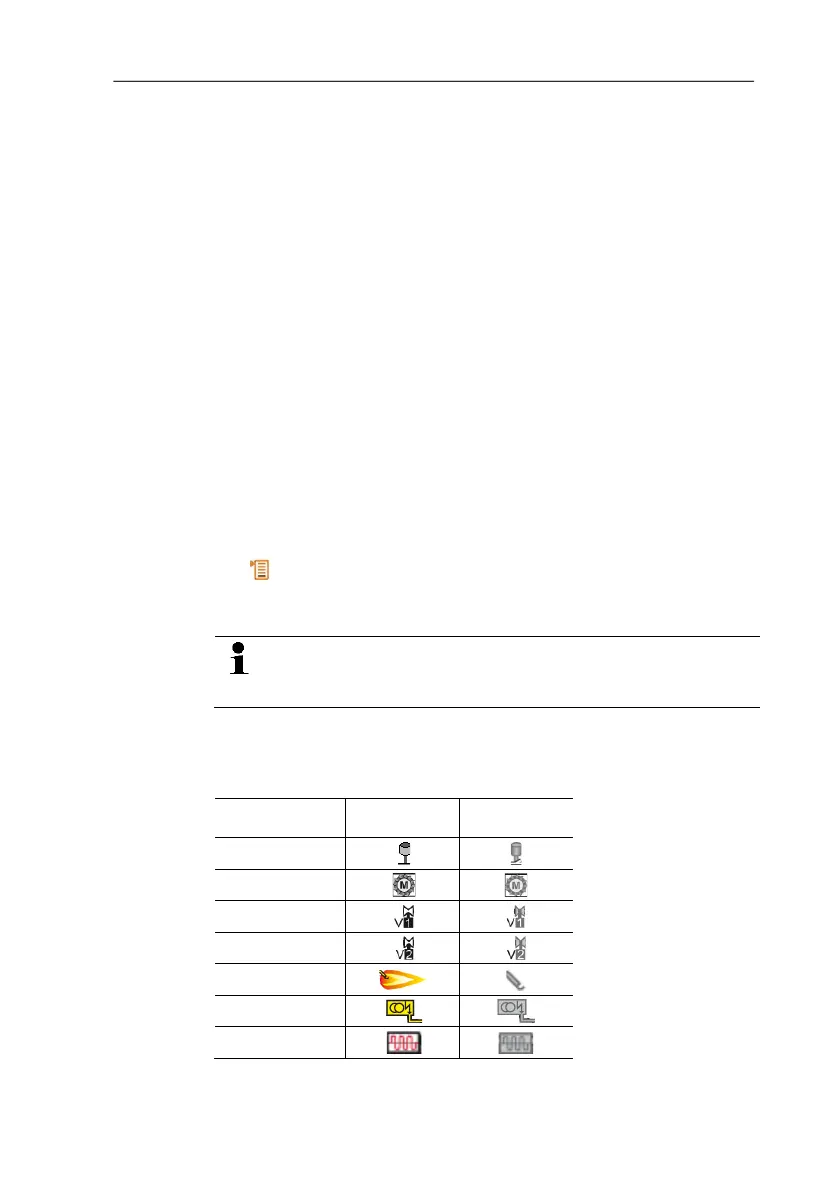
to the automatic stoker. The following data are displayed with the
help of symbols:
Component Status ON Status OFF
Air controller
Motor
Valve 1
Valve 2
Flame
Ignition
Oil prewarmer



 To Next Page