5 First steps
37
5.2.5. Entering data
Some functions require data (numbers, units, characters) to be
entered. Depending on the function that is chosen, the data are
entered via either a list field or an input editor.
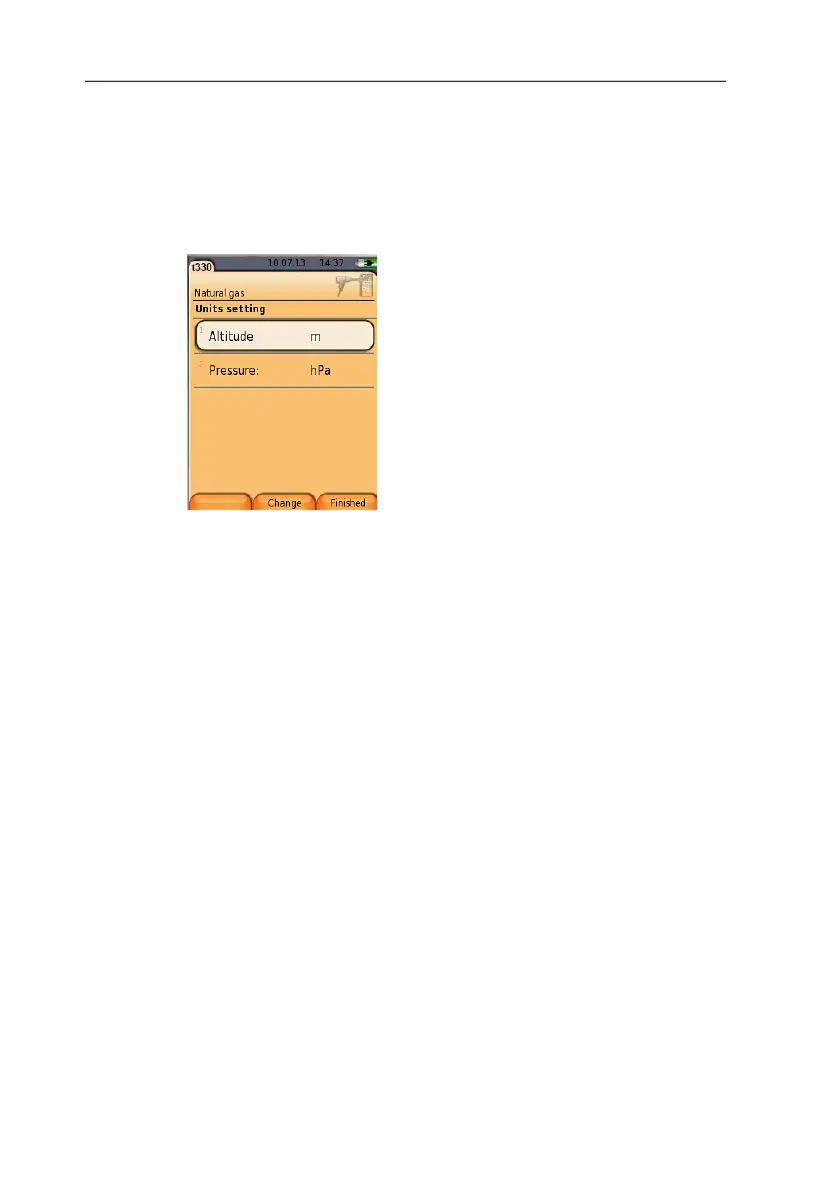
List field
1. Select the value to be changed (numerical value, unit): [▲],
[▼], [◄], [►] (depending on the selected function).
2. Press [Edit] .
3. Set value: [▲], [▼], [◄], [►] (depending on the selected
function).
4. Confirm the entry: [OK].
5. Repeat steps 1 and 4 as required.
6. Save the entry: [Finished].



 To Next Page