ACKF01_GB_00 TEXA S.p.A. 104/122
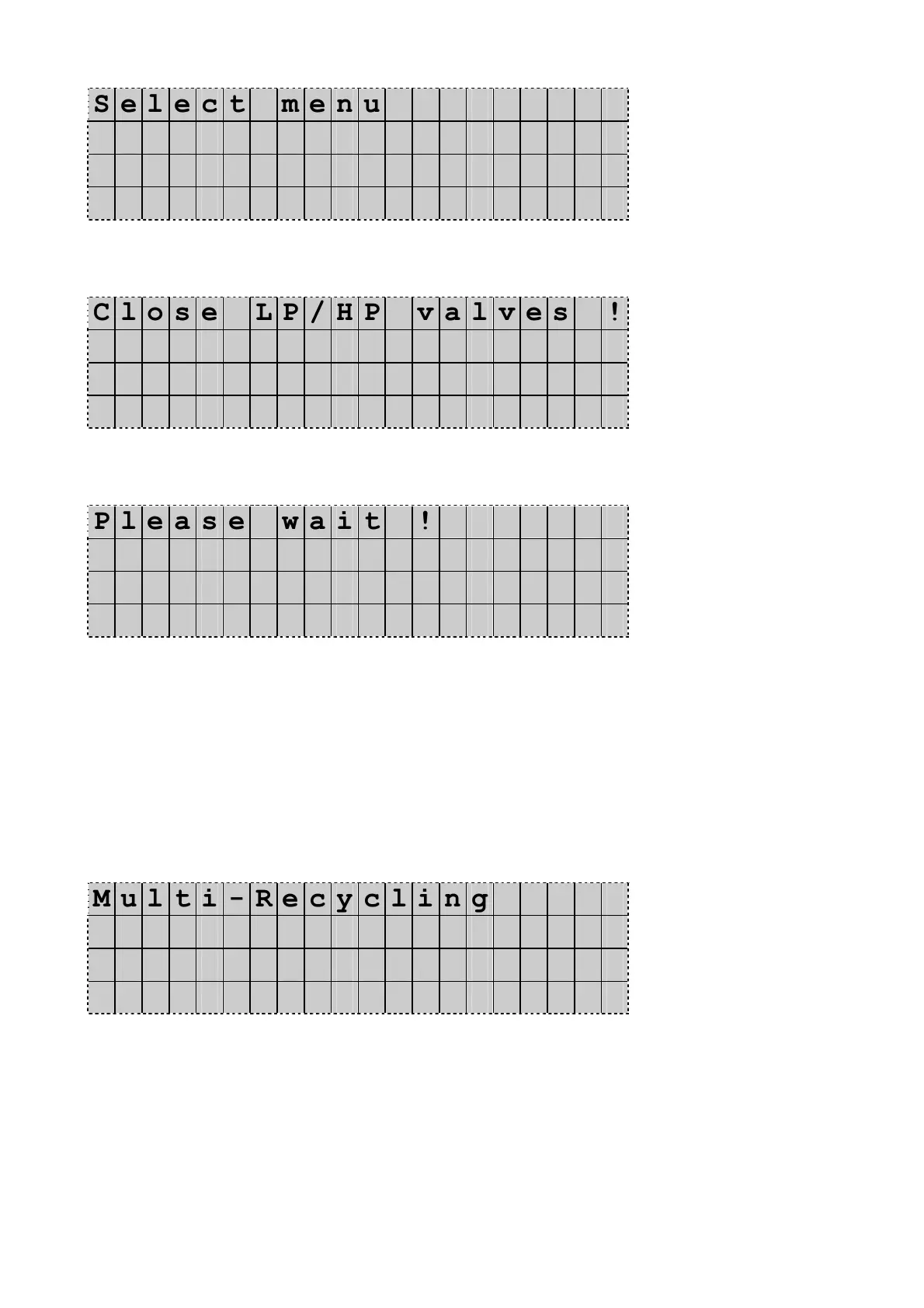
S e l e c t m e n u
M u l t i - R e c y c l i n g ◄
F l u s h i n g
D D / M M / Y Y H H : M M : S S
Press Enter to confirm.
The Display shows:
C l o s e L P / H P v a l v e s !
Follow instructions and press Enter to confirm.
The Display shows:
P l e a s e w a i t !
At this moment the unit verifies the quantity and pressure
of the refrigerant available in the unit:
If there isn’t enough refrigerant (less than 5 kg), it will stop automatically
and show the message “Not enough refrigerant, add”
If the pressure is too high in the unit (more than 9 bar), it will stop
automatically and show the message “Warning! Internal vessel overpressure”
If no problems are detected the program will continue the Multi-Recycling
process and the display shows:
M u l t i - R e c y c l i n g
P r e s s u r e m B . x x x x
Q u a n t i t y g . x x x X
T i m e m i n . M M : S S
In this phase the Konfort unit performs a multi pass recycling during a
maximum time of 10 minutes and the display is indicating:
The pressure of the refrigerant
The quantity of refrigerant in the tank
The time count down in seconds.
You can wait for the end of the count down or press Stop to short the process.
Now the unit is performing a self clearing in order to recover all
refrigerant back into the tank.
The Display shows:


 To Next Page