ACKF01_GB_00 TEXA S.p.A. 107/122
7.7 Flushing cycle Konfort ECK605E / 610E / 610E BUS / 650E
An entire flushing cycle includes the following phases:
Vacuuming the system and/or components
Leak testing system and connections
Flushing with liquid refrigerant
Recovery and recycling of the contaminated refrigerant
Separating and draining liquid contamination
NOTE: Perform the instructions shown by the Display.
When the unit is in stand-by mode press UP or DOWN.
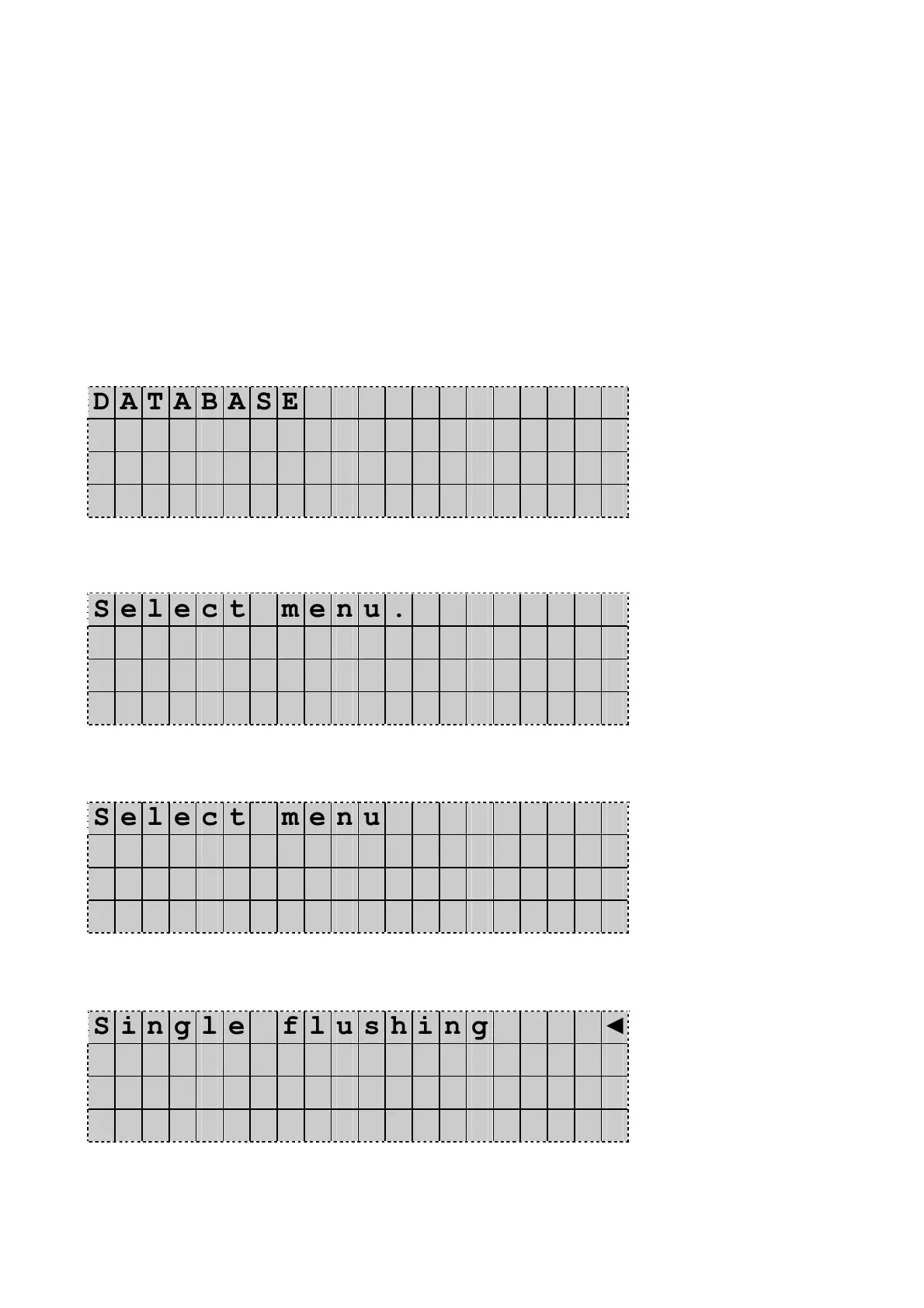
The Display shows:
D A T A B A S E
A d v a n c e d p r o g r a m
O t h e r m e n u s ◄
D D / M M / Y Y H H : M M : S S
Press UP or DOWN to select Other menu. Press Enter to confirm.
The Display shows:
S e l e c t m e n u .
V e s s e l f i l l i n g ◄
S e r v i c e
D D / M M / Y Y H H : M M : S S
Press UP or DOWN to scroll the display and select Flushing.
The Display shows:
S e l e c t m e n u
M u l t i - R e c y c l i n g
F l u s h i n g ◄
D D / M M / Y Y H H : M M : S S
Press Enter to confirm.
The Display shows:
S i n g l e f l u s h i n g ◄
M u l t i p l e f l u s h i n g
From this position you have the choice for two different flushing
modes. Press UP or DOWN to select the desired option.
Press Enter to confirm.


 To Next Page