ACKF01_GB_00 TEXA S.p.A. 69/122
3.2 Flushing program activation
Turn-on the main power switch (position I (ON)).
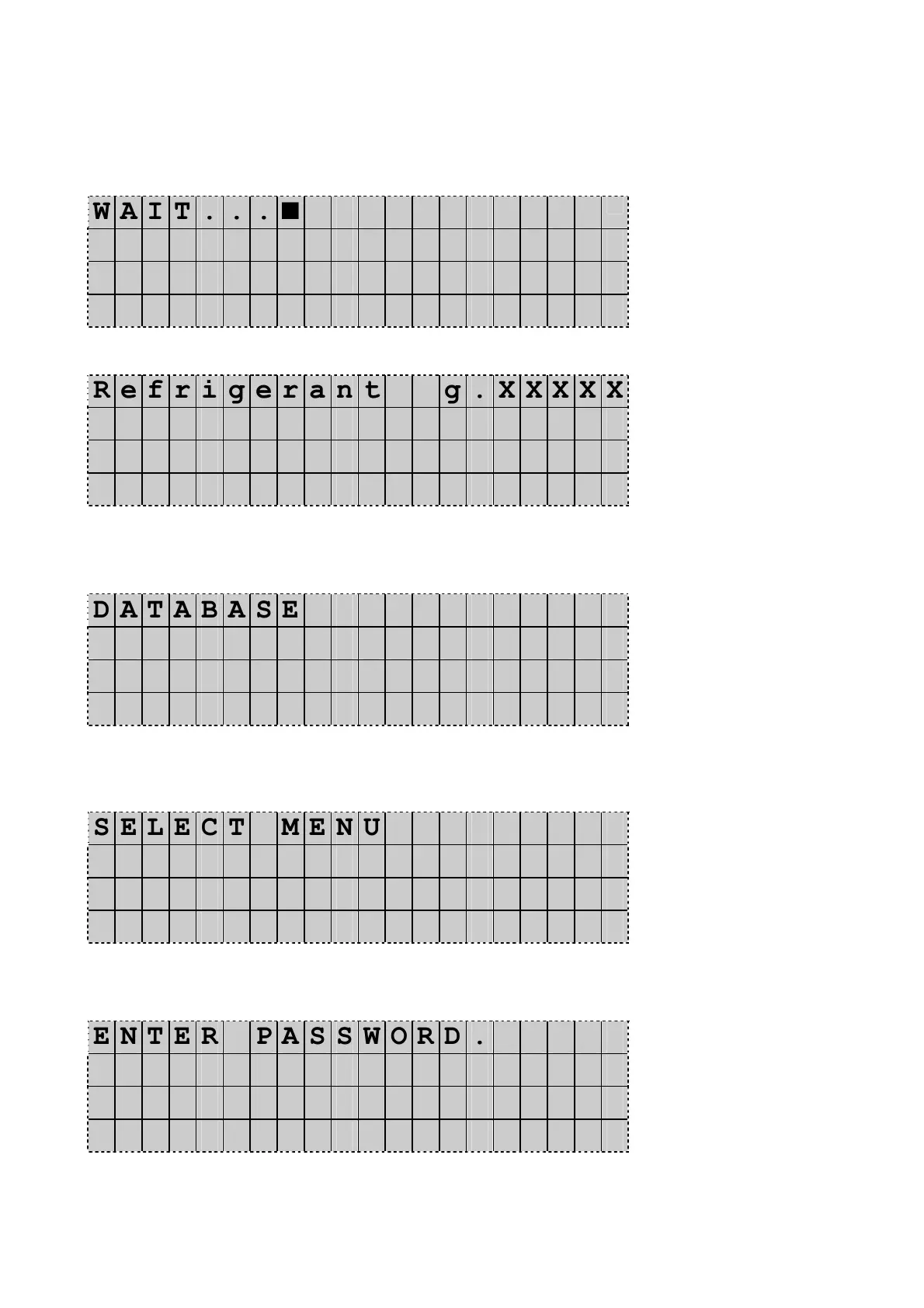
When the unit is switched-on, the display shows the following information for a few seconds.
W A I T . . . ■
At the end, the unit goes in stand-by mode.
R e f r i g e r a n t g . X X X X X
P A G O i l c c . X X X X
U V A d d i t i v e c c . X X X X
D D / M M / Y Y H H : M M : S S
(Here is showed in example stand-by display of ECK650E and ECK670E)
With unit on Stand-by mode press UP or DOWN.
The Display shows:
D A T A B A S E
A D V A N C E D P R O G R A M
O T H E R M E N U ◄
D D / M M / Y Y H H : M M : S S
Press UP or DOWN to select Other menu. Press Enter to confirm.
The Display shows:
S E L E C T M E N U
V E S S E L F I L L I N G
S E R V I C E . ◄
D D / M M / Y Y H H : M M : S S
Press UP or DOWN to select Service. Press Enter to confirm.
The Display shows:
E N T E R P A S S W O R D .
- - - -
Type the code 3472 and press Enter to confirm.
The Display shows:


 To Next Page