ACKF01_GB_00 TEXA S.p.A. 113/122
INTRODUCTION TO FLUSHING MODES:
SINGLE FLUSHING: This program mode is performing one flushing cycle. This configuration
is used in case of small contamination and / or simple oil / UV additive removing.
MULTIPLE FLUSHING: This program mode is performing tree consecutive flushing cycles.
(Except vacuum, this will be performed only one time at the beginning). This configuration is
used in case of heavy contamination due to a major failure as compressor damage.
After having selected the required flushing mode,
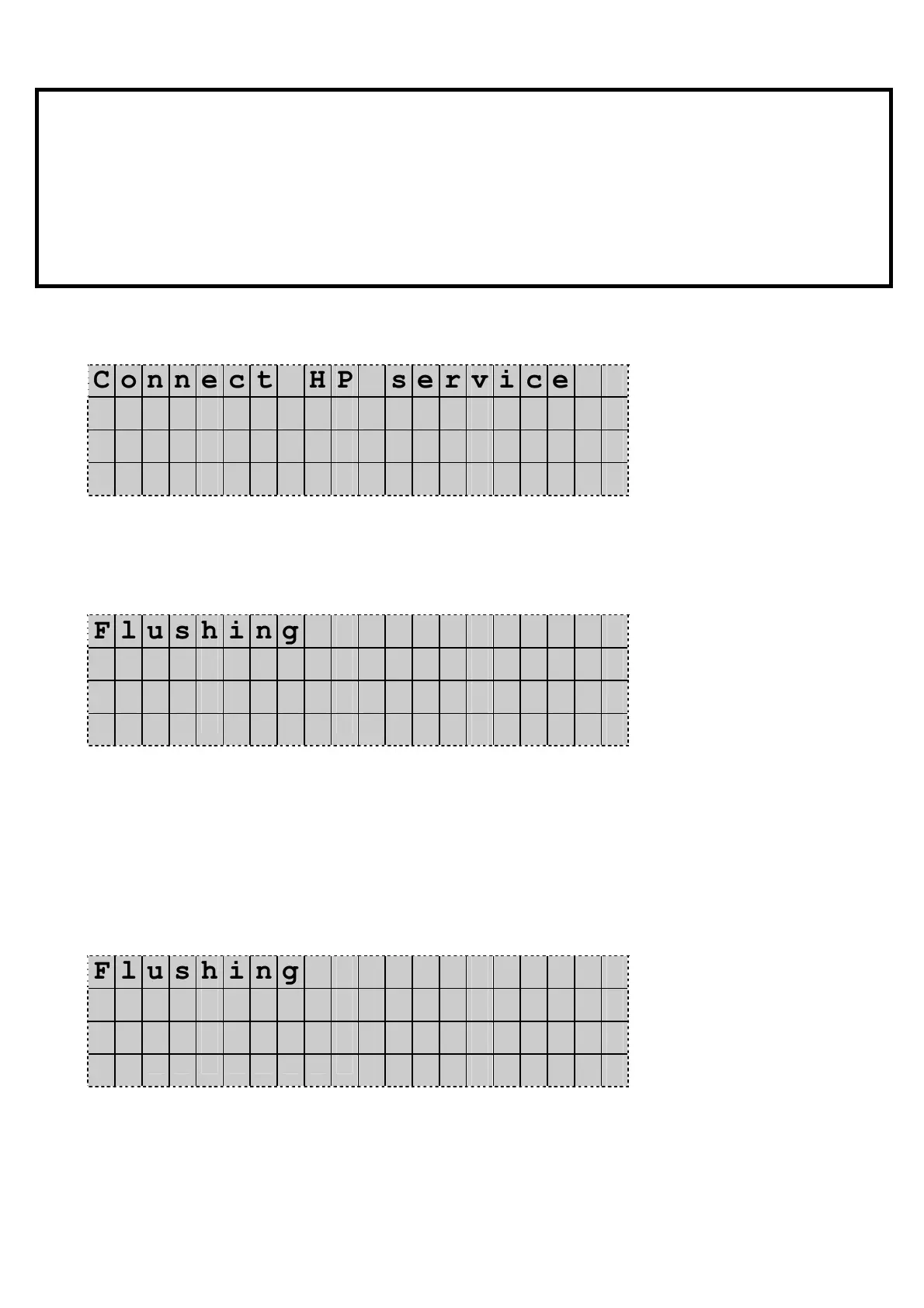
The Display shows:
C o n n e c t H P s e r v i c e
h o s e t o s y s t e m
C o n n e c t L P s e r v i c e
h o s e t o c a n i s t e r
Press Enter to confirm.
The vacuum phase starts automatically…
the Display shows:
F l u s h i n g
V a c u u m .
T i m e 0 0 : 0 0 : 0 0
m B . x x x x
Vaccum timer and absolute pressure in the system are indicated.
default vacuum time is 5 minutes, but it can be shorted by
pressing UP / DOWN. You can also completely cancel and
quit the program by pressing the Stop button.
When the vacuum phase is completed, the unit performs a
connection leak test:
The Display shows:
F l u s h i n g
L e a k t e s t .
S e c . x x x x
m B . x x x x
Default leak check time is 240 seconds, but it can be shorted by
pressing UP or DOWN. You can also cancel and completely quit
the program by pressing the Stop button.


 To Next Page