ACKF01_GB_00 TEXA S.p.A. 71/122
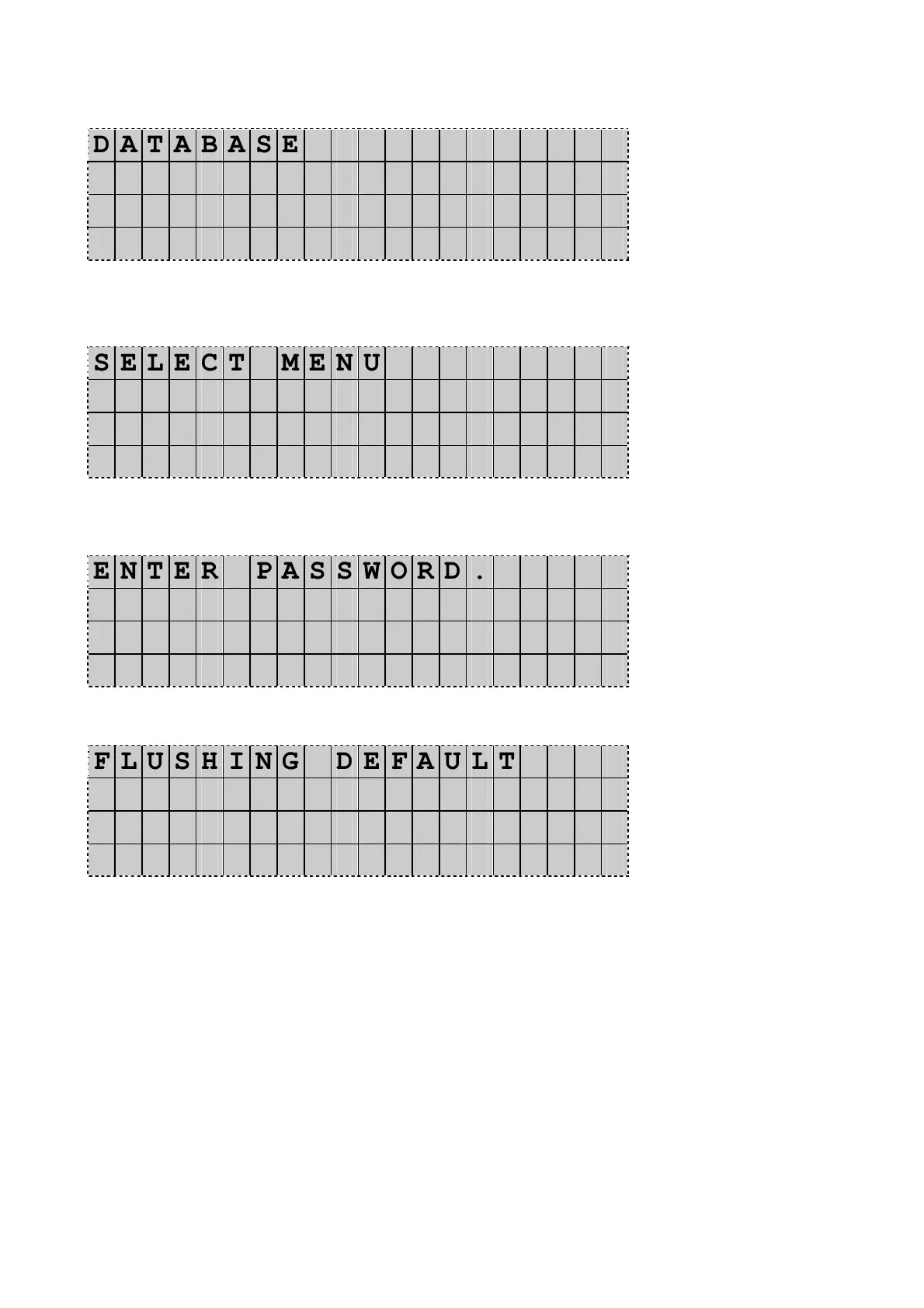
The Display shows:
D A T A B A S E
A D V A N C E D P R O G R A M
O T H E R M E N U ◄
D D / M M / Y Y H H : M M : S S
Press UP or DOWN to select Other menu. Press Enter to confirm.
The Display shows:
S E L E C T M E N U
V E S S E L F I L L I N G
S E R V I C E . ◄
D D / M M / Y Y H H : M M : S S
Press UP or DOWN to select Service. Press Enter to confirm.
The Display shows:
E N T E R P A S S W O R D .
- - - -
Type the code 3587 and press Enter to confirm.
The Display shows:
F L U S H I N G D E F A U L T
T I M E
s e c .
X X X
Press Enter to modify the XXX value for flushing time.
Type the required flushing timing using the numeric keyboard (max range is 1 – 90 seconds)
36 sec is the default value suitable to most of personal cars having a maximum
capacity of about 1500 gr refrigerant.
For setting–up larger systems you need to consider about 30 sec per 1000 gr of
flushing refrigerant. (In example for a system with about 2000 gr refrigerant,
you need to set a flushing timing of 48 sec.)
When the timing is set Press Enter to confirm, and then Stop twice to quit setup menu.


 To Next Page