ACKF01_GB_00 TEXA S.p.A. 73/122
1
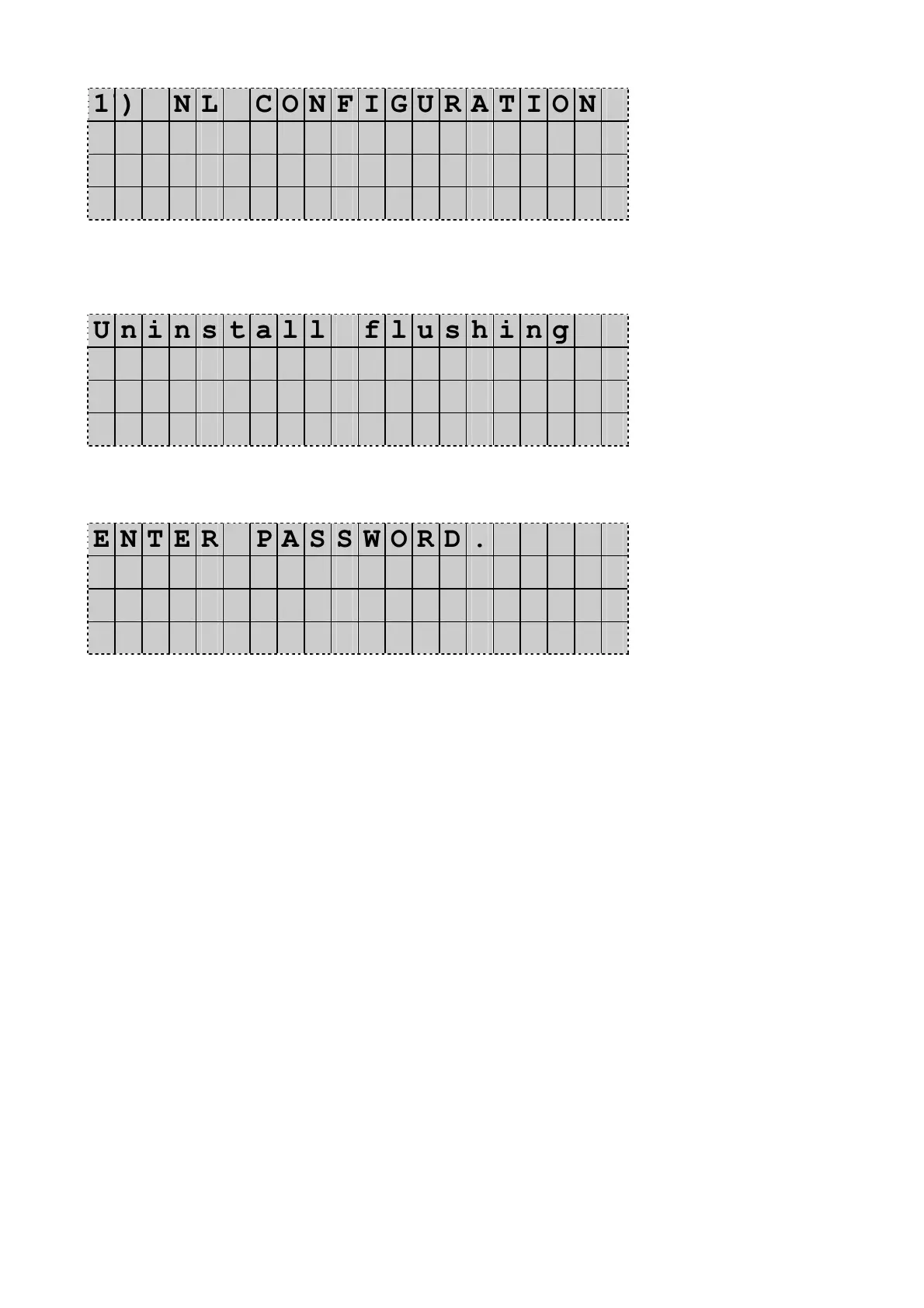
) N L C O N F I G U R A T I O N
2 ) P A S C A L
3 ) F L U S H I N G K I T ◄
4 ) M U L T I - P A S S R E C .
Press UP or DOWN to select 3) FLUSHING KIT and press Enter to confirm.
The Display shows:
U n i n s t a l l f l u s h i n g
p r o c e d u r e ?
Press Enter to confirm.
The Display shows:
E N T E R P A S S W O R D .
- - - -
Press Stop to go back in stand-by mode.
Flushing program is deactivated.


 To Next Page