iCNC PERFORMANCE
Manual 0-5399 OPERATION 3-13
3.7 Oxyfuel Button Descriptions and Functions
!
CAUTION
Most buttons have 2 functions and the different color LEDs indicate the state.
Pressing a button will toggle the function ON/OFF and keeping the button pressed
in for 3 seconds will toggle the function to AUTO. Green LED indicates ON state and
orange indicates AUTO state. If both LEDs are OFF then the state is OFF.
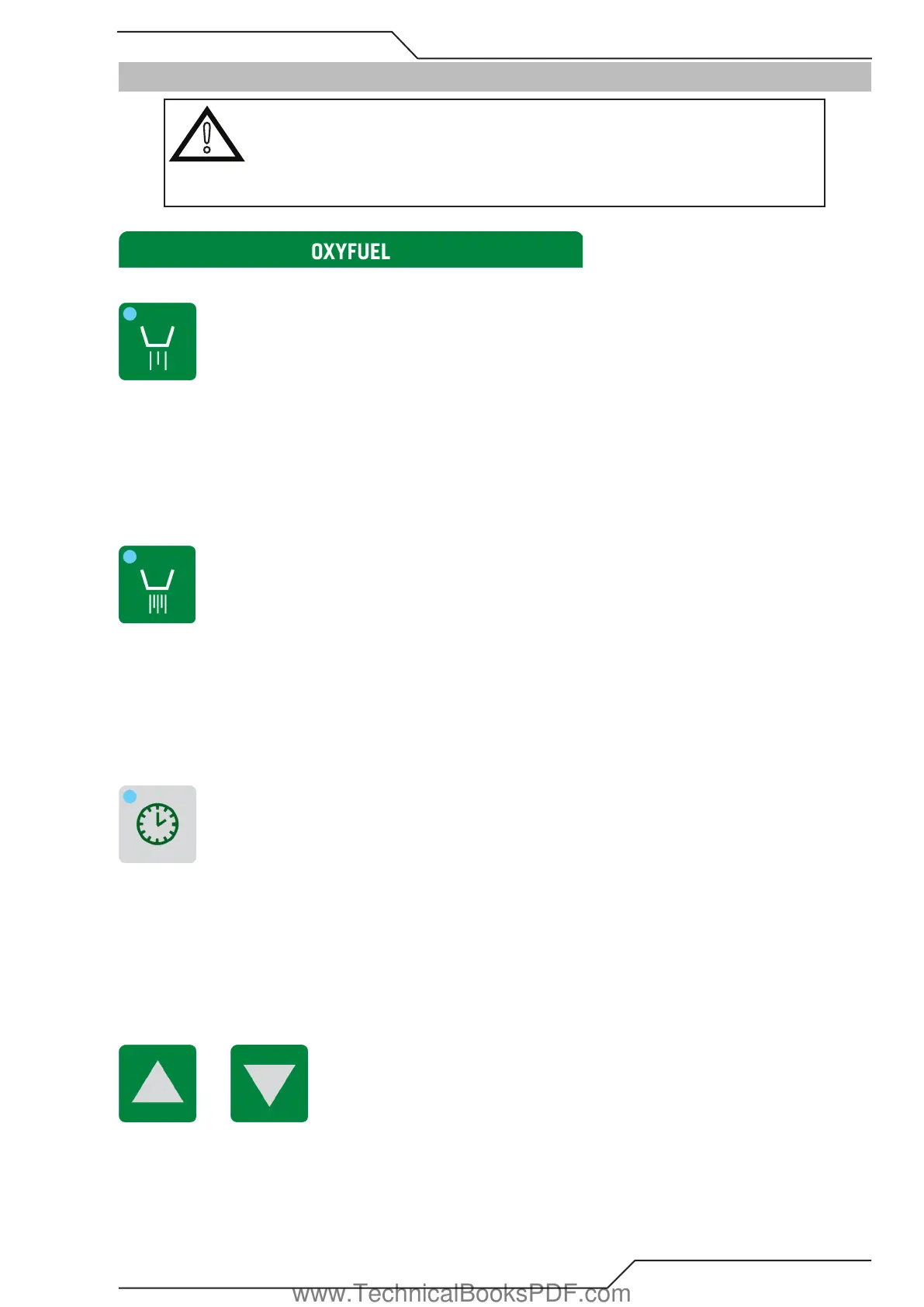
3.7.1 Preheat On/Off/Auto
This switch handles the Oxy Fuel Low Preheat gases.
• ON position will open the low preheat solenoid valve.
• Switch the gases OFF by pressing the button once.
• AUTO position will allow the cutting program to open the High Preheat solenoid when necessary.
• OFF position will prevent a cutting program from opening the Preheat solenoid valve
3.7.2 High Preheat On/Off/Auto
This switch handles the Oxy Fuel High Preheat gases.
• ON position will open the Hi Preheat solenoid valve.
• Switch the gases OFF by pressing the button once.
• AUTO position will allow the cutting program to open the High Preheat solenoid when necessary.
• OFF position will prevent a cutting program from opening the High Preheat solenoid valve.
3.7.3 Record Time
RECORD TIME
During any start or end delay of the cutting process you will see this button light up. At the same time a counter on the screen counts
down remaining seconds for current delay.
If this button is pressed during a programmed delay, the delay is terminated at once. The system memorizes the interrupted time of
the delay and uses this new delay time in next pierces.
3.7.4 Up/Down
• Up / Down button will move the oxyfuel torch Up/Down.
www.TechnicalBooksPDF.com



 To Next Page