iCNC PERFORMANCE
Manual 0-5399 NESTING 5-21
5.3.27 Zooming
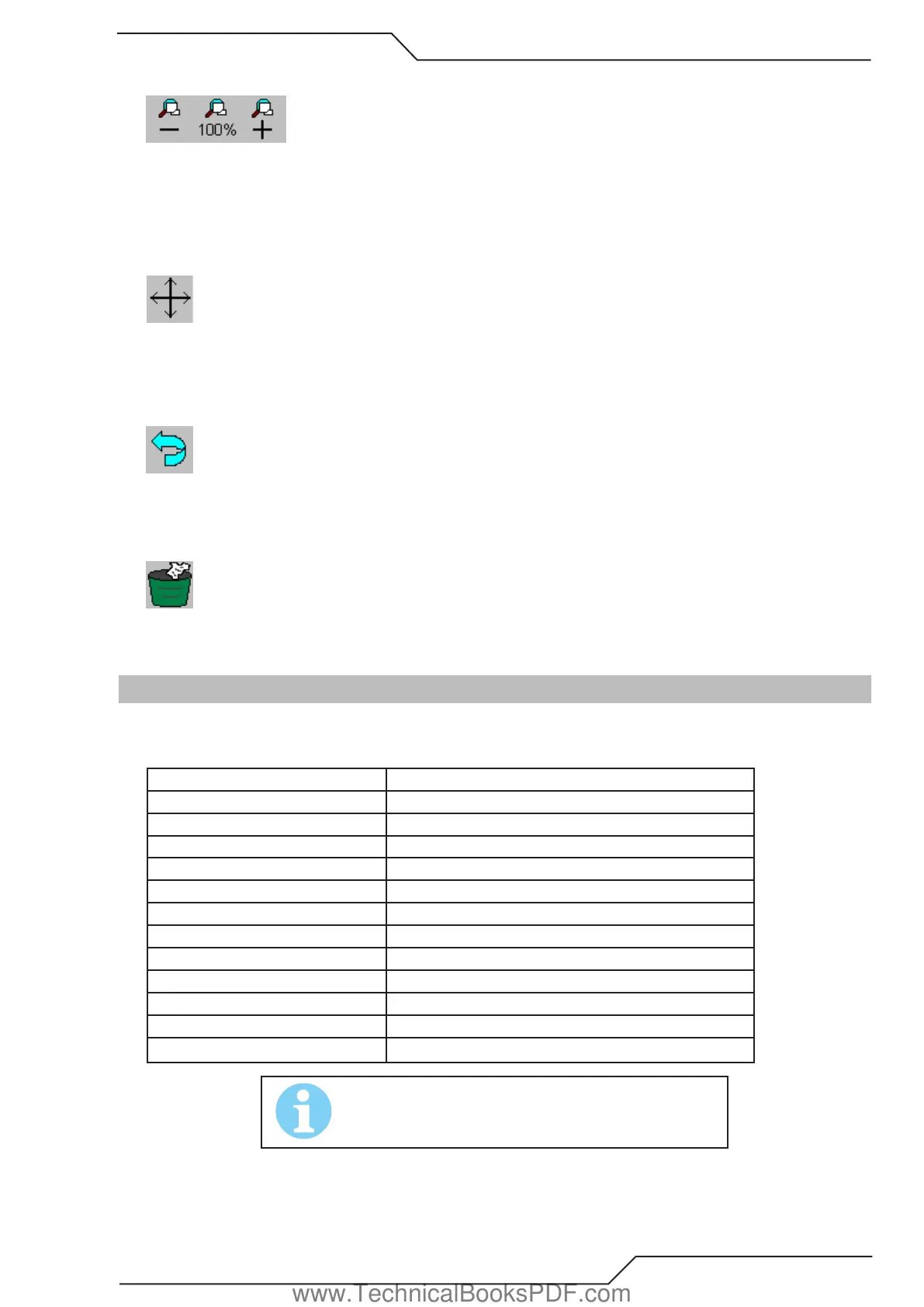
The easiest way to zoom in and out is using your mouse wheel. You can use it anytime. If you don’t have mouse with a wheel, then
you can use Zoom Minus and Zoom Plus buttons. Then the zooming continues until you release the button.
To get back to the normal view i.e. where the whole nesting is visible and as large as possible, just click the Zoom 100% button.
5.3.28 Pan View
You can pan the view by moving the mouse cursor over the work window while pressing the left mouse button. The picture will follow
the mouse movement until you release the left mouse button.
5.3.29 Undo
Use this tool to cancel the last action.
5.3.30 Trash
Closes the current nesting which is seen in the work window. If there are more than one nesting open, the next one will be displayed
in the work window.
5.4 File Menu
The File menu is used to open existing files, save new files and exit the application. Here is a list of all items in the File menu.
Item Action
ITEM ACTTION
New Create a new blank plate.
Open Open an existing file
Trash Close current nesting.
Save As Save current nesting.
Macro Create a new shape with macros
Print Print the current nesting
ESSI/EIA Raw Import Imports ESSI and EIA files as they are
DNC Download from DNC
Import Import nesting from ProMotion® Cut
Export Export nesting to ProMotion® Cut
Exit Exit ProMotin® Nest application
NOTE!
Some of these tools were already explained in the Toolbar
chapter. Those tools are not repeated in this chapter.
www.TechnicalBooksPDF.com



 To Next Page