iCNC PERFORMANCE
5-22 NESTING Manual 0-5399
5.4.1 Save As
Saves the current nesting (the one in the work window) in the chosen format. Possible formats are ESSI, EIA, DXF, ROBOTIC CNC and
CNC-2. For more information about ESSI and EIA see ESSI Options and EIA Options.
In the demo version of ProMotion® Nest no saving is possible.
It is also possible to save point marking programs. This is an optional module. See more at topic Point Marking.
NOTE!
ProMotion® Nest cannot read ROBOTIC CNC. If you want to edit
your cutting programs later, then the best format is CNC-2.
5.4.2 Print
This tool prints the current nesting to the default printer.
5.4.3 ESSI/EIA Raw Import
Use this tool to load ESSI and EIA files to ProMotion® Nest when you have a cutting program that is ready to be sent to cutting
without editing.
Basically this is just like the normal file open. This tool uses the same ESSI and EIA options than the file open does. Where it differs
from the normal file open is that keeps things simple. It does not try to reason which shapes are holes or where the leadins or anything
else is. Raw import just reads the file in as it is. This way you can utilize any kind of cutting program which is not otherwise supported
by the logic of ProMotion® Nest (i.e.: common cutting and programmed stops).
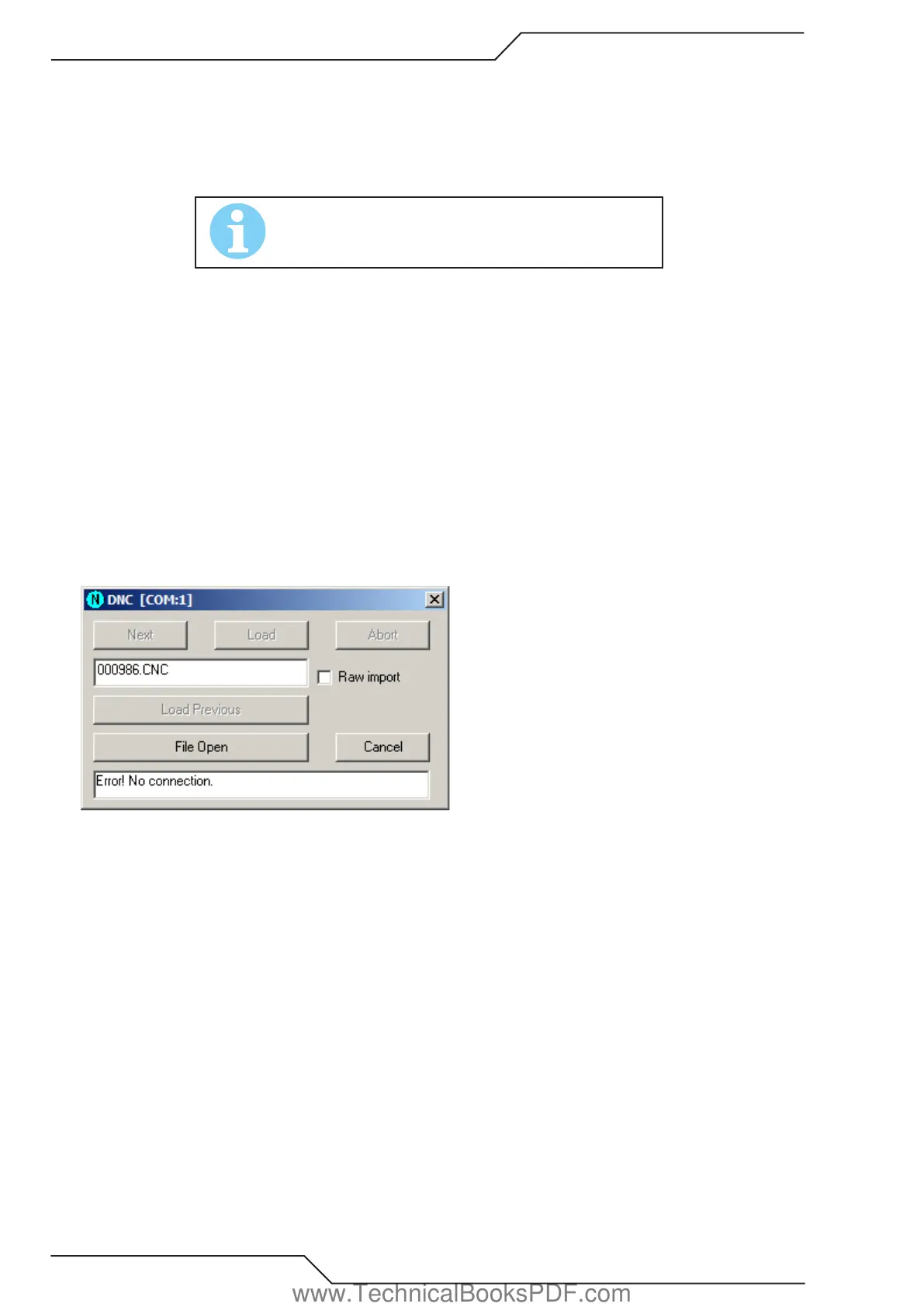
5.4.4 DNC
Use this tool to load files from DNC connection. ProMotion® iLink must be running on the PC you are downloading the files from.
www.TechnicalBooksPDF.com



 To Next Page