iCNC PERFORMANCE
Manual 0-5399 OPERATION 3-11
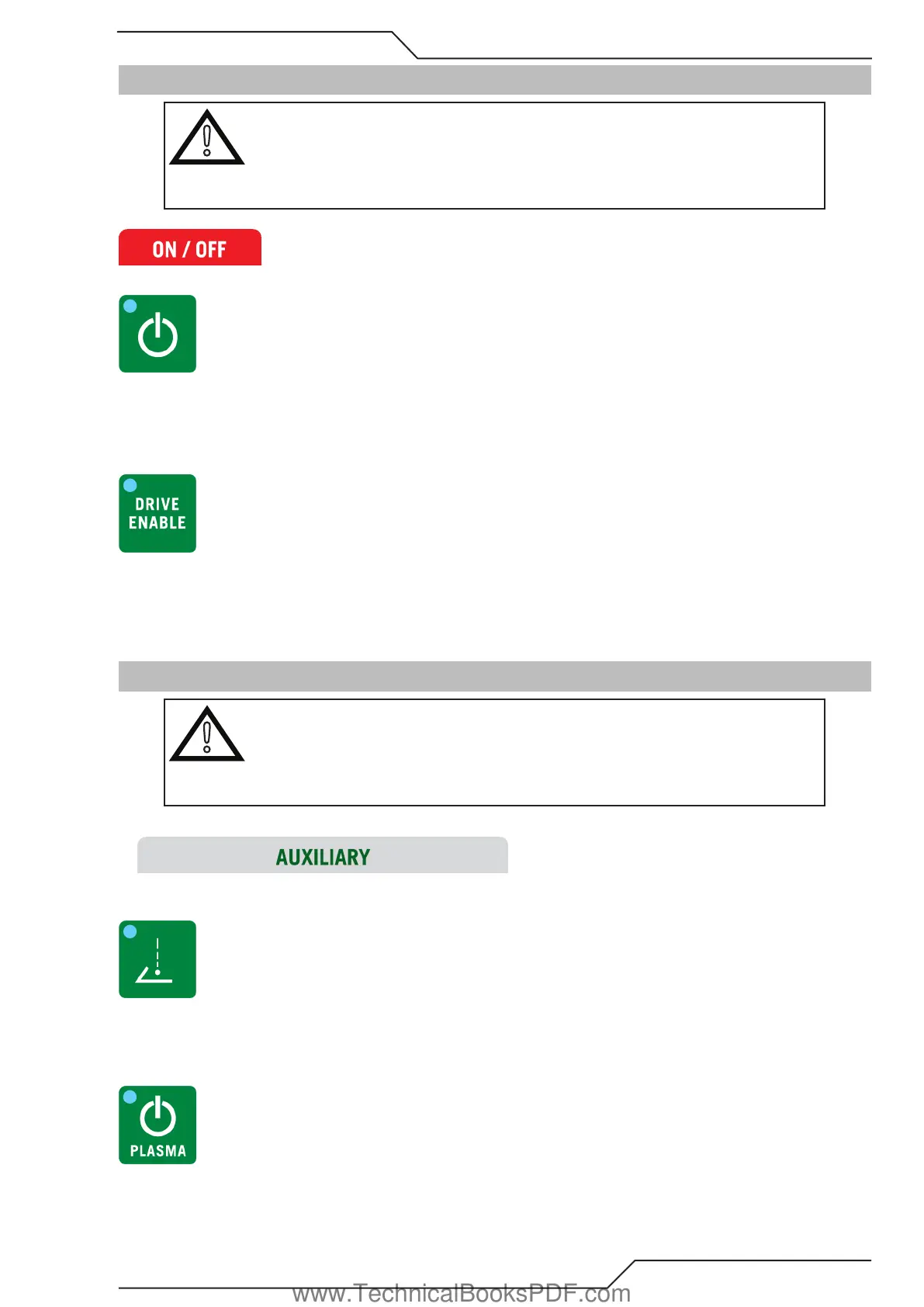
3.4 ON/OFF Button Descriptions and Functions
!
CAUTION
Most buttons have 2 functions, different color LEDs indicate the state. Pressing
a button will toggle the function ON/OFF and keeping the button pressed in for 3
seconds will toggle the function to AUTO. Green LED indicates ON state and orange
indicates AUTO state. If both LEDs are OFF then the state is OFF.
3.4.1 Input Power Switch
Push the button and keep it pressed in for five seconds and it will turn on power to the CNC.
The only way to switch power OFF is using Windows shutdown. This will switch off all power in the controller.
3.4.2 Drive Switch
• ON will turn servo enable ON and allow machine motion.
• OFF will prevent machine motion.
HINT: When drive enable LED is Green the drives are enabled. When the LED is orange, button has been pressed but the software
restricts the output to activate.
3.5 Auxiliary Button Descriptions and Functions
!
CAUTION
Most buttons have 2 functions and the different color LEDs indicate the state.
Pressing a button will toggle the function ON/OFF and keeping the button pressed
in for 3 seconds will toggle the function to AUTO. Green LED indicates ON state and
orange indicates AUTO state. If both LEDs are OFF then the state is OFF.
3.5.1 Pointer
• ON position will activate the Pointer output.
• OFF position will prevent activating the Pointer output.
3.5.2 Plasma ON/OFF
• ON position will turn on the plasma power supply.
• OFF position will turn off the plasma power supply.
www.TechnicalBooksPDF.com



 To Next Page