iCNC PERFORMANCE
3-10 OPERATION Manual 0-5399
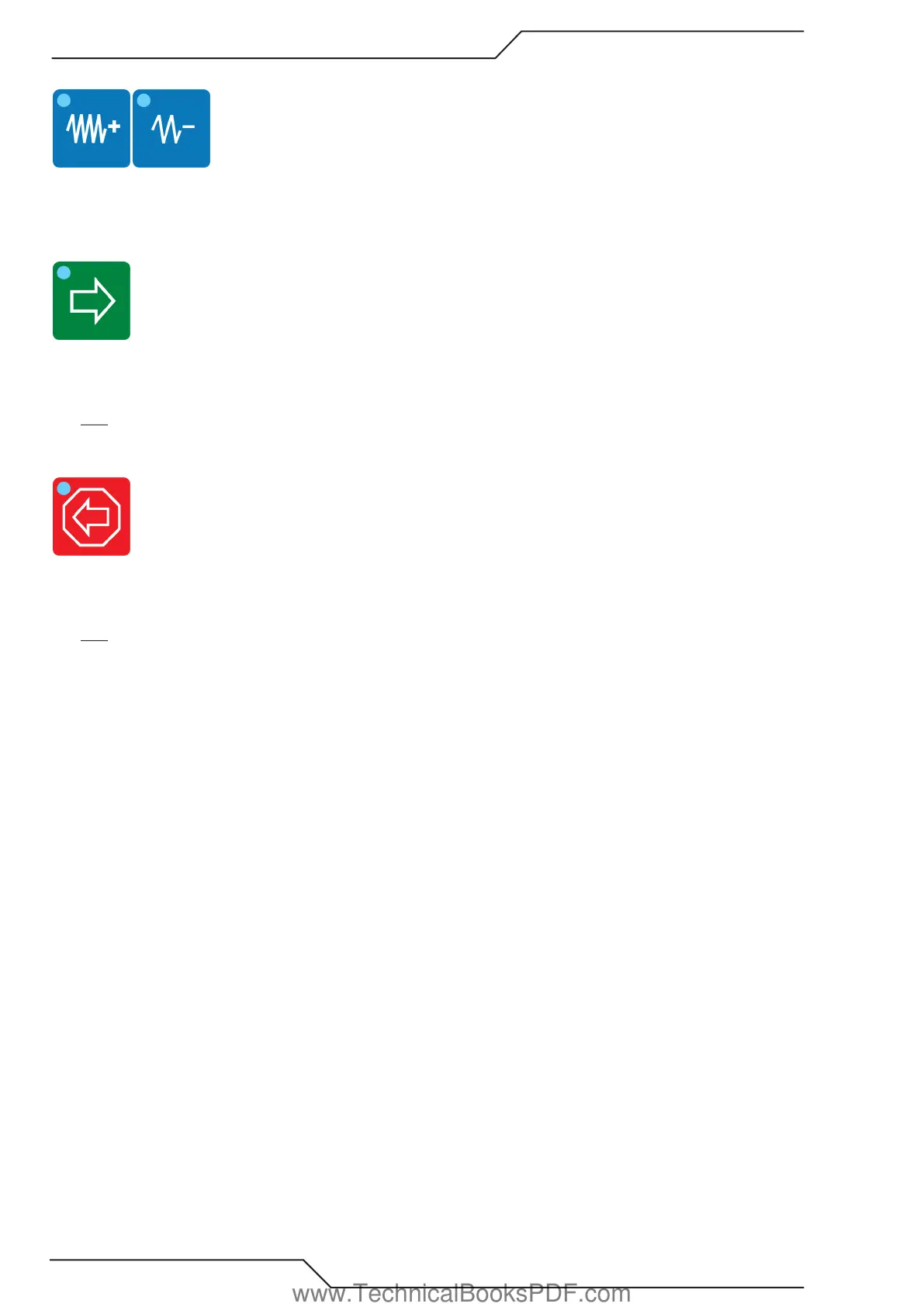
3.3.8 Speed Up & Speed Down Buttons
Short pushes increase or decrease the actual and set speed in small steps. Long lasting pushes change the speeds at a faster rate.
The pushbuttons will illuminate during automatic corner acceleration and deceleration respectively.
3.3.9 Move Ahead Button
The MOVE AHEAD button is illuminated whenever a program is running. Pressing the Torch On/Off button will stop the machine and
the Move Ahead button will turn off. At this point, pressing the MOVE AHEAD button will cause the machine to move forward on
programmed path without cutting. Pressing the MOVE AHEAD button again will stop machine motion.
HINT: Turn speed potentiometer counter clockwise when using the Move Ahead feature for more precise control.
3.3.10 Stop / Backup Button
Press and release the STOP BACKUP button once during the cutting process to stop the cutting sequence and halt machine motion.
Press and release the STOP BACKUP button again to move the machine in reverse, or backup on path. Pressing STOP BACKUP but-
ton again will stop motion.
HINT: Both the Stop-Backup and Torch on/off buttons work identically when running a cutting program. Pressing either button will
allow cutting to stop.
www.TechnicalBooksPDF.com



 To Next Page