iCNC PERFORMANCE
5-4 NESTING Manual 0-5399
5.3 Toolbar Functions
5.3.1 Send to Cutting
When the nesting is ready for cutting click this button to send it to ProMotion® Cut.
NOTE!
This tool works only on ProMotion® iCNC controllers.
5.3.2 New Plate
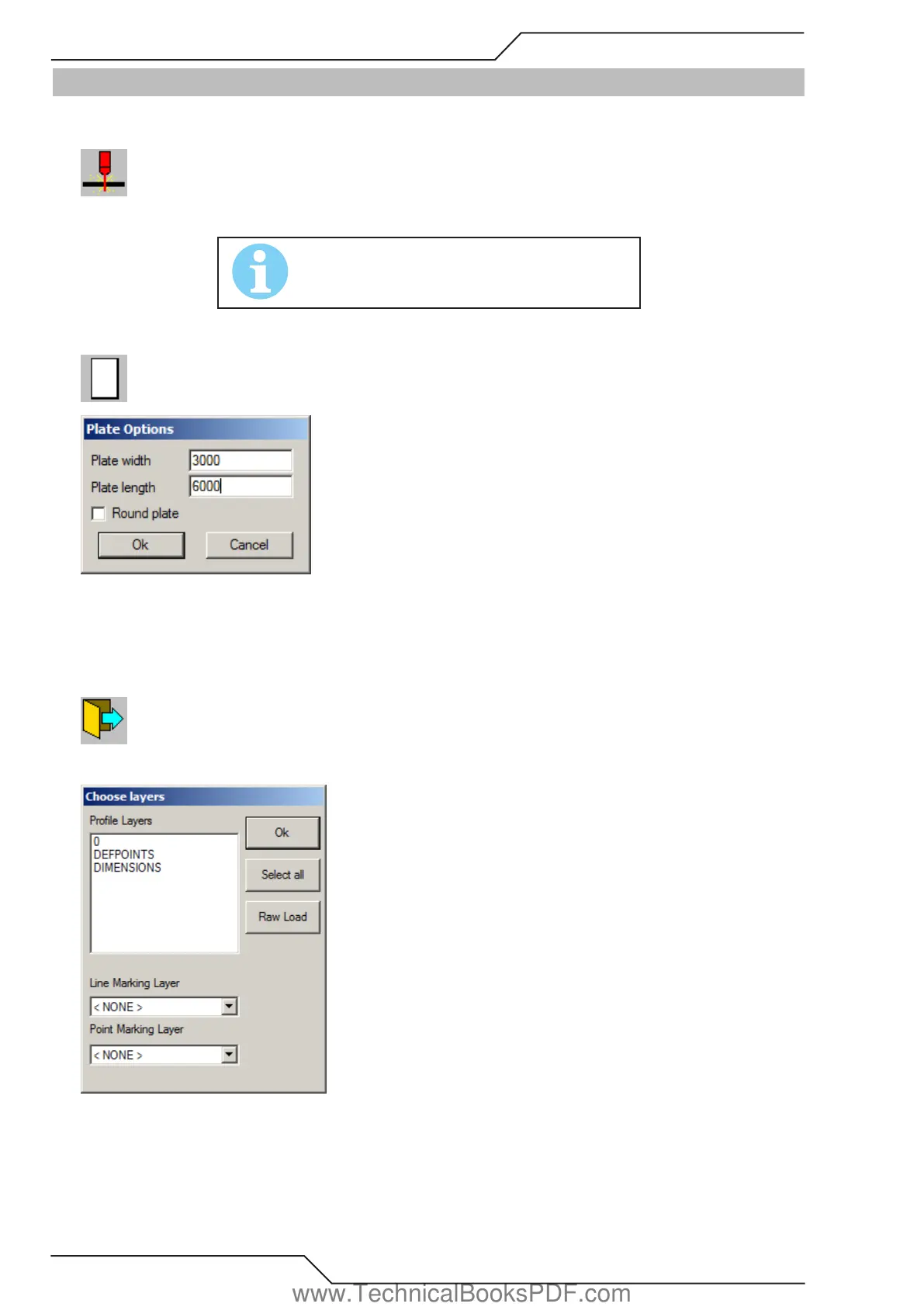
When you activate this tool a window appears asking the length and width of the new plate.
Insert the values, click Ok and a new empty plate appears. The name of the plate appears in the Plate List.
To create round plates simply check the round plate option and enter the diameter of the circle.
5.3.3 Open
Opens a file. ProMotion® Nest can open DXF, EIA, ESSI, CNC-2 and DSTV files
DXF-files:
www.TechnicalBooksPDF.com



 To Next Page