iCNC PERFORMANCE
Manual 0-5399 NESTING 5-3
5.2 Toolbar
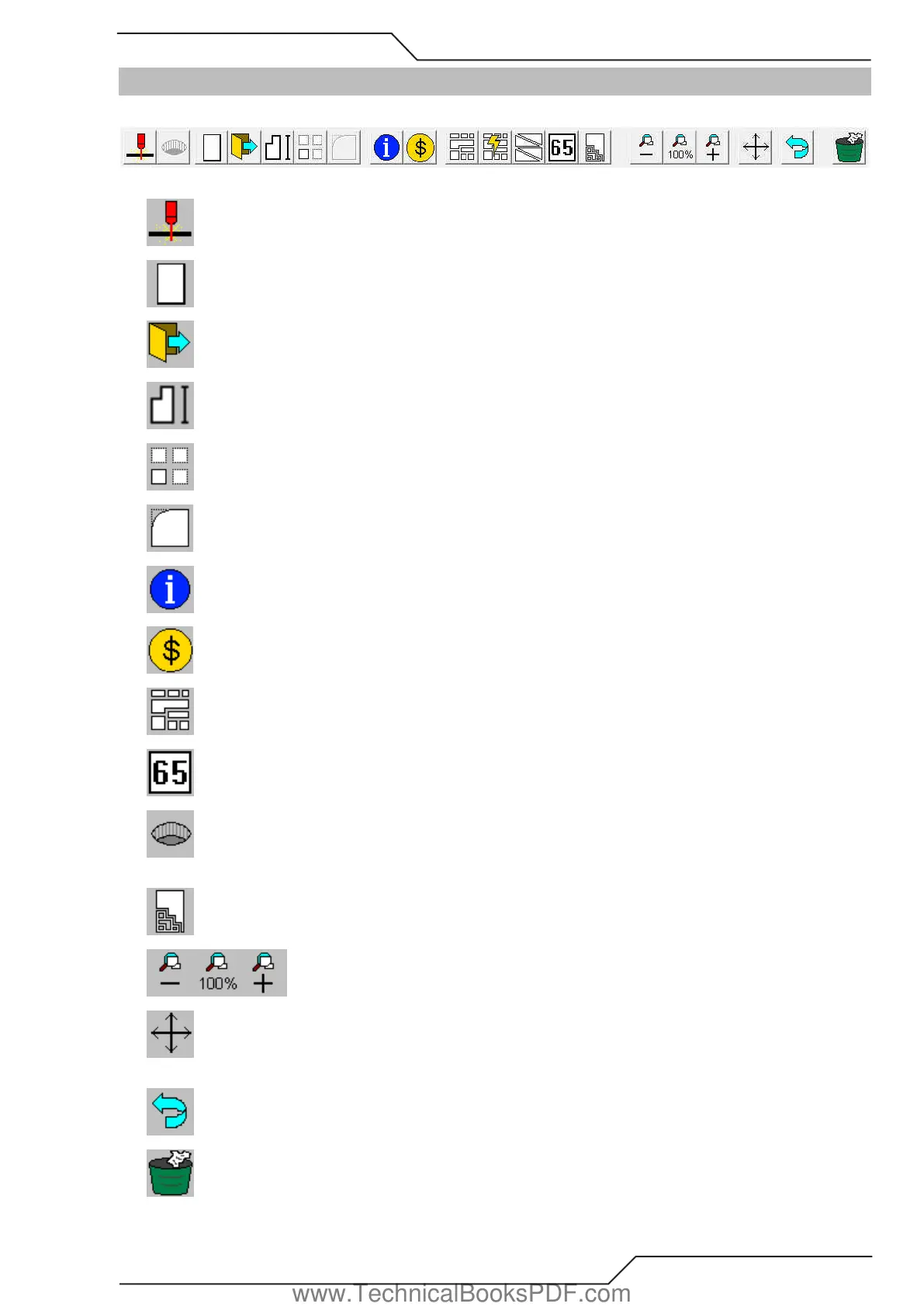
ProMotion® Nest toolbar looks like this:
Here is a brief description of each tool:
Send to cutting Sends the current nesting to ProMotion® Cut and activates it.
New Plate Creates a new plate. See more info at topic New Plate under File Menu
File open Opens a CNC or a DXF file.
Macro Starts the macro tool. See more info at topic Macro under File Menu.
Rows and Columns Multiplies part or parts. See more info at topic Rows and Columns.
MicroCAD Starts the MicroCAD tool. See more info at topic MicroCAD.
NestInfo Activates the NestInfo window. See more info at topic NestInfo.
Cost Calculator Activates the Cost Calculator tool. See more info at topic Cost Calculator.
Nest Automatic nesting. See more info at topic Nest.
Feed Rates Add feed rates to your cutting program. See more info at topic Feed Rates.
Optimized Holes Add optimized cutting parameters for holes to get best possible cutting quality. Requires ProMotion®
Optimizer software.
Plate Editor Edit the plate with this tool. See more at chapter Plate Editor.
Zooming See more at Zooming.
Pan You can pan the view by moving the mouse cursor over the work window and pressing the left mouse button or keep
your mouse wheel button pressed in to pan.
Undo Undoes the last editing you made for the current nesting.
Trash Trashes the current nesting.
www.TechnicalBooksPDF.com



 To Next Page