iCNC PERFORMANCE
3-20 OPERATION Manual 0-5399
3.14 Advanced Process Selection Features
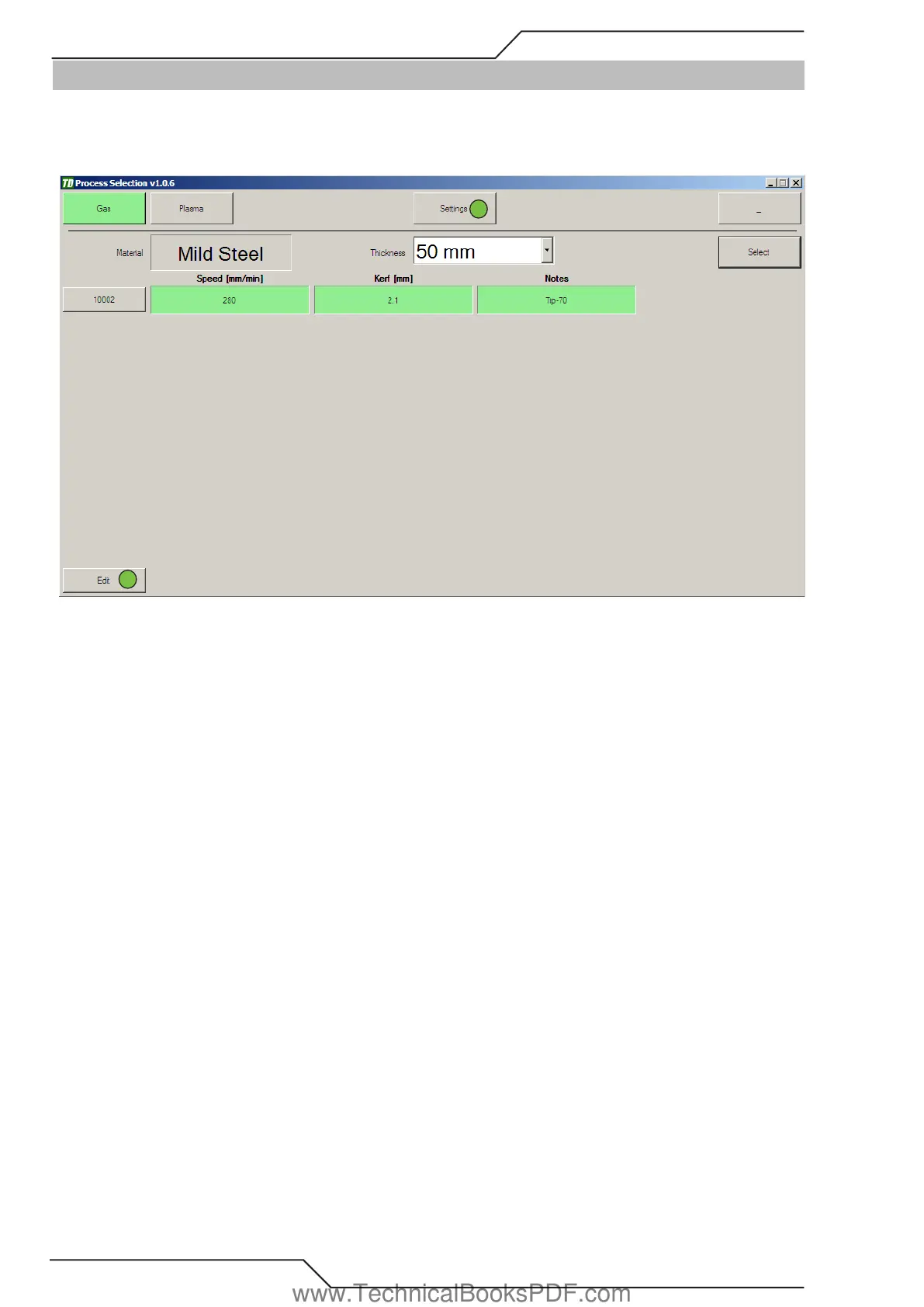
The process selection screen allows the operator the flexibility to change more parameters if needed. Process selection has tabs contain-
ing different settings. You can get to the different settings by clicking either Settings (1) or Edit (2) when a process is selected. You can
also build a material database of common materials being cut, and save different speeds and kerf values within each profile and for each
process you edit.
4
7
1
2
Settings is described first.
Settings
Allows changes to tool offsets, rapid speed, point marking and line marking.
Edit
Allows to change parameters for the selected process (delay times, kerf, speed etc.).
3.14.1 Settings
On the Settings tab you can change the general parameters like Rapid Speed, Language, Tool locations and Marking settings.
www.TechnicalBooksPDF.com



 To Next Page