iCNC PERFORMANCE
Manual 0-5399 OPERATION 3-21
NOTE!
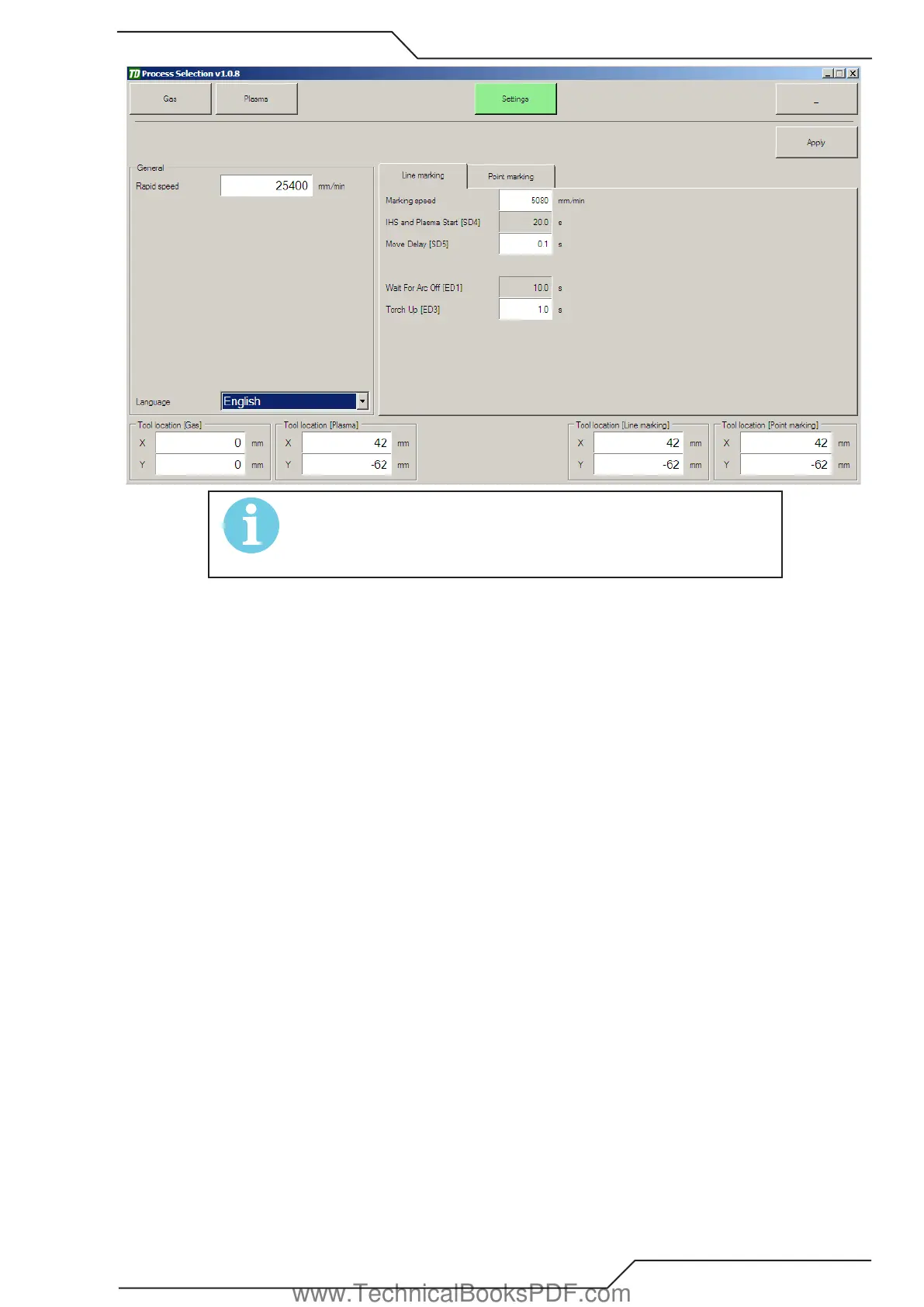
Parameter windows may alternate based on the machine setup. See
installation/service manual about setting delays and names.
Pictures for reference only.
Language
Select the language used in process selection.
Tool Locations
If a laser pointer is installed on the machine, it is best to define tool locations relative to the laser pointer. This way you can position
and set the zero point using the laser pointer and the system knows the location of all additional tools and can automatically handle
them while cutting a program. Adding tool offset in your cutting program is not required.
3.14.2 Line Marking
Marking speed
This is the speed selection for the marking tool.
www.TechnicalBooksPDF.com



 To Next Page